Dropping a Class
Dropping a Class
1. To drop a class, access the self-registration by following the instructions here.
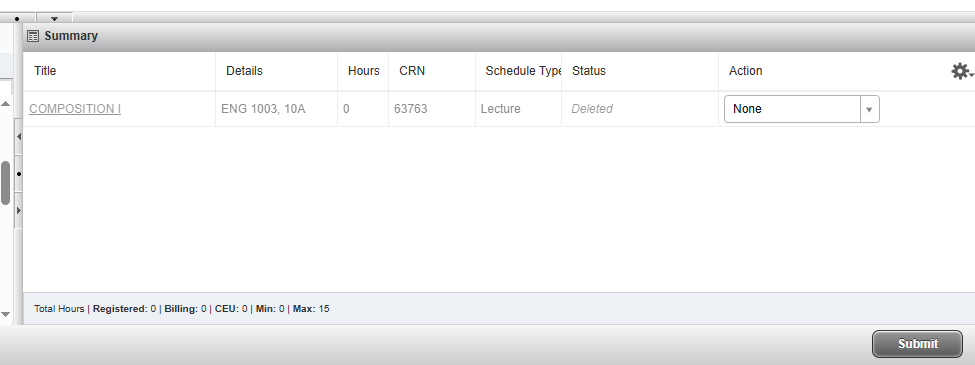
2. Find your registered courses in the bottom right corner.

3. Use the drop down menu next to the course you wish to drop and select "**drop web** (DD)".

4. Click "submit" to save the change.