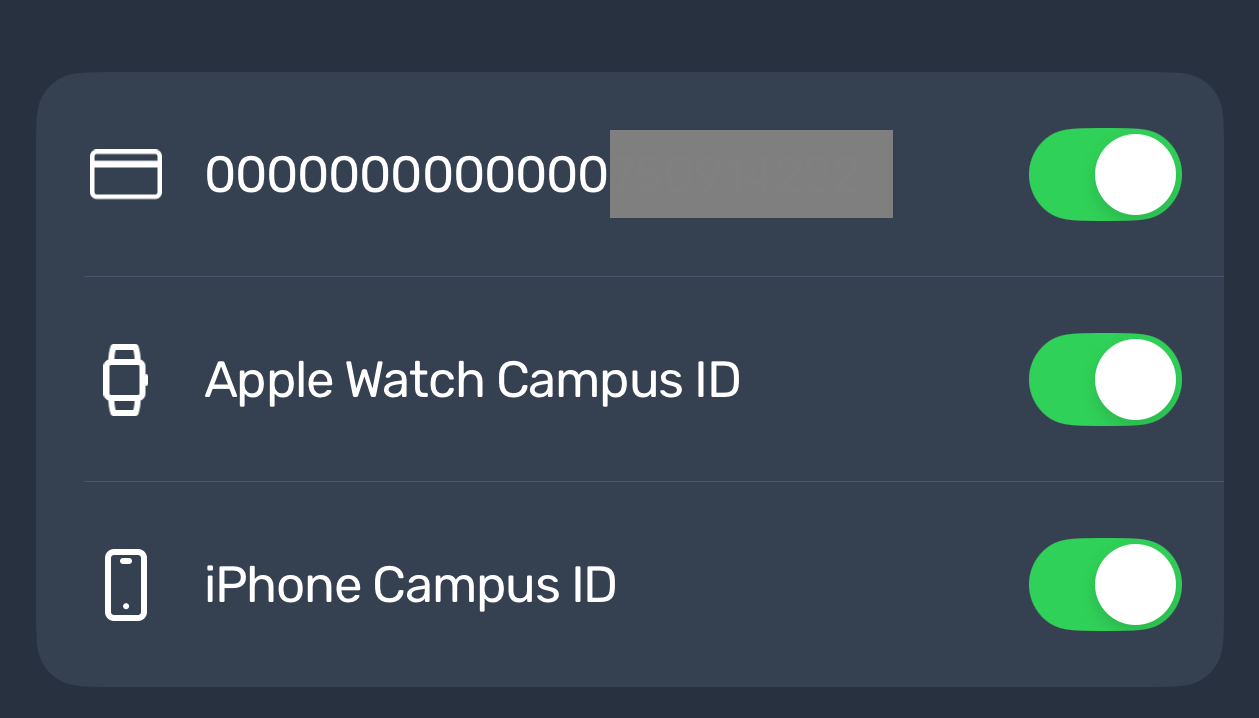
Mark Card as Found on the app
Open you e-Accounts app
Click on the gear in the top right of the screen
Click "Card Management" under the "Security" tab
Toggle the switch to on to the right of your I.D. number
Revision #1
Created 2026-10-28 14:35:51 UTC by aabaker@astate.edu
Updated 2026-10-28 14:45:32 UTC by aabaker@astate.edu