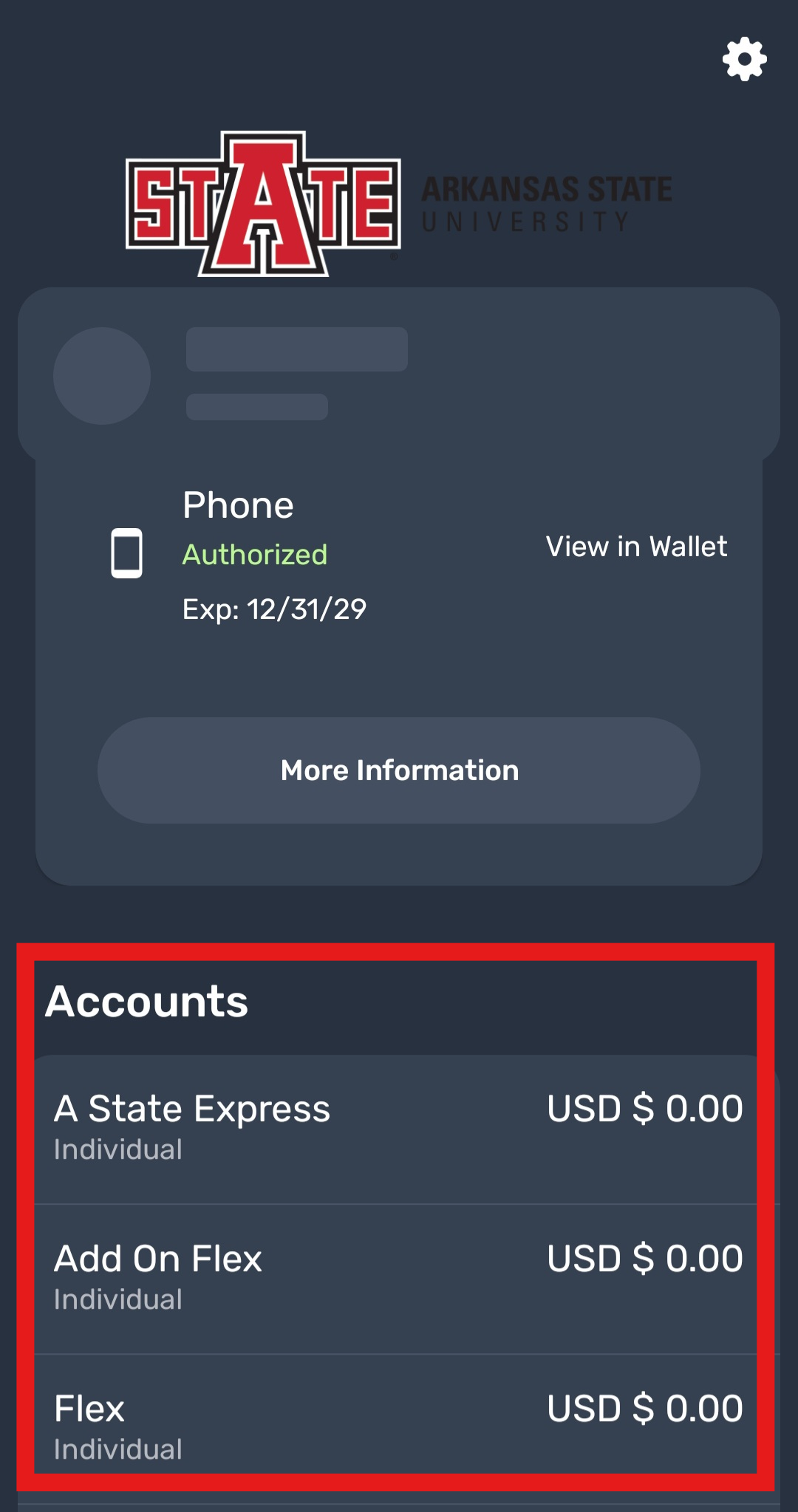
How do I check my meal swipes and funds?
You can check your funds and meal plans on the eAccounts app or off of the pack.astate.edu website. Below are labeled instructions on how reach both of these pages.
How to check on the website-
1. Go to Pack.Astate.edu. Search up "eAccounts" and click the first button.
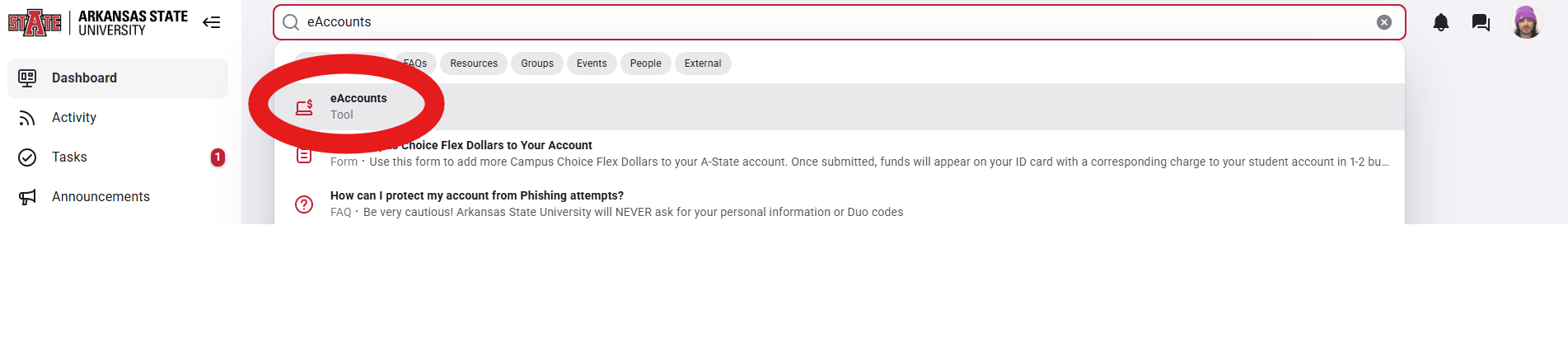
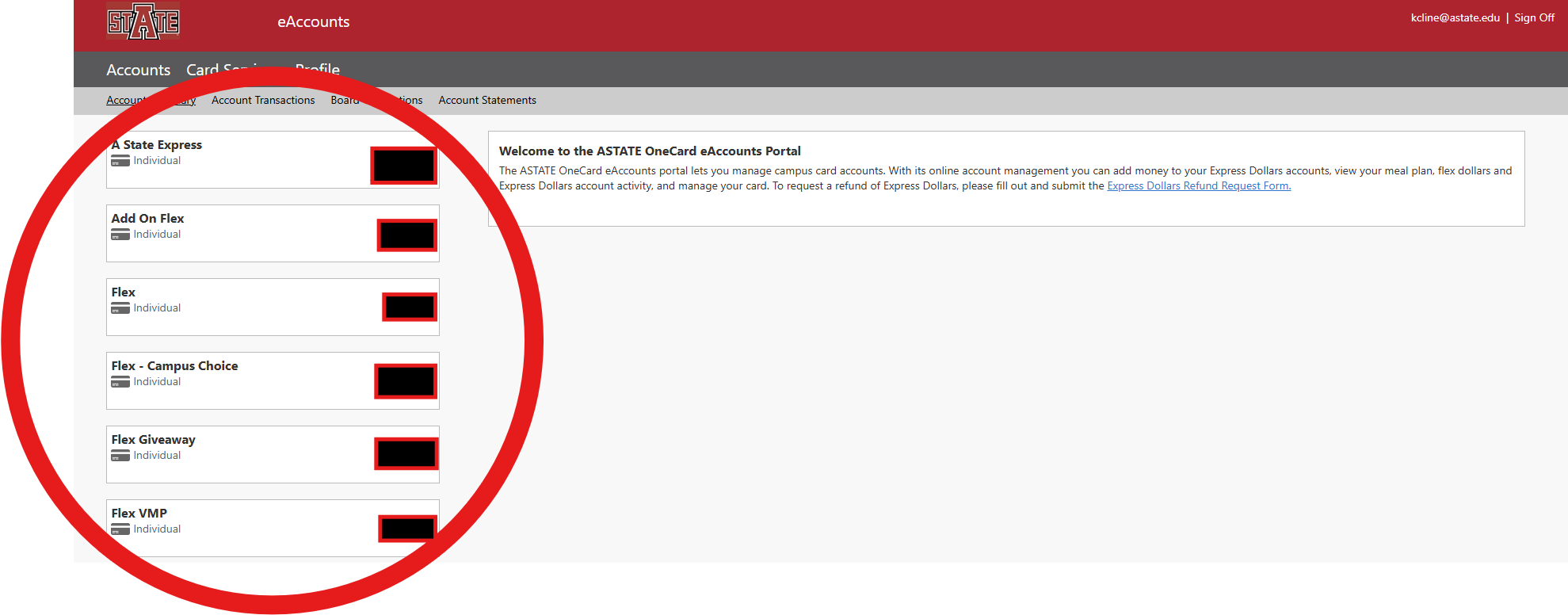
2. After logging in with your A-State credentials, it should display all your funds and swipes on the left-hand side of the screen.
How to check on the app-
For more in-depth instructions, please visit the Mobile ID page.
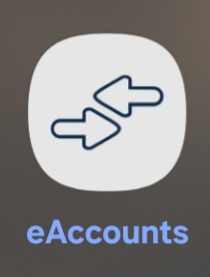
1. Download and open the eAccounts app on your phone. The app icon is shown below.
2. Log in with your A-State credentials. It should show all of your accounts at the bottom of the screen. Whether is funds on your account or meal plan swipes.