Logging in to Nuventive
Nuventive is accessed through A-State’s centralized Pack Portal. This page walks you through how to locate Nuventive within the portal and what to do if you encounter login issues.
Video Tutorial
Watch: Logging In to Nuventive
This short video walks you through the login process step-by-step.
Steps to Log In 

-
-
Go to pack.astate.edu
This is the university’s main hub for accessing campus tools. -
Log in using your A-State credentials
Enter your username and password through the university’s single sign-on system.
-
Find Nuventive in the left-hand menu
-
Click Campus Tools under the Tools section in the left-hand navigation.
-
If Nuventive isn’t immediately visible, click “Show More” to expand the list.
-
Select Nuventive from the expanded menu.
-
-
Alternatively, use the search bar
Type “Nuventive” in the search box at the top of the Pack Portal to quickly locate the tile.
-


Troubleshooting Access
-
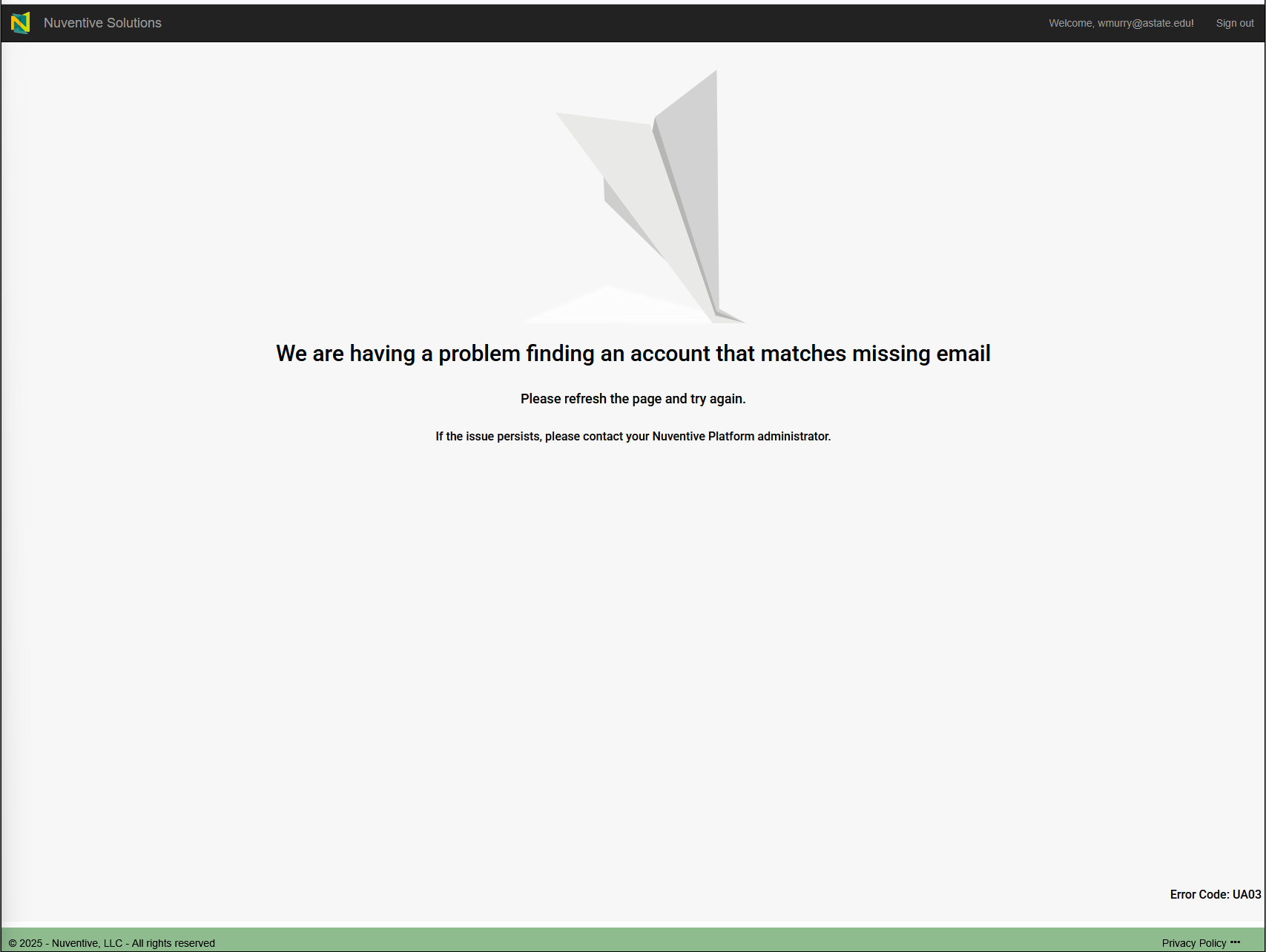
Error Message in Nuventive?

Contact the Office of Accreditation & Assessment:
- Phone: (870) 972-2989
- Location: Room 610, Dean B. Ellis Library
- Email: klee@astate.edu
-
Issues Logging into Pack Portal?
Contact the ITS Help Desk:- Phone: (870) 972-3933
- Email: itshelpdesk@AState.edu