Editing an Existing Section
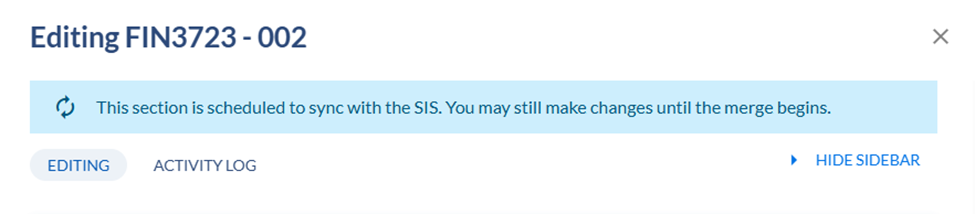
Please note during Open scheduling phase you should be able to edit the sections
There are some fields that are required and will require a response if the field is blank. To edit a currently rolled section
Click on the down arrow next to the course which will expand to show current sections associated with the course.
Click on the section to be edited.
- Part of term
- Campus
- Schedule Type
- Meeting Times
- Meeting Patterns & Rooms
- Instructors
- Enrollment Settings
- Additional settings
Once the desired change has been made, click on SAVE SECTION.