
How to Print Your Online 1098T Form
This 'How To' covers how Current Students can access their 1098T form online via their myBill account for saving and/or printing if they have consented to receive the form online prior to disbursement of said forms.
***If you have not consented for the online form, then you will not have a form in your myBill account as it was mailed to the Billing Address you have on file at the time the form is issued.
Step 1: Login to your Pack Portal Account
Step 2: Click on the myBill button in the myBill widget in your Dashboard
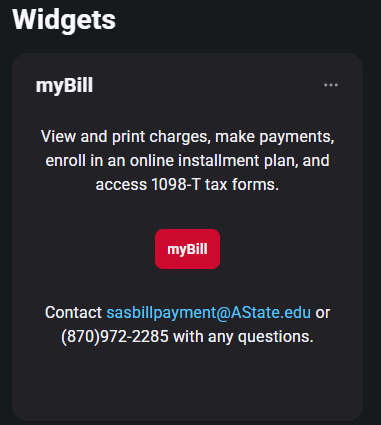
Step 3: Under the Statements section on myBill homepage, click on the 'View Statements' to view your latest 1098T form

Step 4: Click 'View' for the Tax Year you need to view.
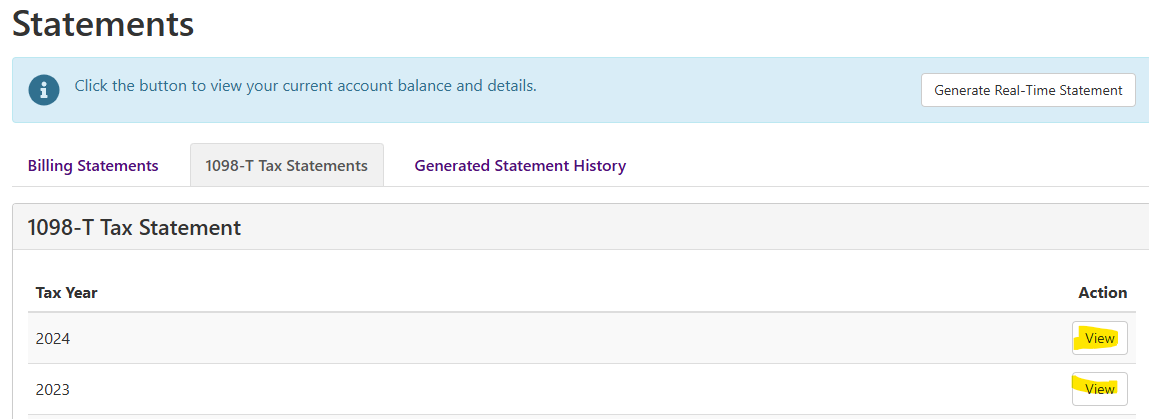
Step 5: The form will popup as a PDF and you can save and/or print it from. ***Please be sure you have your popup blocker turned off and use an up to date PDF viewer to access the form.
If you have any questions, please contact 1908T@astate.edu.