
9. Multimedia Do & Don’ts
How important is multimedia?
Multimedia content is a key display type in the A-State visual language. Prospective students prefer multimedia content that is:
- Authentic
- Concise
- Visual
- Peer-approved
- Purpose-driven
- Mobile-friendly
What makes a photo/video “on-brand” for A-State?
A-State photography should fall in line with the success criteria for the brand:
- Convey the supportive, community-oriented nature of A-State
- Showcase the aspects of A-State that are unmatched by our competitors
- Highlight the value of an A-State education as a soft launching pad that helps students succeed and prepares them for next steps in education or career
- Support a mobile-friendly web experience that considers users with varying bandwidth access
Every effort should be made to ensure photography and video aligns with A-State brand voice. Photography and videography should have an authentic feel, use rich color, and support A-State brand identity and key messages.
All photos used must be properly sourced and cleared for use, ensuring they are either owned by Arkansas State University, licensed for use, or fall under public domain or copyright-free guidelines. Unauthorized or copyrighted images should not be used without proper permissions. Website contributors should use the A-State Photography Portal and avoid using clipart or external stock photography, if possible.
Style Guidelines
General Qualities
All photography, regardless of subject and distance, should share the following qualities:
- Be well-lit – Having adequate brightness and contrast
- Be authentic – Relying on non-posed scenes with genuine expressions
- Have dynamic angles – Leaning into asymmetry and interesting points of view
- Use a journalistic lens - the viewer should feel invested in the subject
Portraits
Highlight the strength and personality of individuals
- Pair these with quotes or bios
- Non busy backgrounds – To keep the attention on the subject’s face
- Choose simple backgrounds when possible – uncluttered walls, foliage
- Shallow depth of field – blur out irrelevant details
- Genuine expression – Ensure faces convey genuine emotion – pride, happiness, determination. Avoid blank expressions and “fake” smiles.
- Cropped just below the shoulders

Situations
Show off how learning and interaction works at A-State
- Include the environment if it contributes to understanding the subject – for example, a lab, classroom, or street scene
- Invite the viewer into the scene – have a strong focal point and avoid too many backs of people

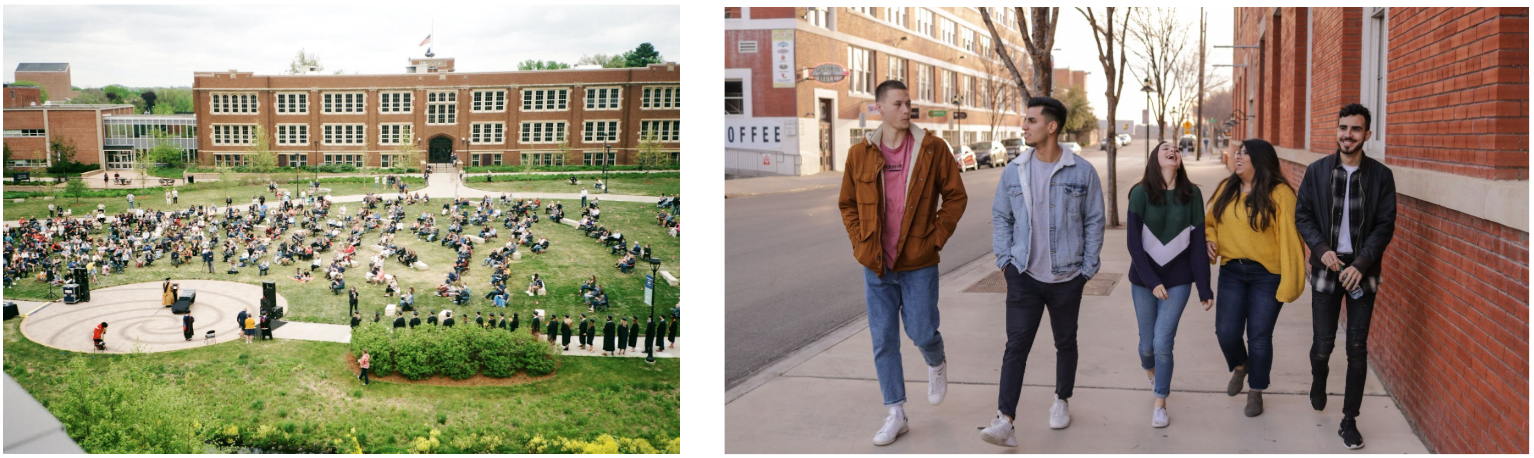
Environments
Convey the character of a large space, for tone-setting
- Use occasionally
- Landscape shots of campus that establish the location as well as show off an exciting and bustling campus life
- Local landmarks, street scenes, and hot spots
Objects
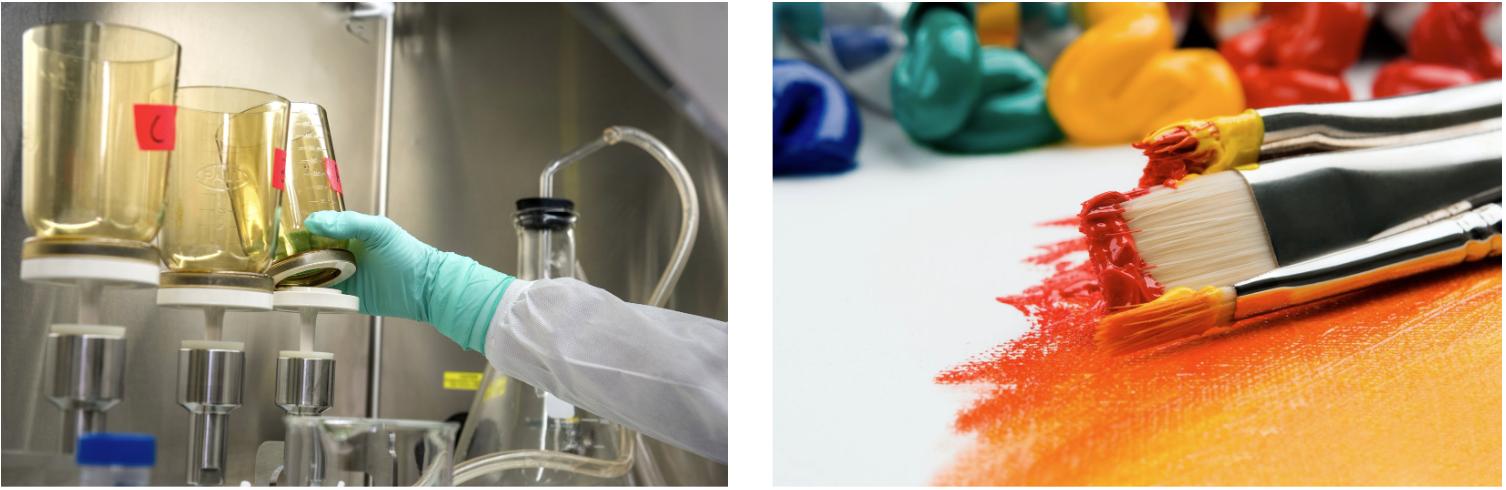
Used to symbolically represent subject matter and give a future-focused appearance
- Use occasionally
- Stock is okay– used selectively
- Avoid cliches (examples: a gavel or beaker for “science”, dollar bills for “money”)
Incorrect Usages
| AVOID Abstract, impersonal illustrations in place of custom images. |  |
| AVOID Overly filtered/stylized shots. Especially images that flatten the content using cool-toned filters. |  |
| AVOID Extreme angles and stylized lens techniques (such as fish eye, zoom, and blur). | 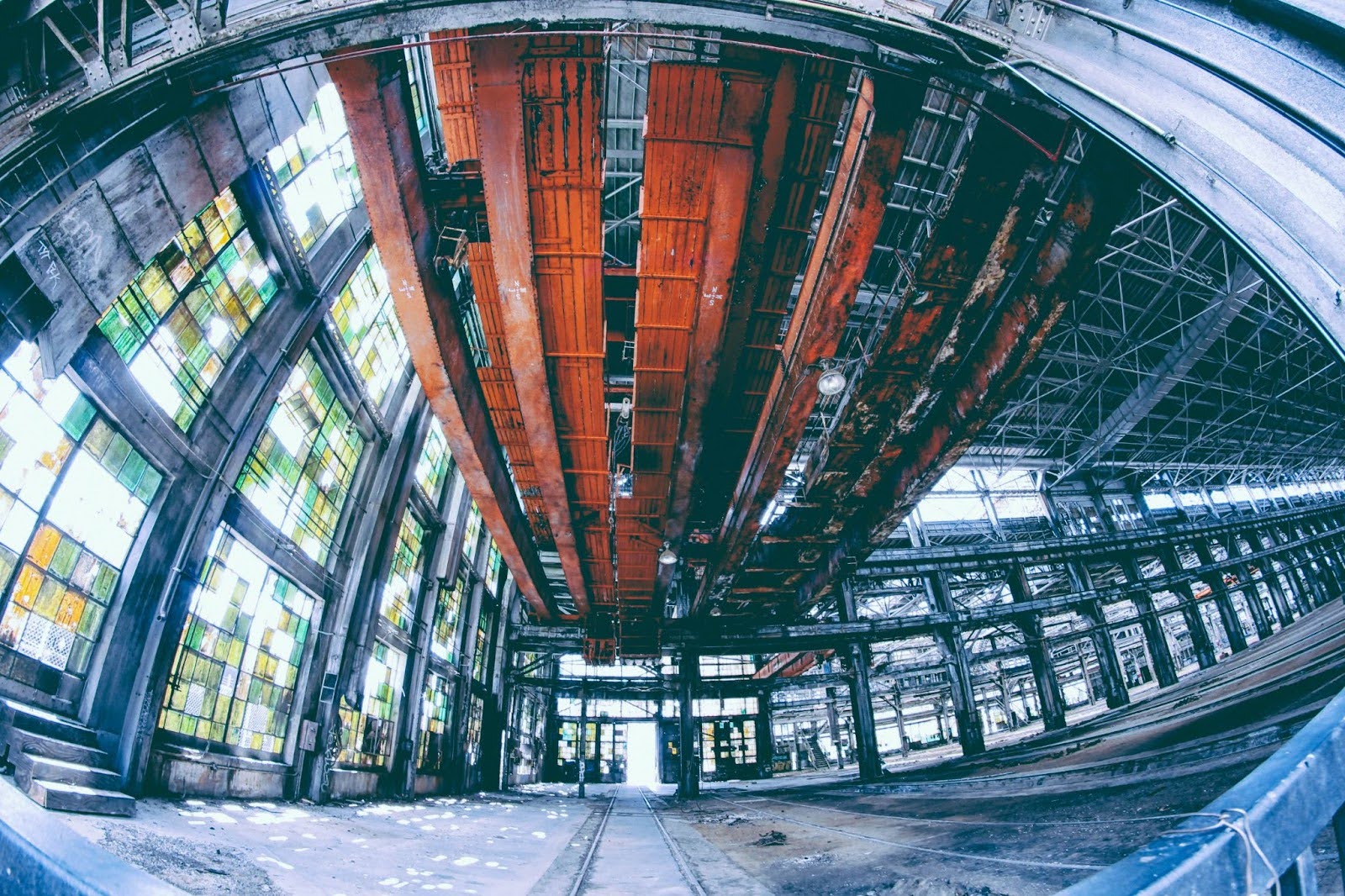 |
| AVOID Over-laying distracting graphics/text. |  |