Bomgar (BeyondTrust Remote Support) iOS/Android Mobile Setup
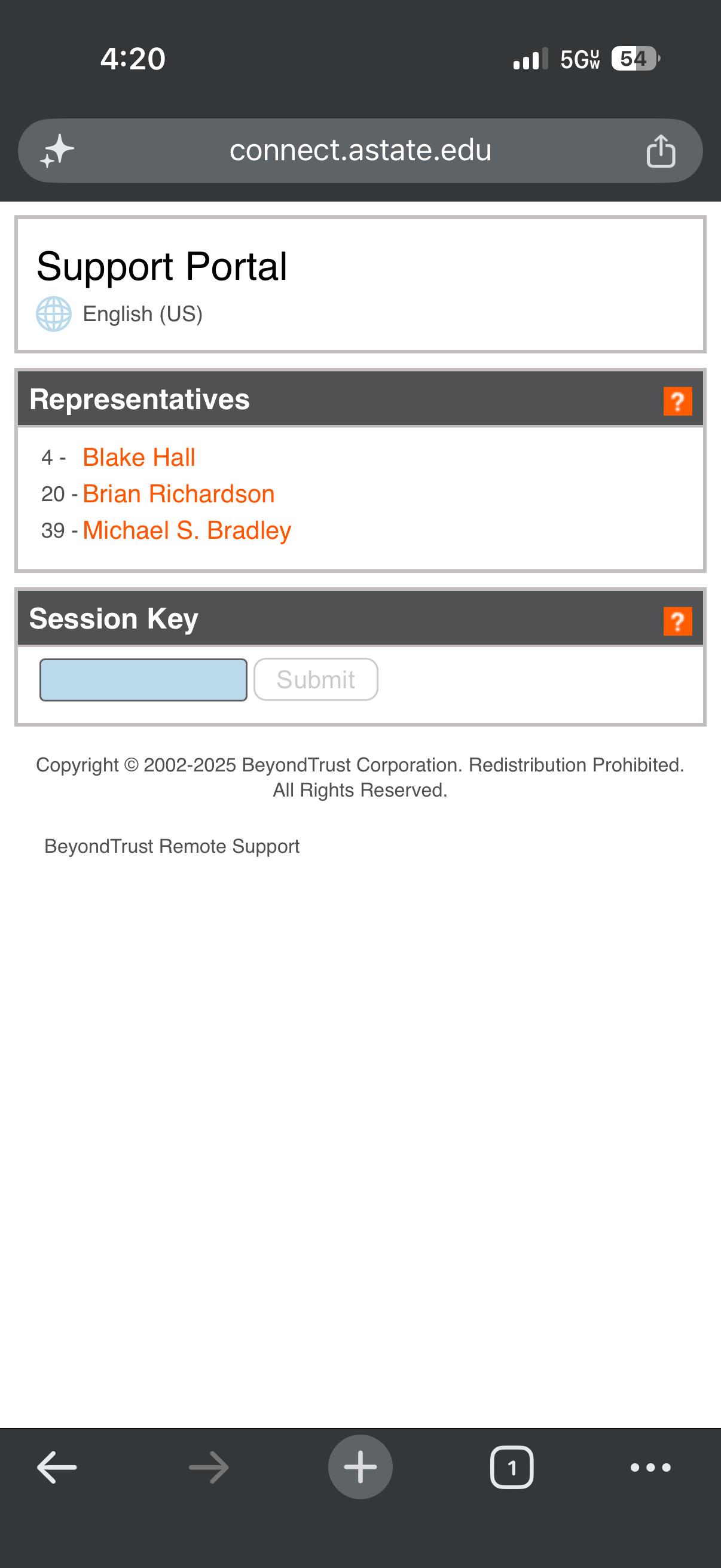
- Open any web browser and go to connect.astate.edu , this will open the Support Portal and select the agent's name you are needing to remote into your device
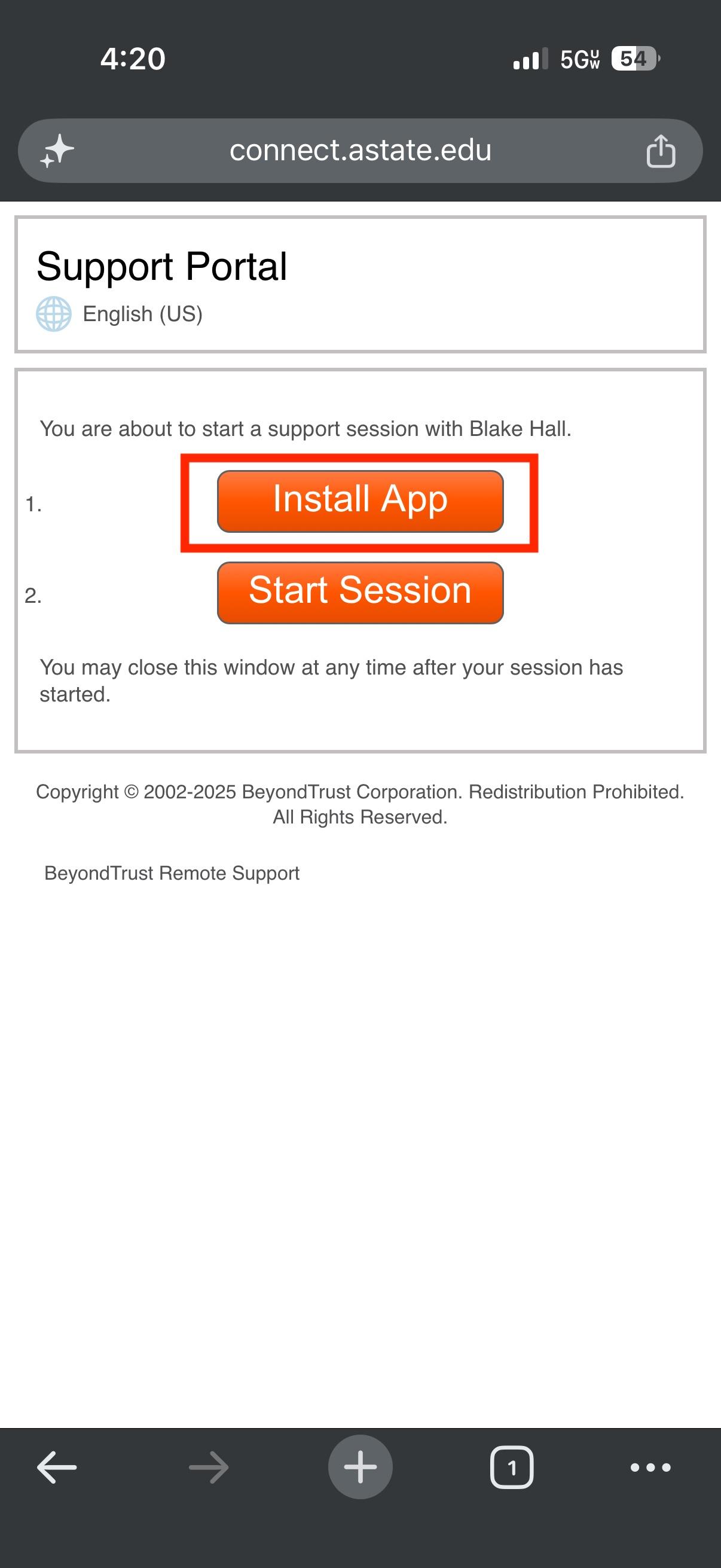
2. The next screen will prompt you to install the BeyondTrust Support application from your device's app store
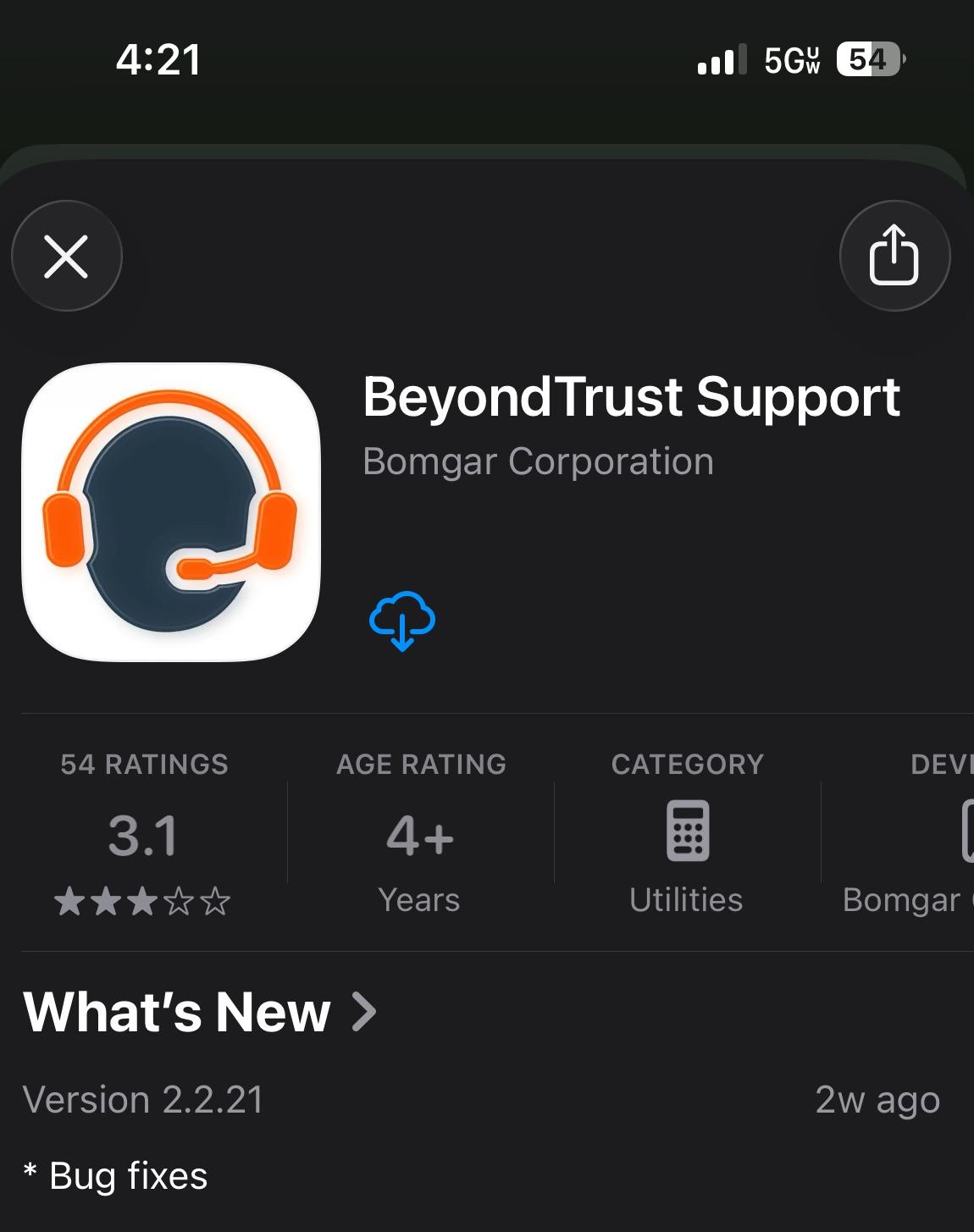
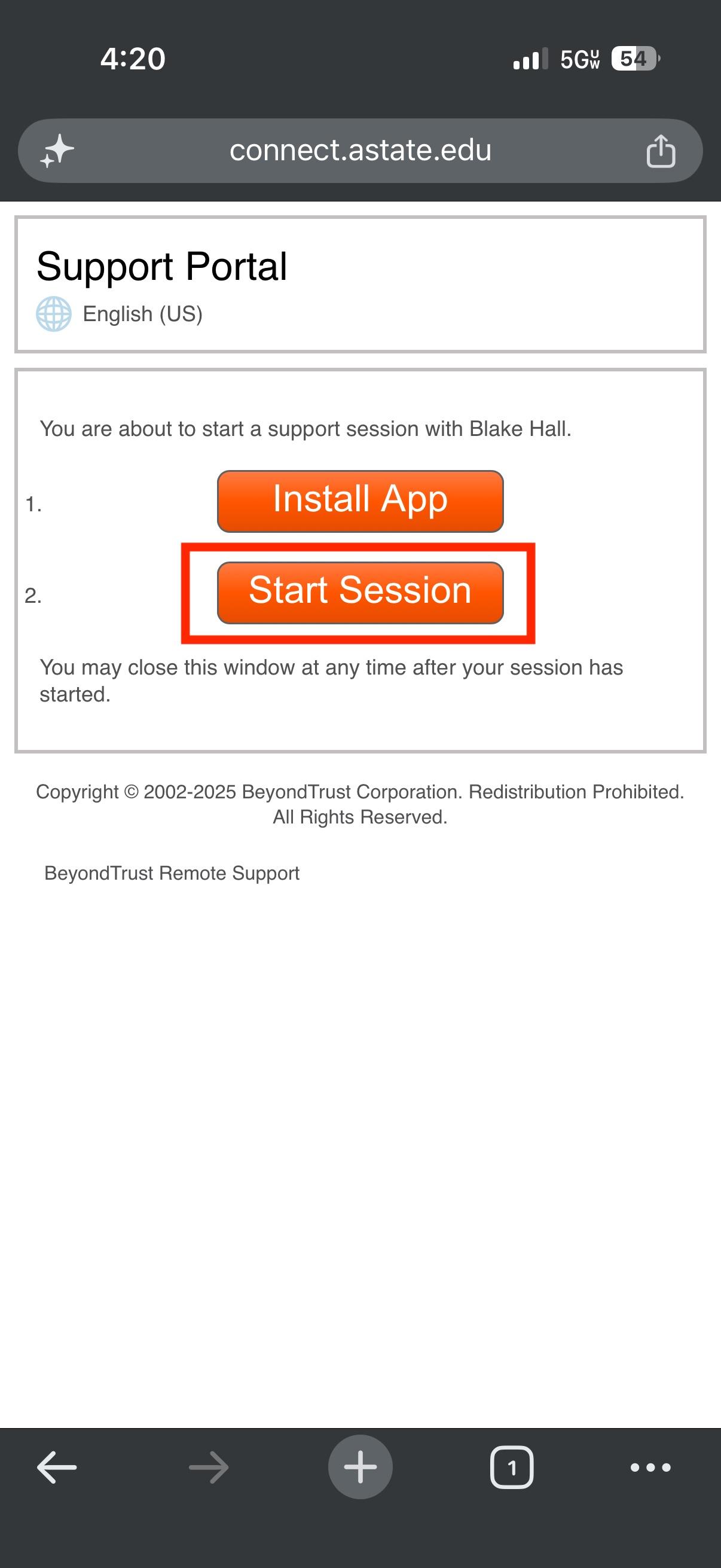
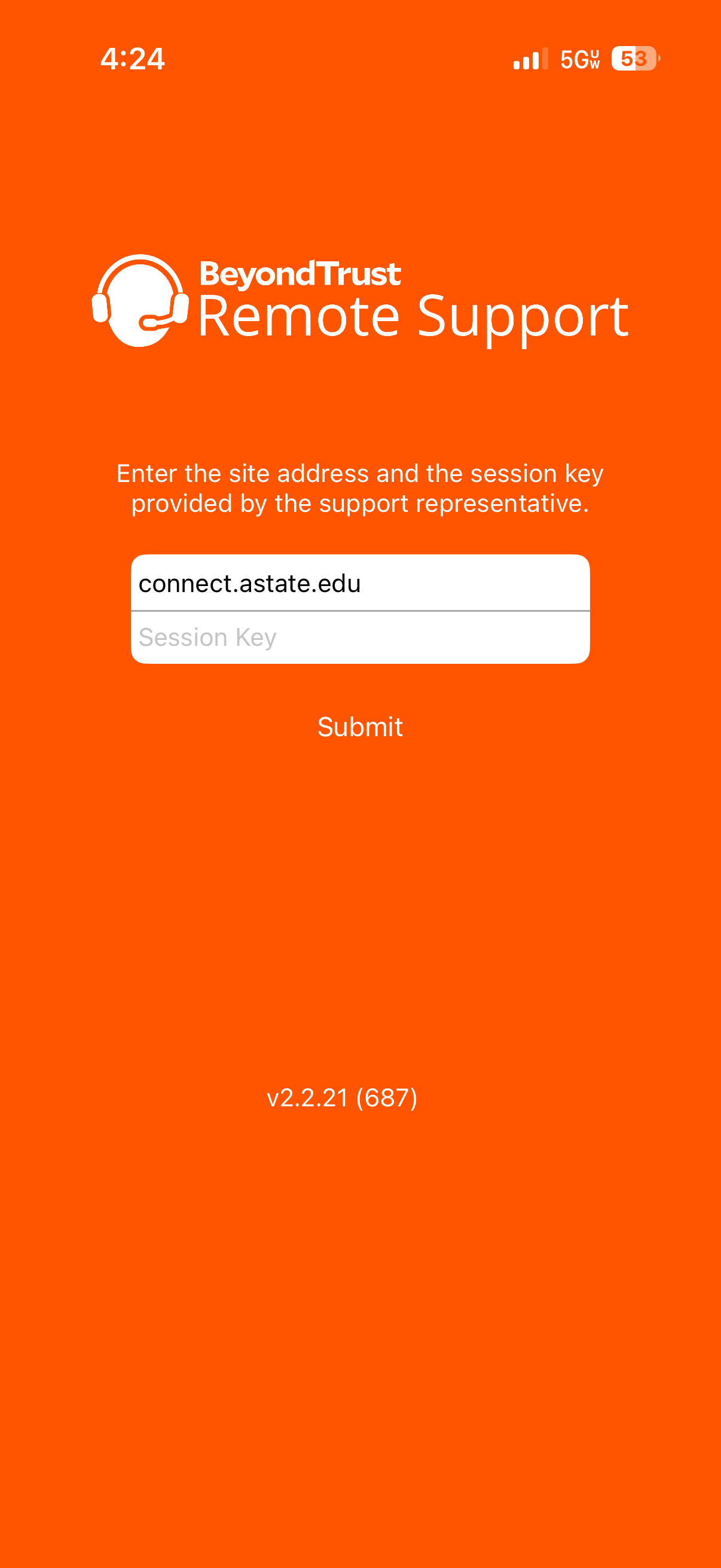
3. After installing the app on your mobile device, go back to the Support Portal page and select "Start Session"