
Faculty/Staff Account
In order to request access to Adobe Creative Cloud, you will need to create a Helpdesk Ticket so it can be sent to the appropriate group. Please follow the steps below to accomplish this.
1. Go to pack.AState.edu.
2. Enter your full A-State email address and password and click Login.
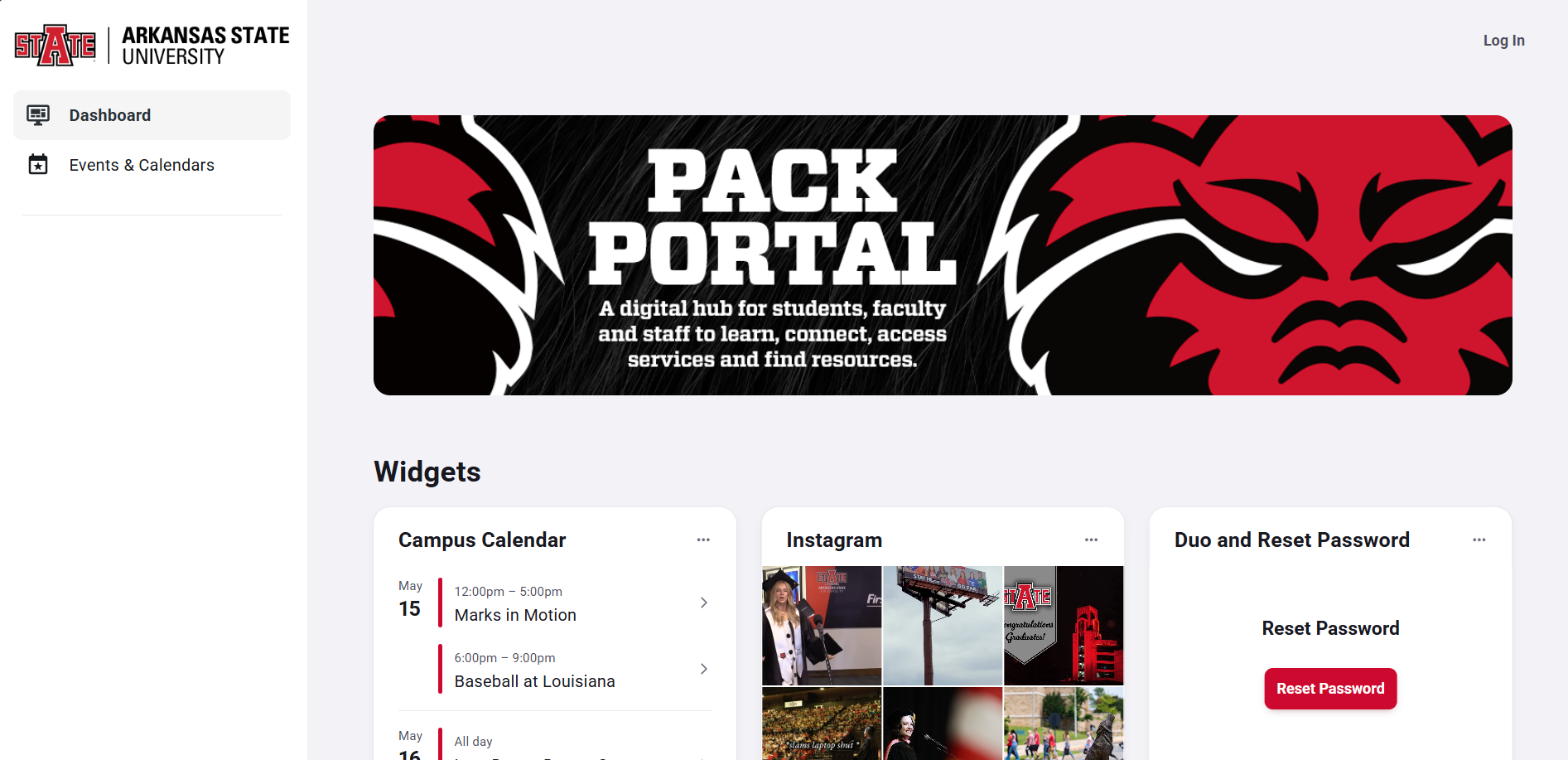
2. Authenticate using Duo Mobile.

3. Locate Tools on the left then click on ITS Helpdesk.
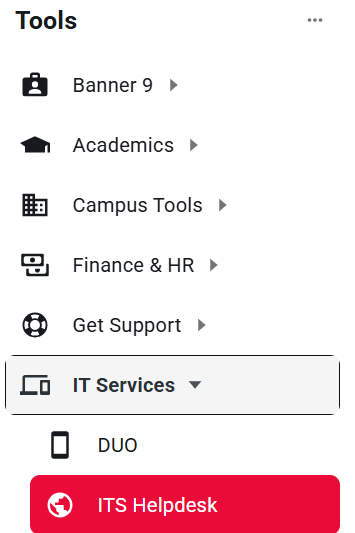
4. Click on Sign In located at the top right of the screen. 
5. Enter your full A-State email address and password and click Login.

6. Authenticate using Duo Mobile.

7. Click Get Started.

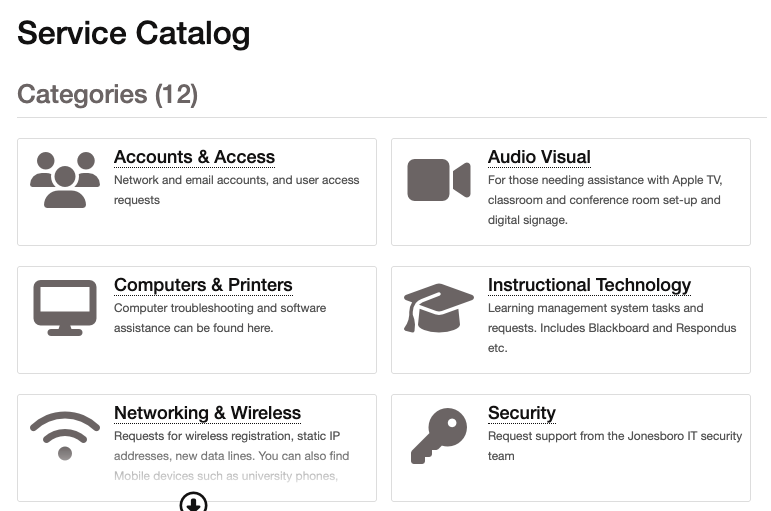
8. Under Service Catalog, click Computers & Printers.
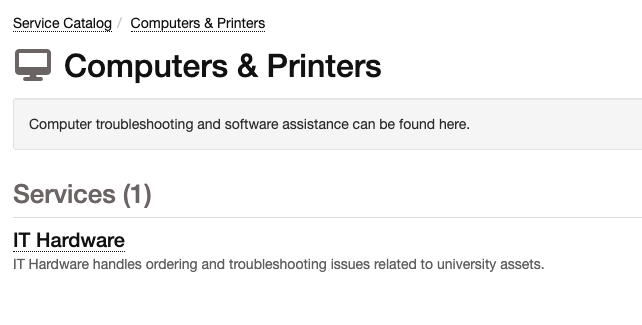
9. Click the IT Hardware Form.
10. Click Submit a Request.

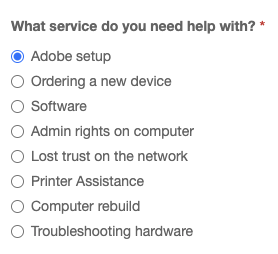
11. In the "What service do you need help with?" section, choose “Adobe Setup.” Once all the nessisary fields have been filled out, click Submit.
Someone from ITS will email you with instructions on how to access your Adobe Creative Cloud account.
For further assistance, contact the ITS Help Desk at 870-972-3933 or stop by IT Support Services (itsupportservices@astate.edu). It is located on the bottom floor of the Dean B. Ellis Library, Room 149.