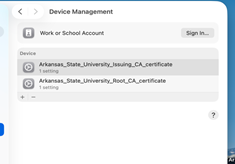
Install Certificate Profiles - APPLE
To install the Certificate Profile.
1. Click on the certificate profile app:

2. At the Profile Downloaded box click ok.
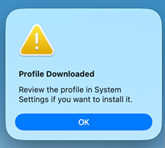
3. Go to System Settings and General.
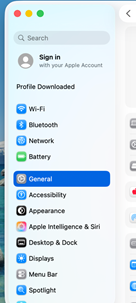
4. Go to Device Management
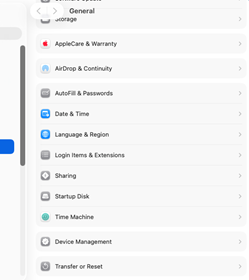
5. Under Device Management, you should see the Certificate Profile. Click on it to install.
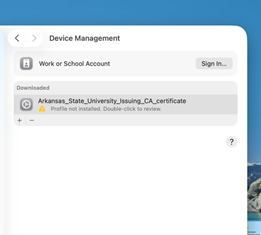
6. In the Are you sure you want to install this device profile, click install.
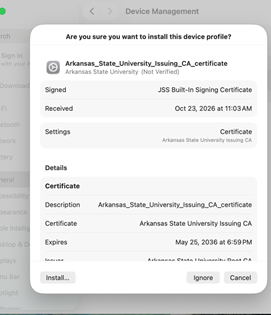
7. It will prompt you for your username and password.
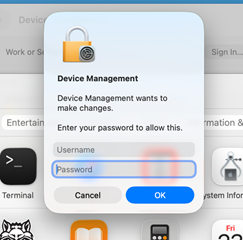
8. Once it is installed, you should see the Certificate profile in Device Management.
.