
Get your mobile ID on your phone
Access A-State Add mobile ID to your phone
Your Access A-State ID proclaims you as a member of the A-State community and is your key to access essential campus services.
Ready to add your ID to your phone?
1. Go to the App Store and install the Transact eAccounts app on your iPhone.

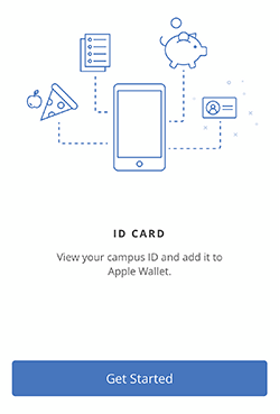
2. Swipe through the four screens and tap Get Started
3. Search for Arkansas State University
Select Arkansas State University and SAML 2, then continue to Sign In

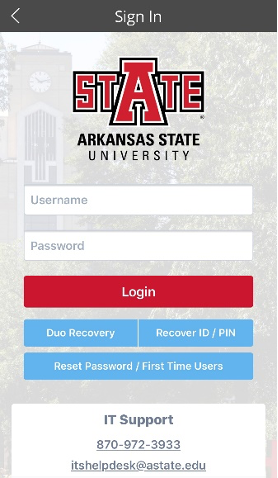
4. Log in with your A-State username and password.
Continue with the DUO two-step authentication process and choose the method (i.e. push Notification or Passcode). Approve the request for verification.

5. Click on the gear at the top right of your phone.

For additional assistance, please contact us at access@astate.edu or 870-972-2900