
How to Login to Grubhub and Use Student ID
Steps:
1. Download the Grubhub app on the app store.
2. Create an account with Grubhub on the app.
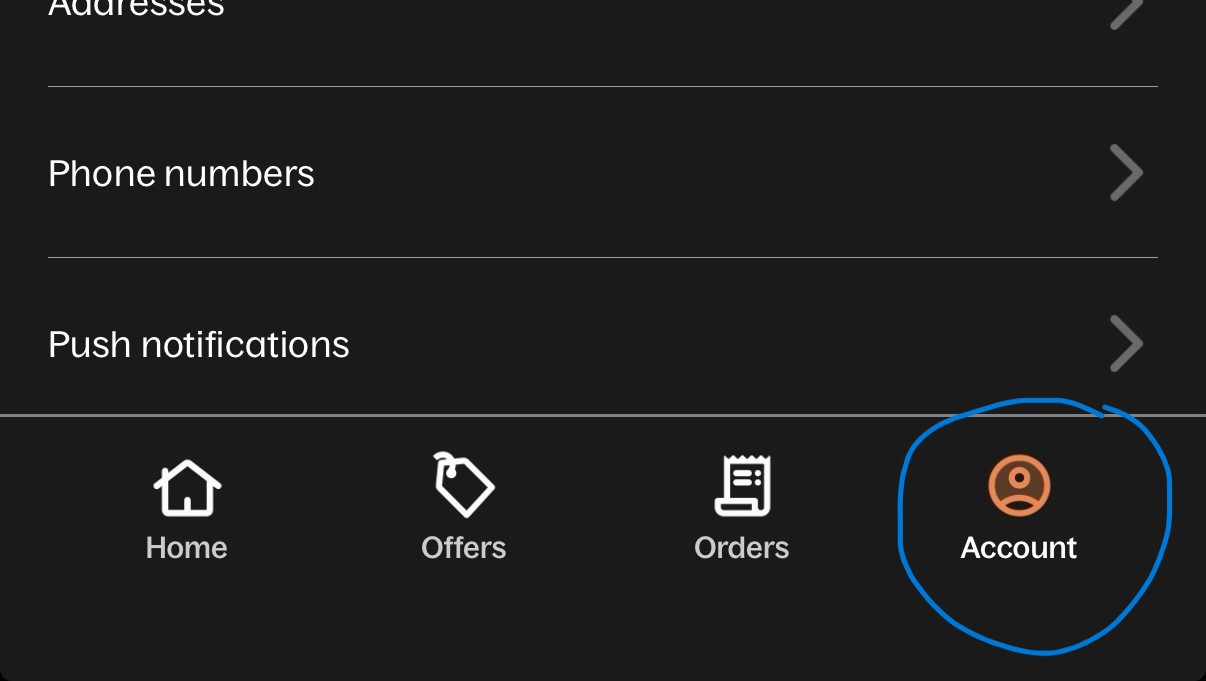
3. Click "Account" of the bottom right of the screen.
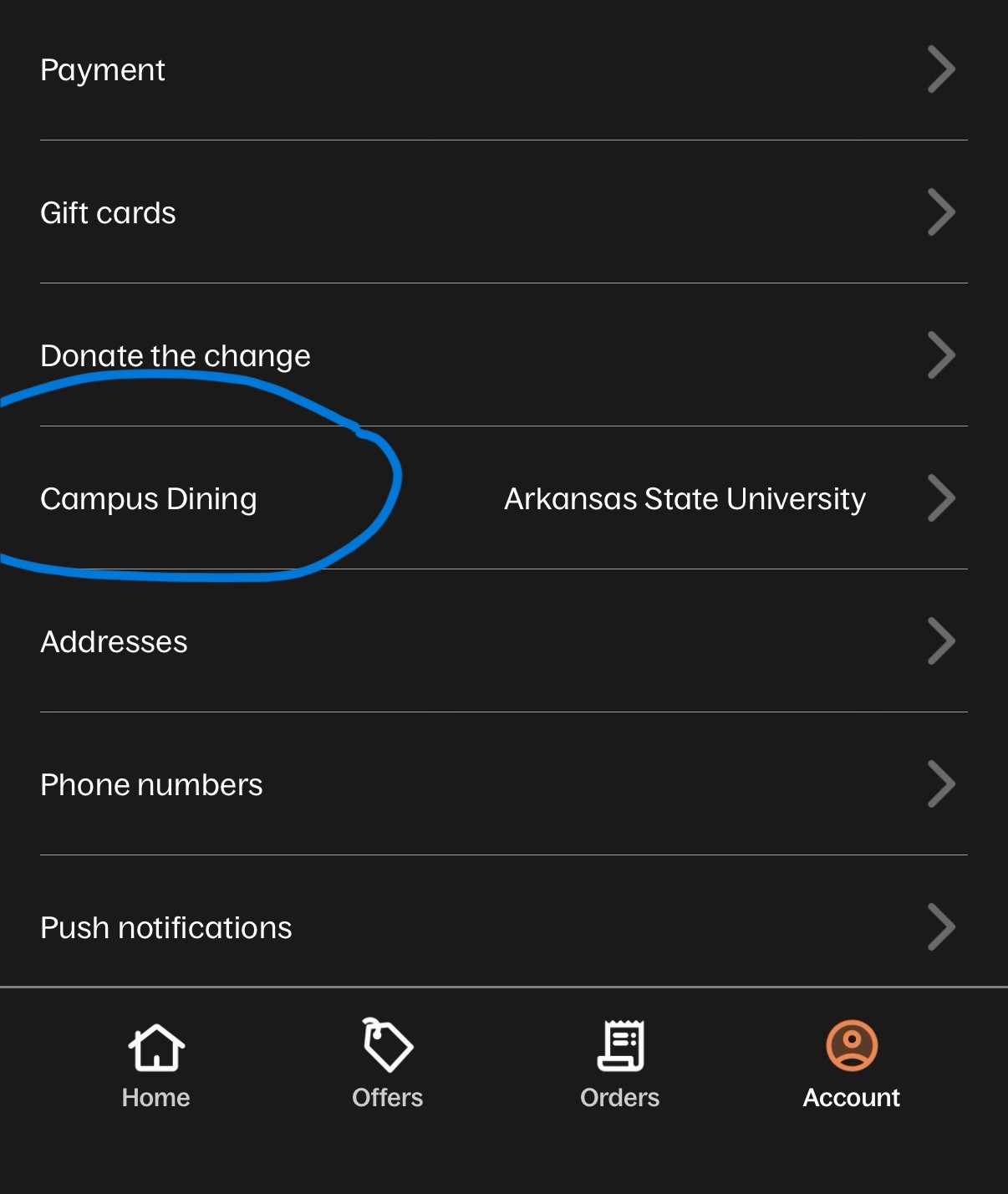
4. Click on "Campus Dining" then "Find your campus"
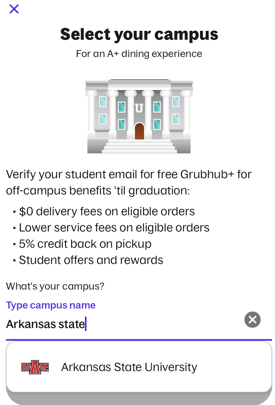
5. Add "Arkansas State University" as the campus.
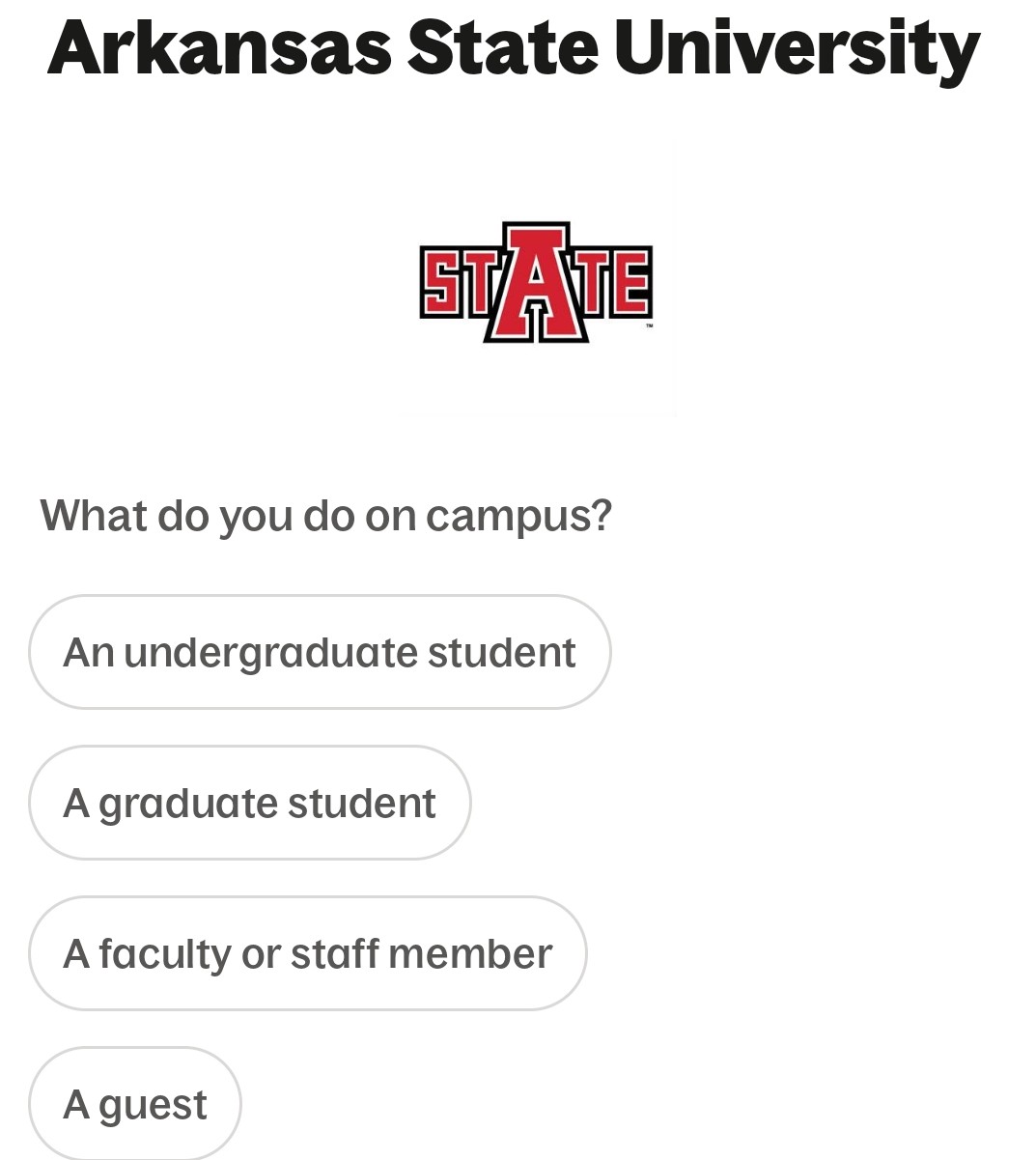
6. Choose your affiliation.
7. Click "Add your card"
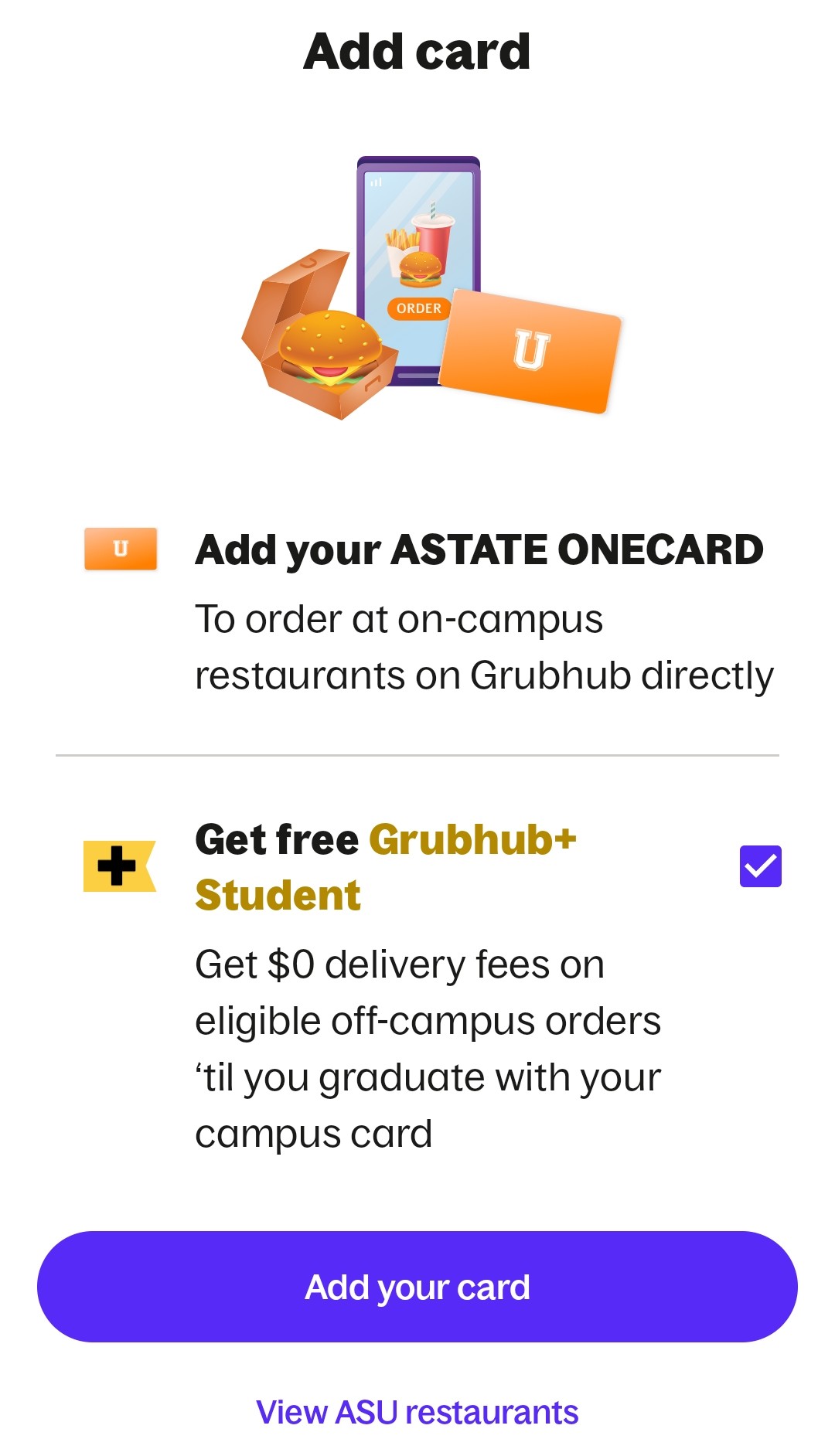
8. Type your smail/astate credentials to connect your account.