How To Add Documents
Documents such as PDFs, Spreadsheets, and Word Docs, can now be added to the Knowledge Base. Please follow the steps below to learn more.
1. Go to kb.astate.edu and click Log in.

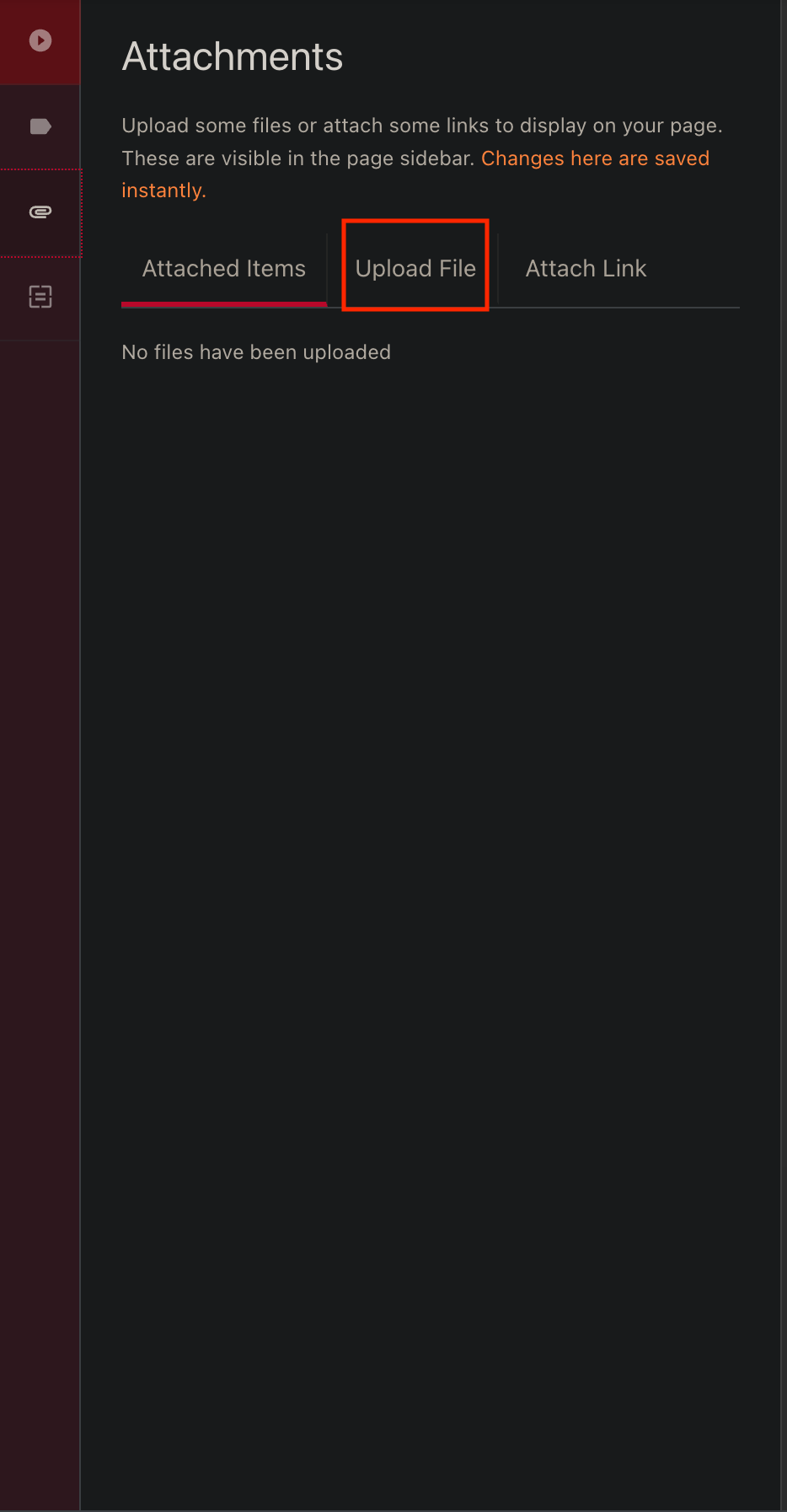
3. Click on the paper clip icon to open the Attachments screen.

4. Click on Upload File.