
Manage files and folders in OneDrive
Select what to do with a file
-
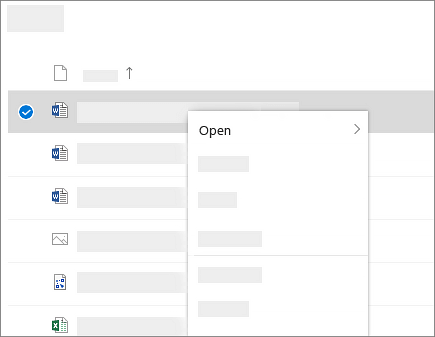
In OneDrive, right click the file.
-
Select a command.
Create a folder
-
Select New > Folder.
-
Type a name for the folder.
-
Select Create.

Search for files
Looking for an older doc? Search is a powerful tool to find all your online docs.
-
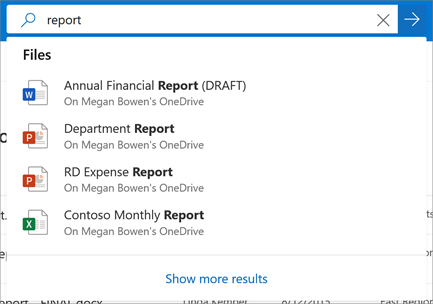
Type a word or phrase in the Search box.
-
Select a file, or press Enter.
Important PC Folders (auto backup)
You can backup important computer files on OneDrive like your Desktop, Documents, and Pictures files.
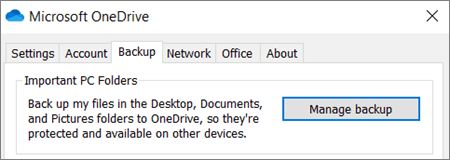
Select the OneDrive cloud icon in the notification area (right side of the Windows Taskbar just before the clock).SelectHelp & Settings>Settings.On theBackuptab, underImportant PC Folders, selectManage backupand follow the instructions.
In theBack up your foldersdialog, make sure the folders that you want to back up are selected.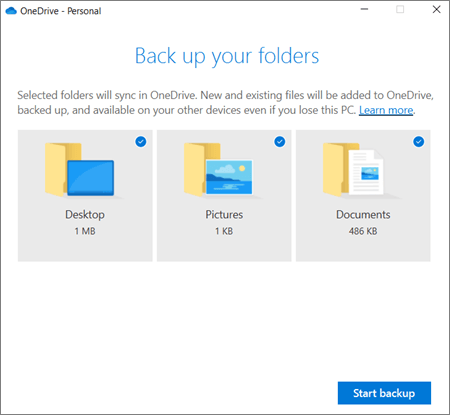
Set up Office apps and email on a mobile device
Download PDF: OneDrive Quick Start Guide