
Accessing Your Workspace
Overview
After logging into Nuventive through the Pack Portal, you’ll be directed to your personalized workspace. This is where you enter assessment data, upload documents, and manage program-level information. Most users will only have access to one workspace, but some may see multiple options depending on their role.
? Video Tutorial
Watch: Accessing Your Workspace
This video walks you through how to locate and enter your assigned workspace in Nuventive.
?
Steps to Access Your Workspace
-
Log in to Nuventive via pack.astate.edu
Follow the login instructions from the Logging In to Nuventive page. -
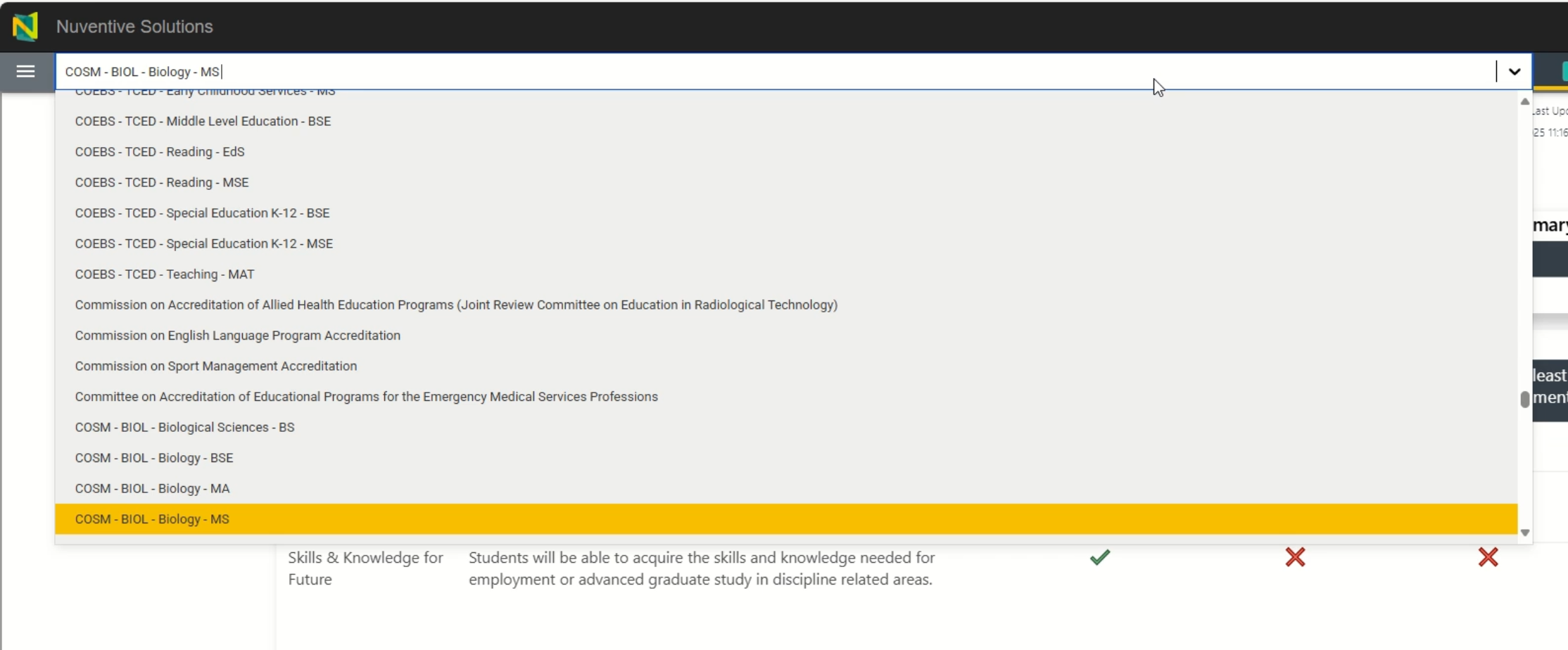
Once Nuventive opens, look for the workspace selection screen
- If you only have one workspace, it will open automatically.
- If you have access to multiple workspaces (e.g., college, department, program, or other specialized administrative roles), you’ll see a list to choose from.
-
Click the name of the workspace you want to enter
- Workspaces are typically named by department, program, or role.
- If you’re unsure which workspace to select, contact the Office of Accreditation & Assessment.
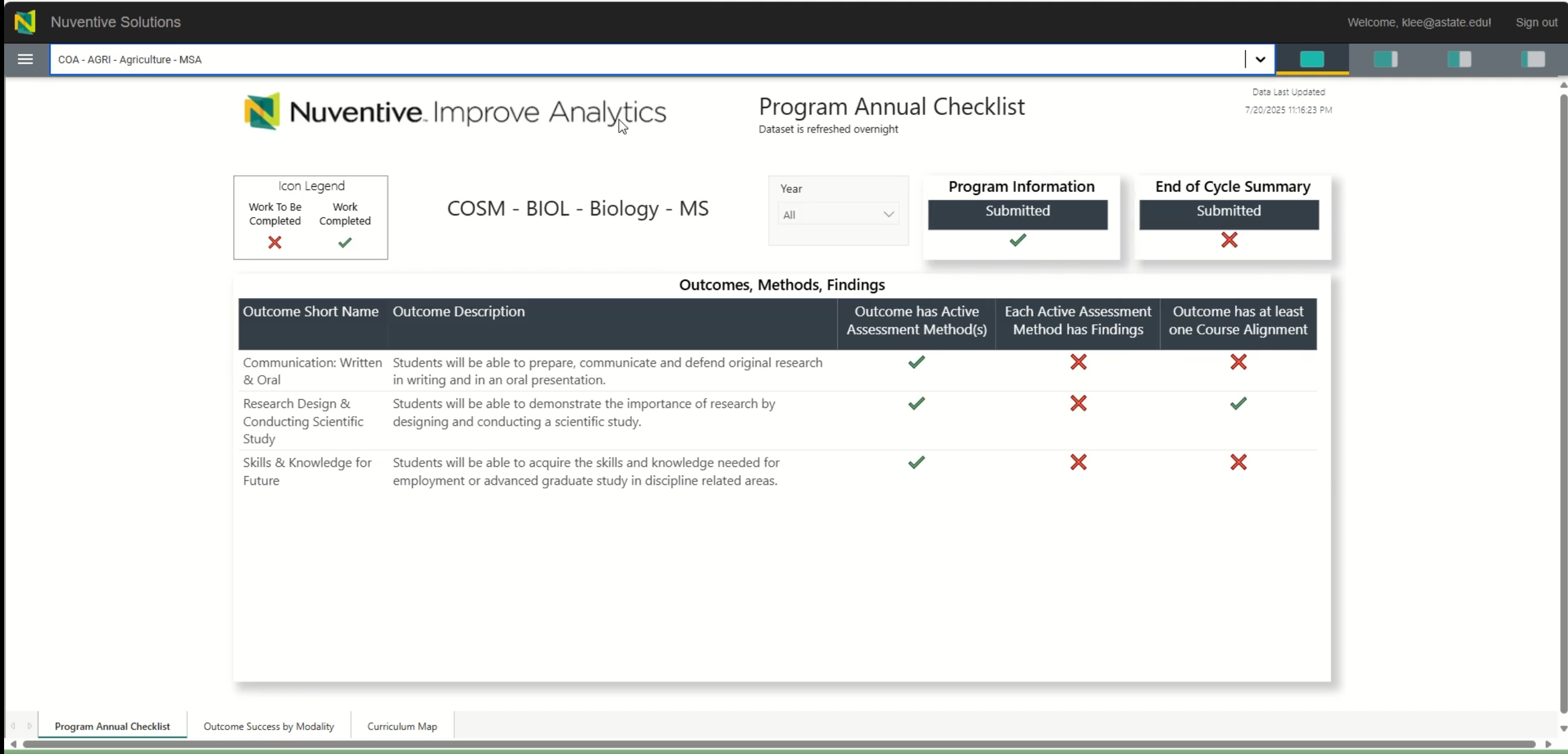


Tips for Navigating Your Workspace
Need Help?
If your workspace is missing or incorrect, contact:
? Office of Accreditation & Assessment: (870) 972-2989
? assessment@astate.edu
? Room 610, Dean B. Ellis Library