
Editing an Existing Section
Editing an Existing Section
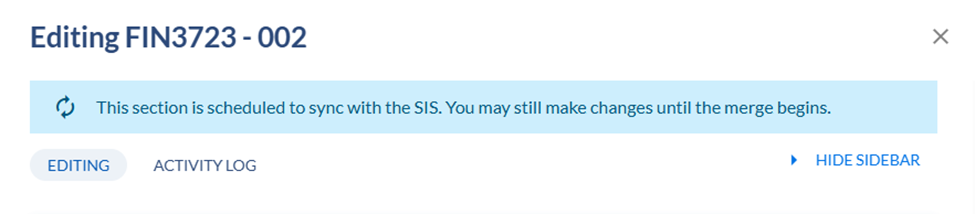
Please note during Open scheduling phase you should be able to edit the sections
There are some fields that are required and will require a response if the field is blank. To edit a currently rolled section
Click on the down arrow next to the course which will expand to show current sections associated with the course.
Click on the section to be edited.
- Part of term
- Campus
- Schedule Type
- Meeting Times
- Meeting Patterns & Rooms
- Instructors
- Enrollment Settings
- Additional settings
Once the desired change has been made, click on SAVE SECTION.