
How to Access myBill
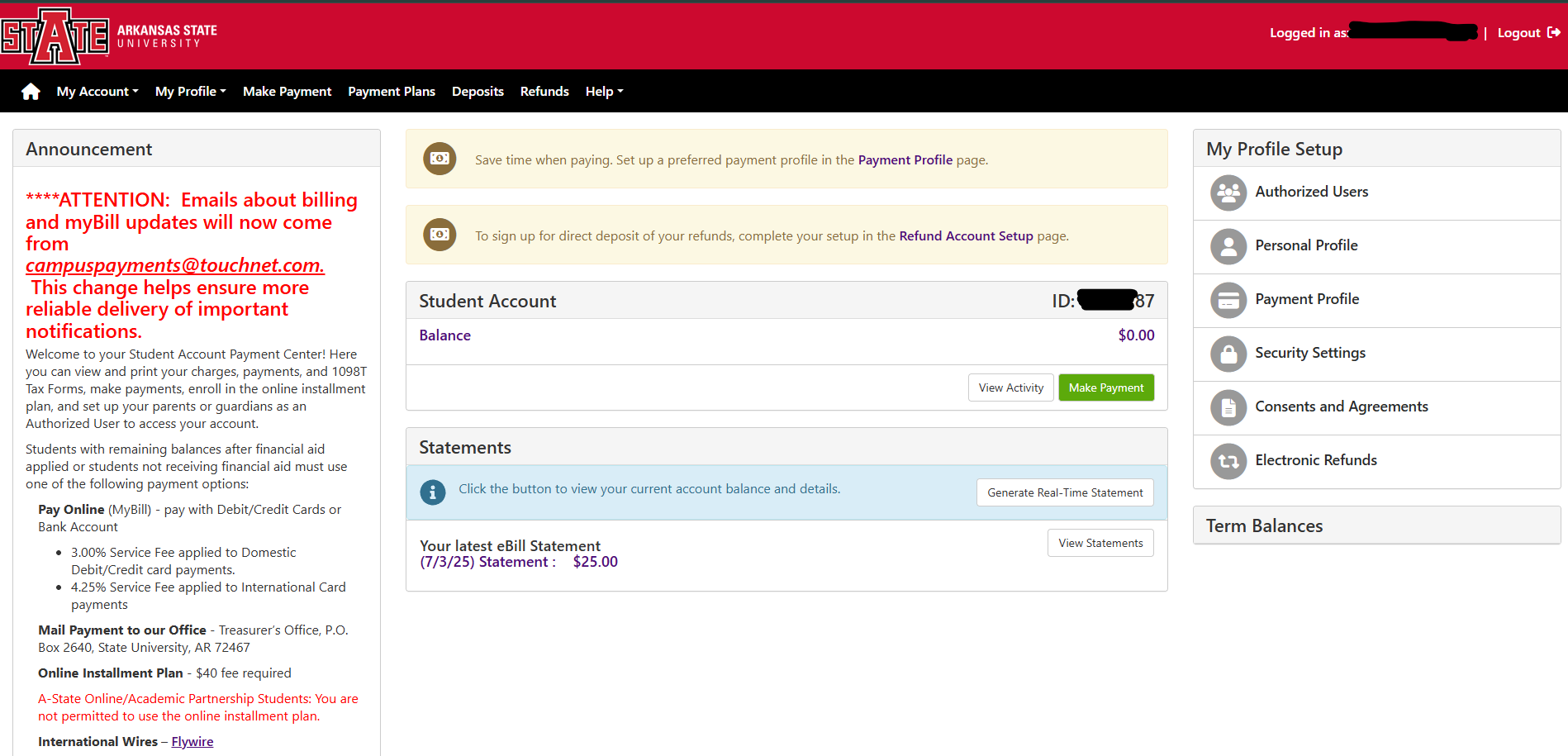
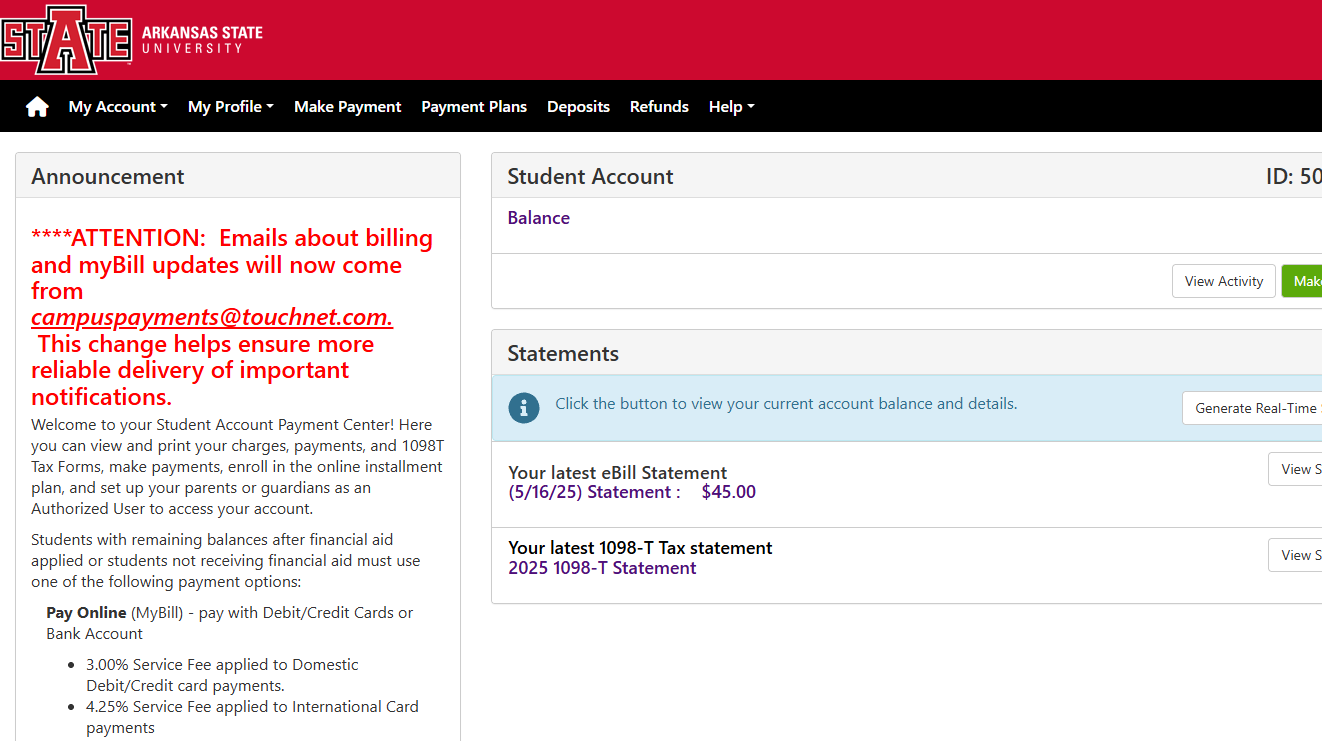
myBill is where students can make payments, setup payment plans, view bill statements, view account activity, setup accounts for direct deposit, pay their housing deposit and other program specific deposits, access their 1098-T tax form, and much more.
- Login to Pack Portal

2. Click on the myBill button within the myBill widget in your Dashboard

Note: You may be prompted for information during the onboarding phase. Please review each piece as it can assist you with setting things up now that you may want so you do not have to find it to do it later. These options are consenting for the 1098-T online form with 24/7 access rather than the mailed form, setting up an account for direct deposit, and setting up to receive notifications.
If you have any questions, please contact the Treasurer's Office at 870-972-2285 or sasbillpayment@astate.edu.