
How to Access Self Registration
In order to access the registration and planning portal, please follow these steps:
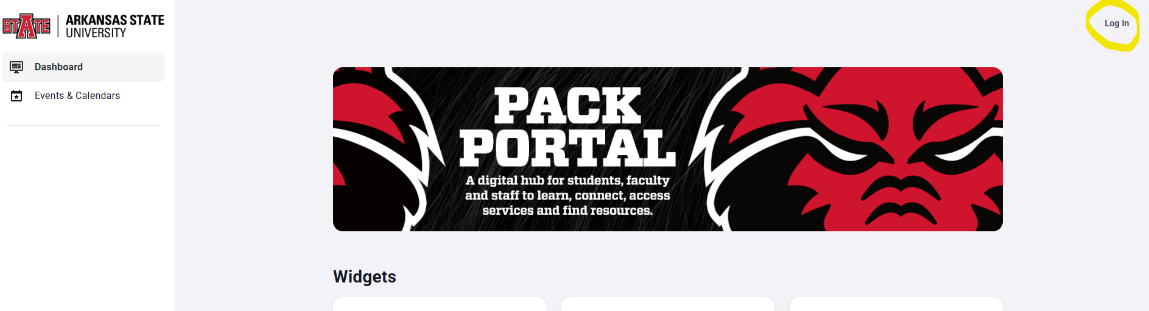
1. Go to pack.astate.edu and log in. Your username is your full student email address and your password.
2. Select the option for Banner Student from the list of available tools on the left.

3. Click the option "Registration and Planning" from the list of available options on the left.

4. Click "Register for Classes".

5. Select the desired semester from the drop down menu.
