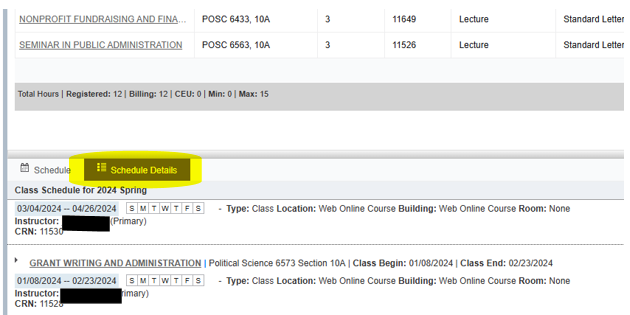
How to View My Detailed Schedule
Follow the instructions below to find your detailed schedule of registered classes, including start and end dates.
Please note that academic advisors do not have access to this student page. It is only accessible by the individual student.
1. Go to pack.astate.edu
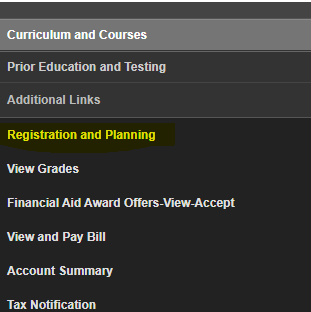
3. Click "Registration and Planning"
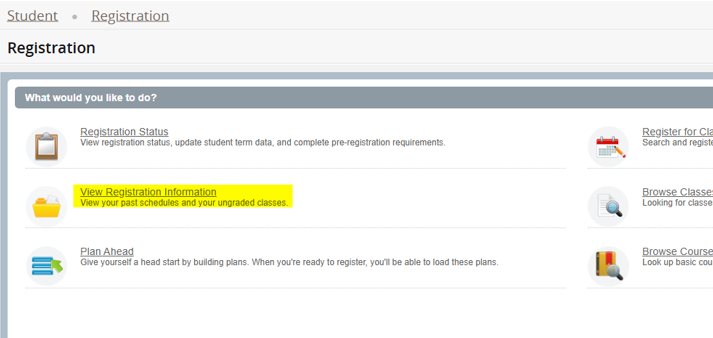
4. Click "View Registration Information".
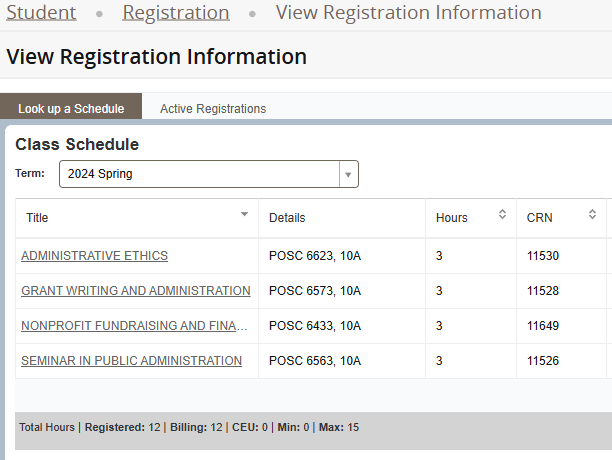
5. Select the desired semester from the drop down menu.
6. Go to the bottom half of the page and click "Schedule Details".