
iCloud Private Relay Troubleshooting
If you have a device running MacOS or iOS and are connected to the AStateSecure network, but having trouble getting websites to load or you are unable to connect to the AStateSecure network, it may be connected to the iCloud Private Relay.
- Open your devices System settings or the top of the left side of the menu (MacBook)
iPhone / iPad
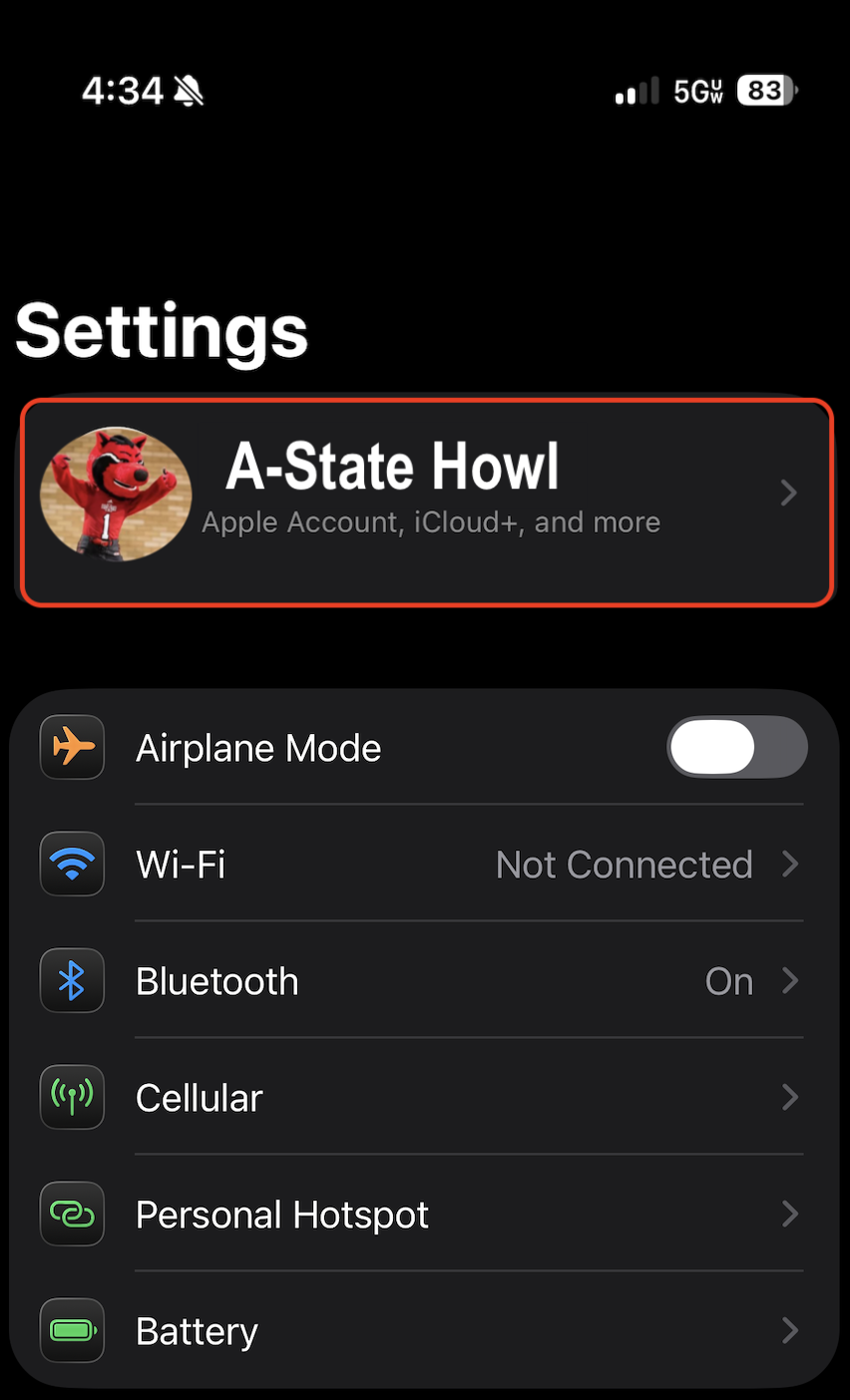
- Select your Name on the top of the screen
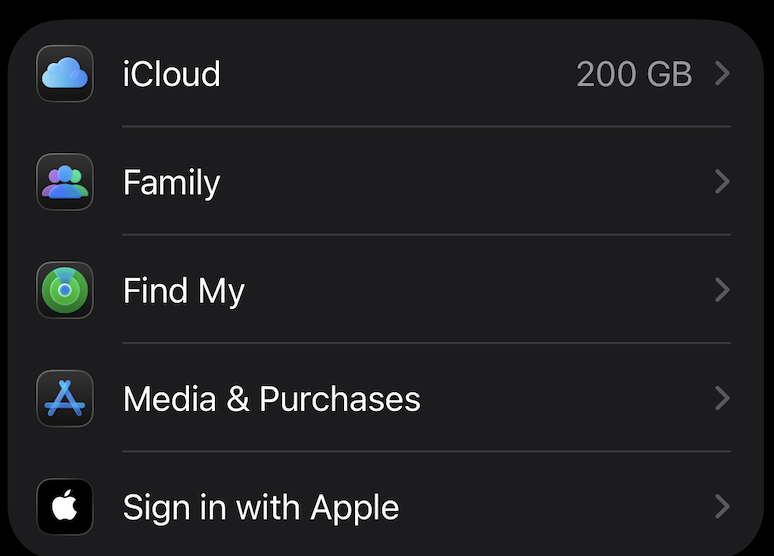
- Select iCloud
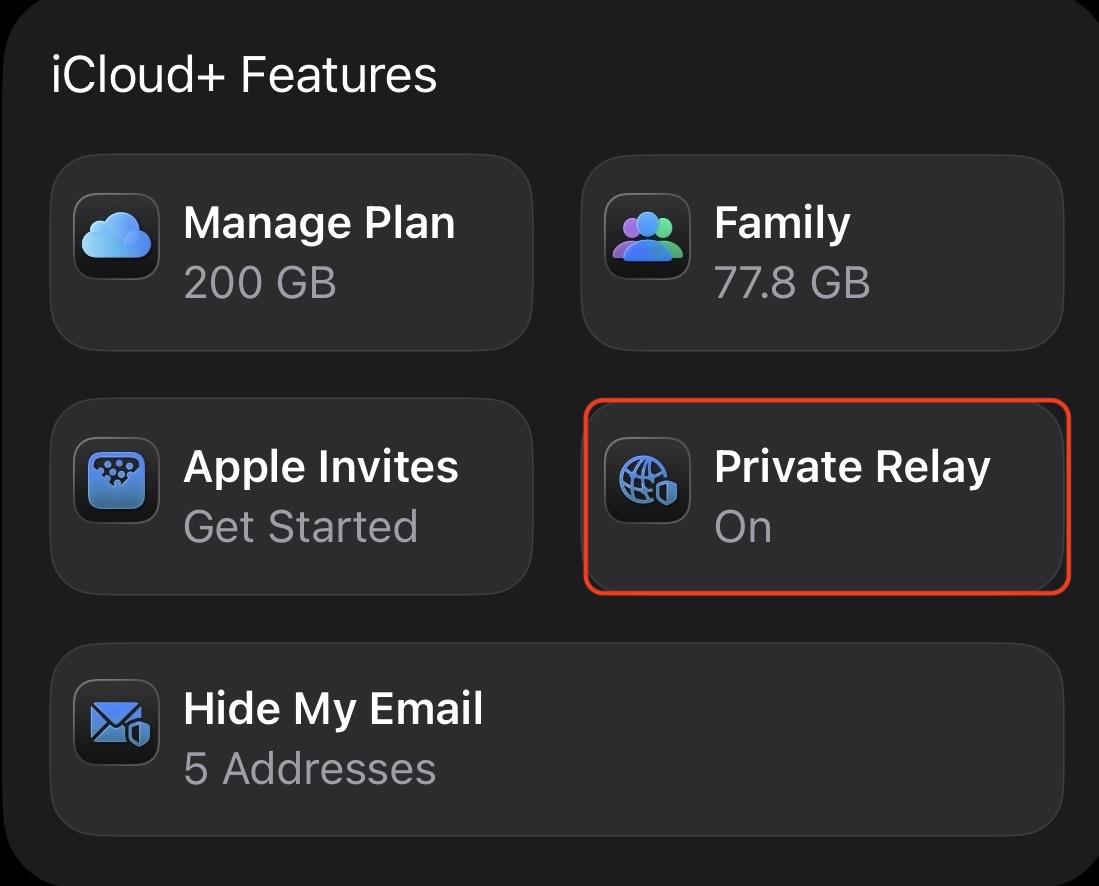
- From the iCloud+ Features menu, tap Private Relay
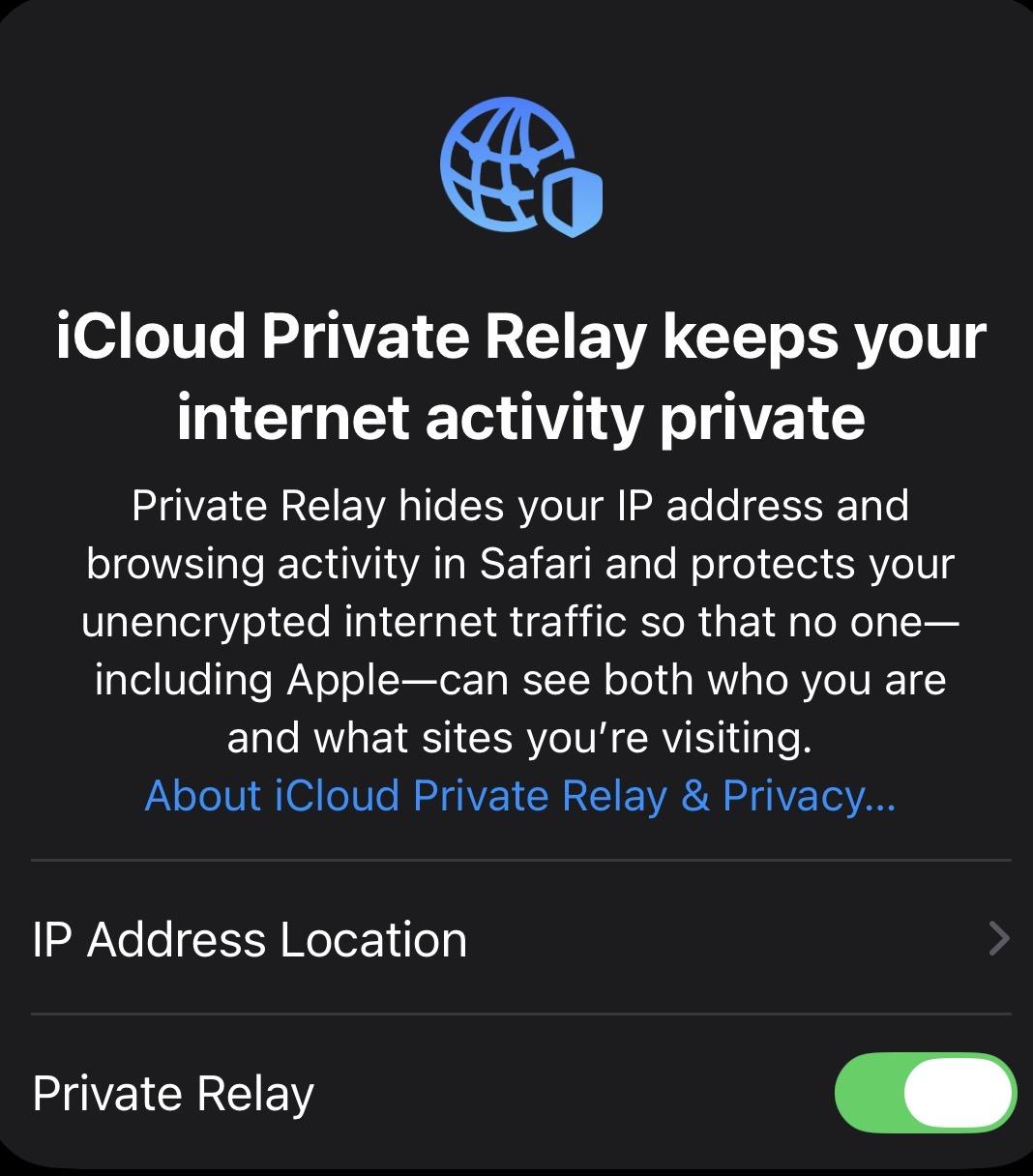
- Toggle Private Relay to OFF
Toggled ON Select Turn Off Private Relay Toggled OFF
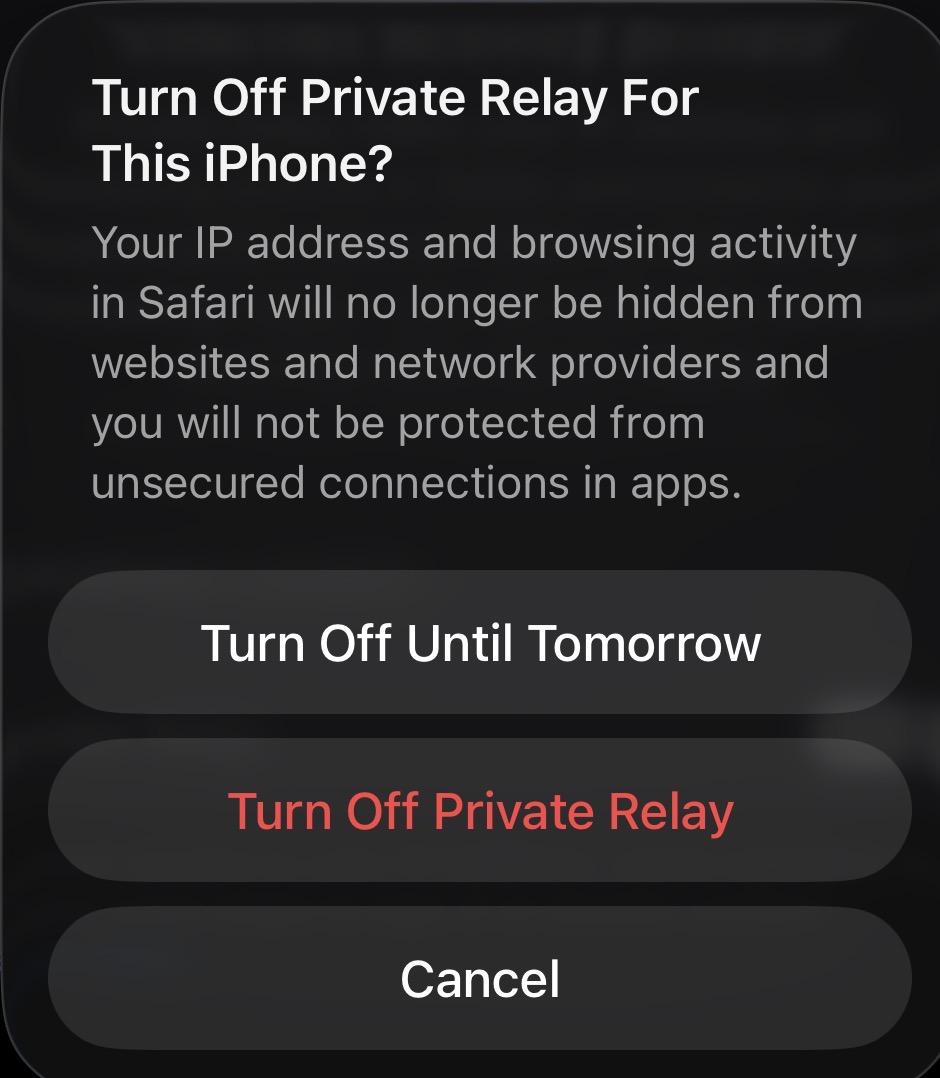
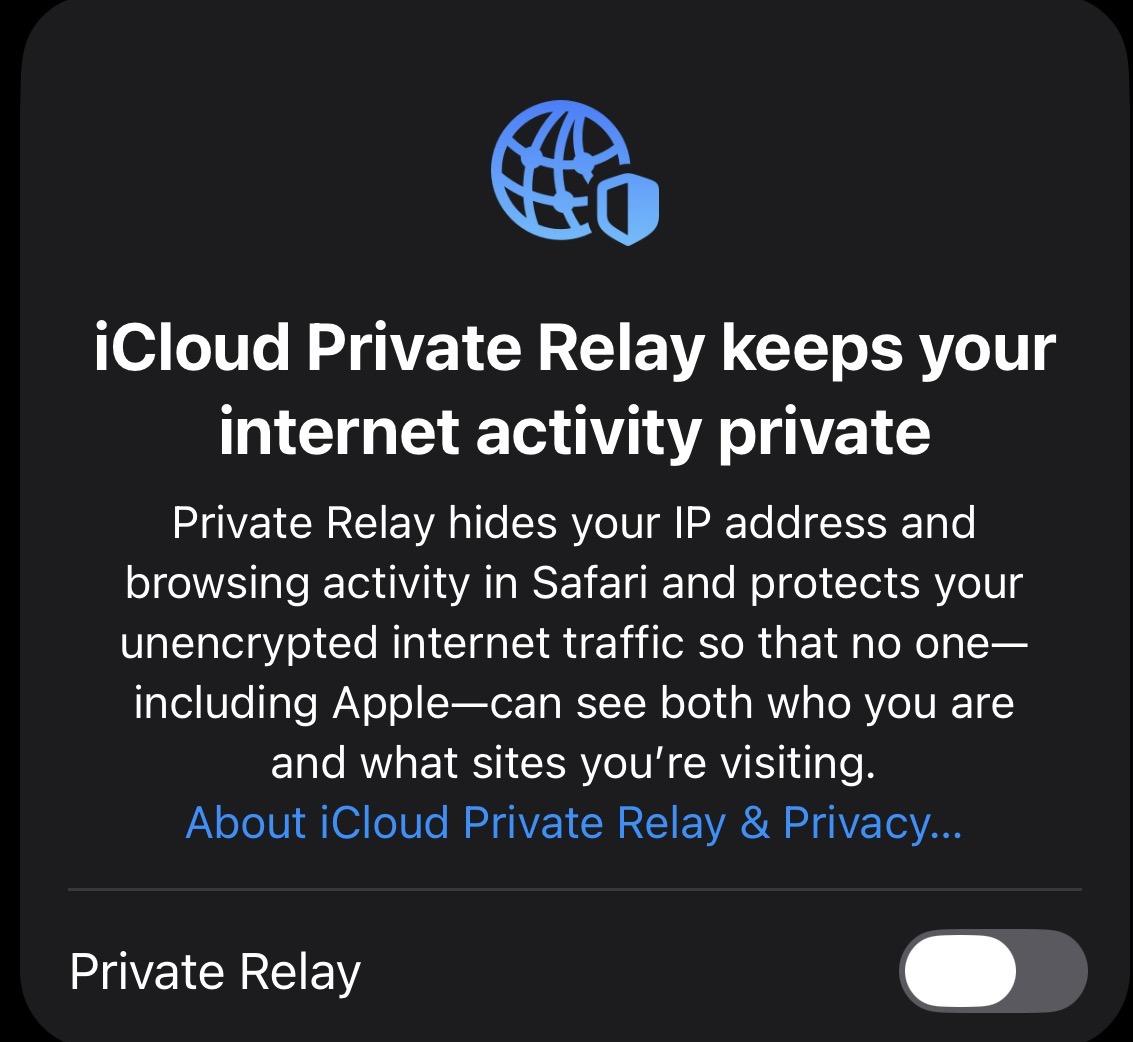
- You should now be able to connect to the AStateSecure network
- You can follow this GUIDE for help getting connected to the network
- You can follow this GUIDE for help getting connected to the network