Slate - Submit Request
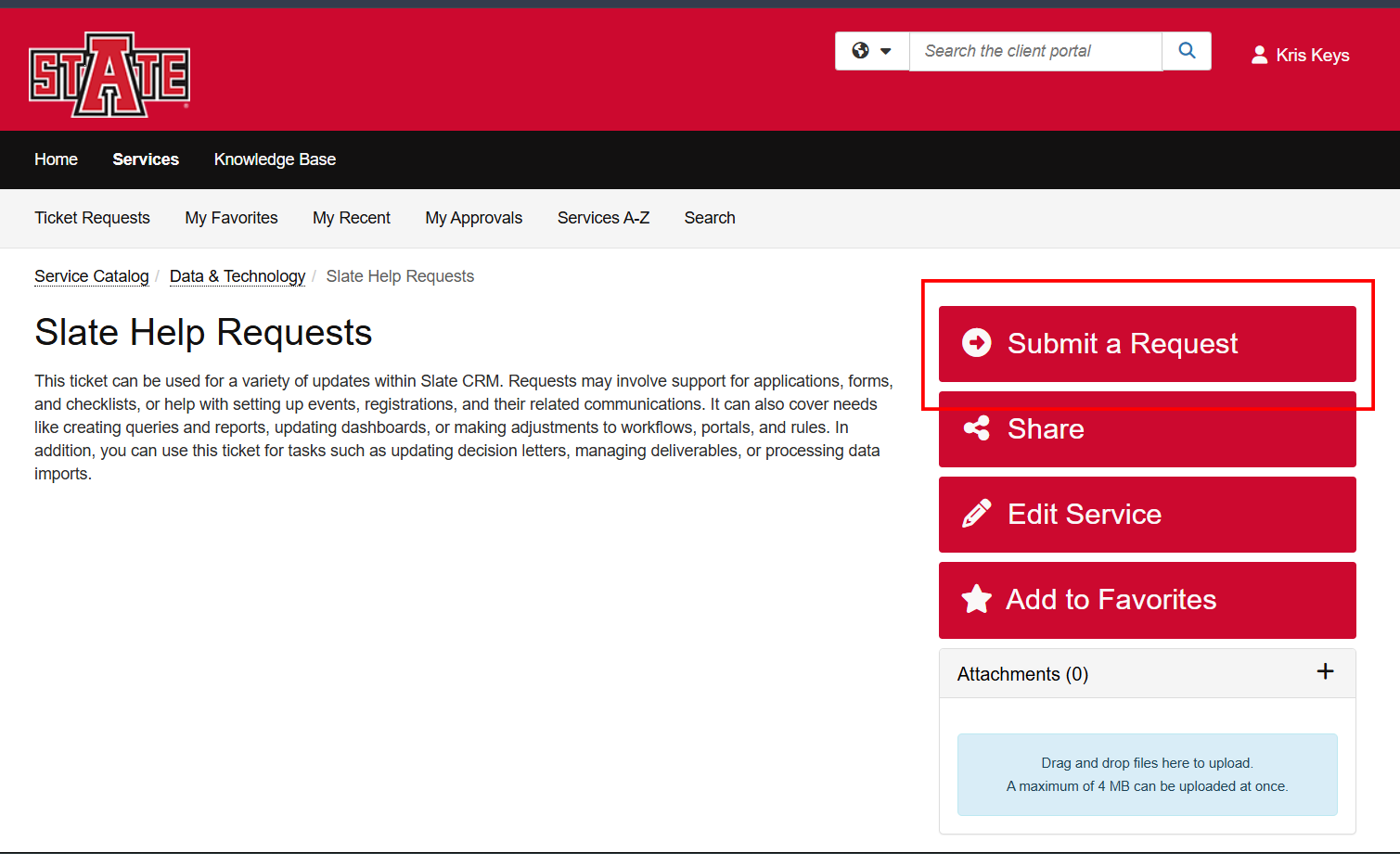
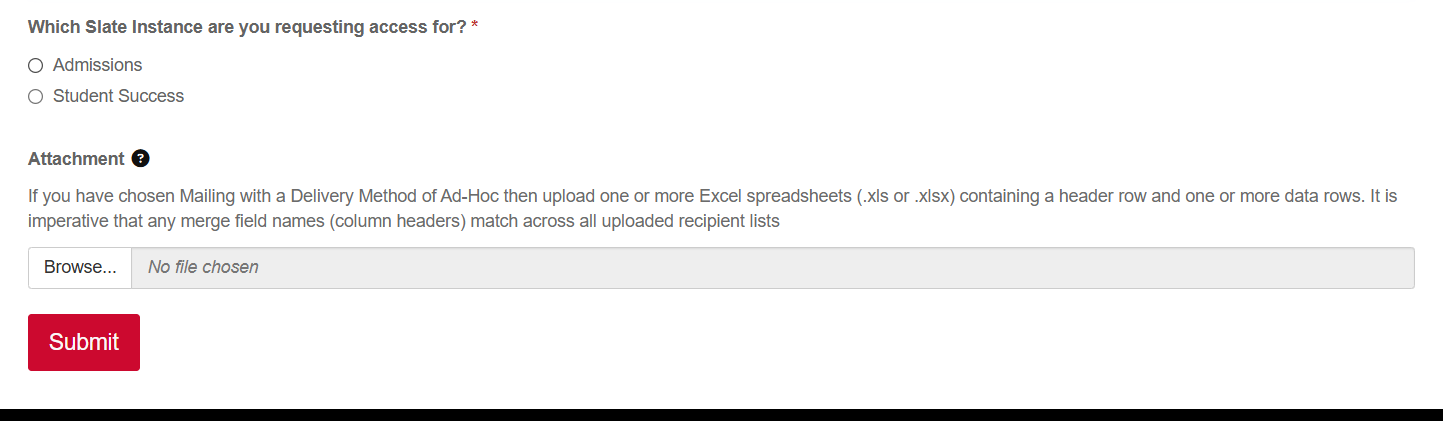
Submit a Ticket Service - Slate Help Requests
We strive to have fastest turn around time as possible but please note some requests like Mailings and Events take longer than Access and Query requests. Please allow for up to 2 weeks turnaround time for larger requests such as Mailings and Events. This gives us time to build, implement, test, and review while also being able to still manage our other tasks and requests.
How to:
- Follow above link and click 'Submit a Request'
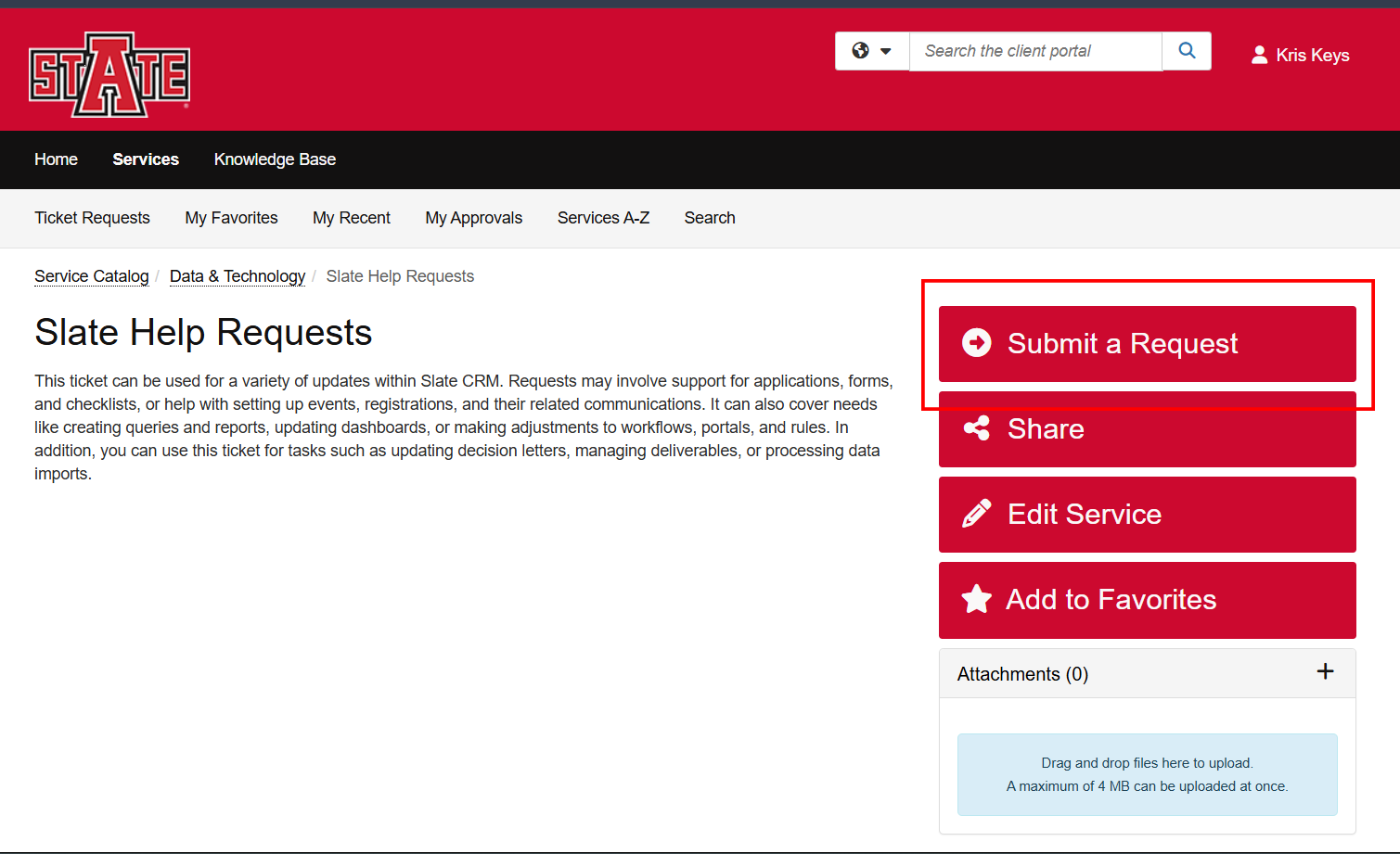
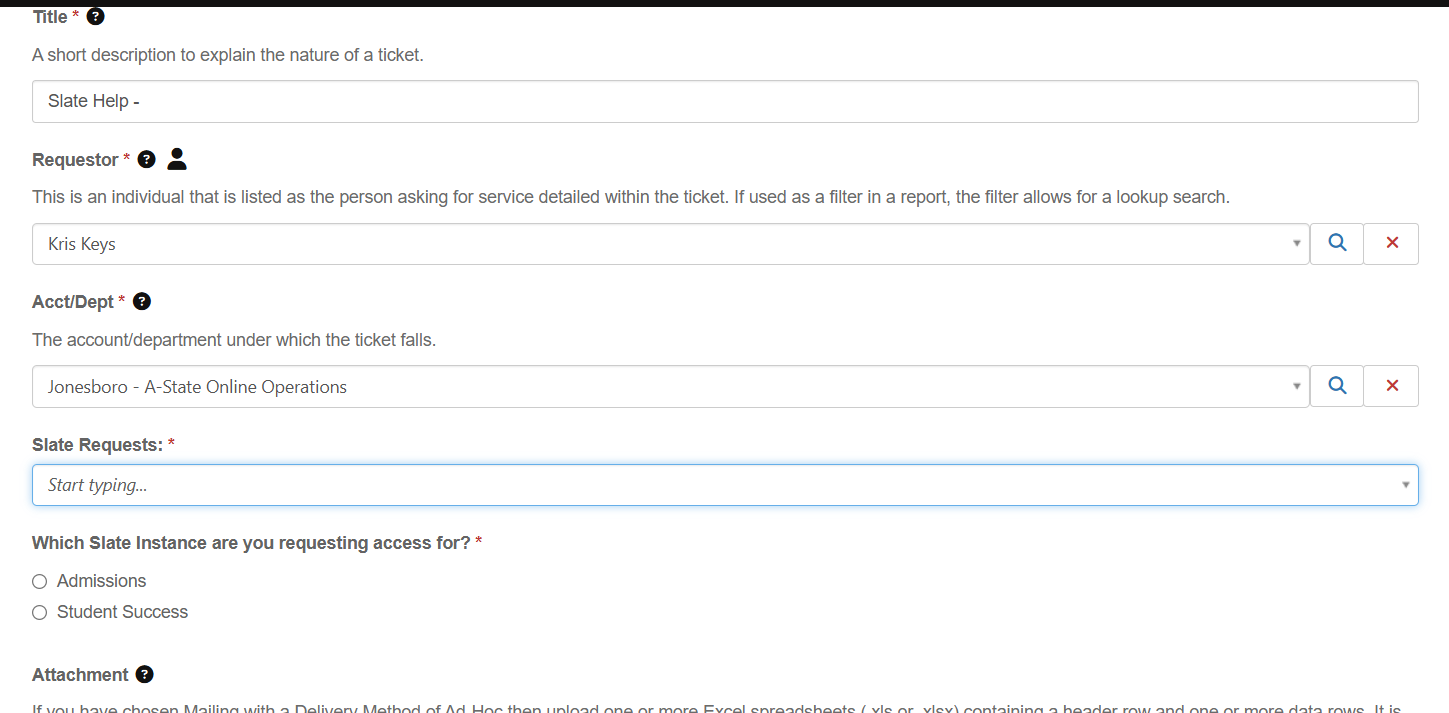
- Enter basic information regarding the request. Title - Short description of the request; Requester and Department should default to your information.
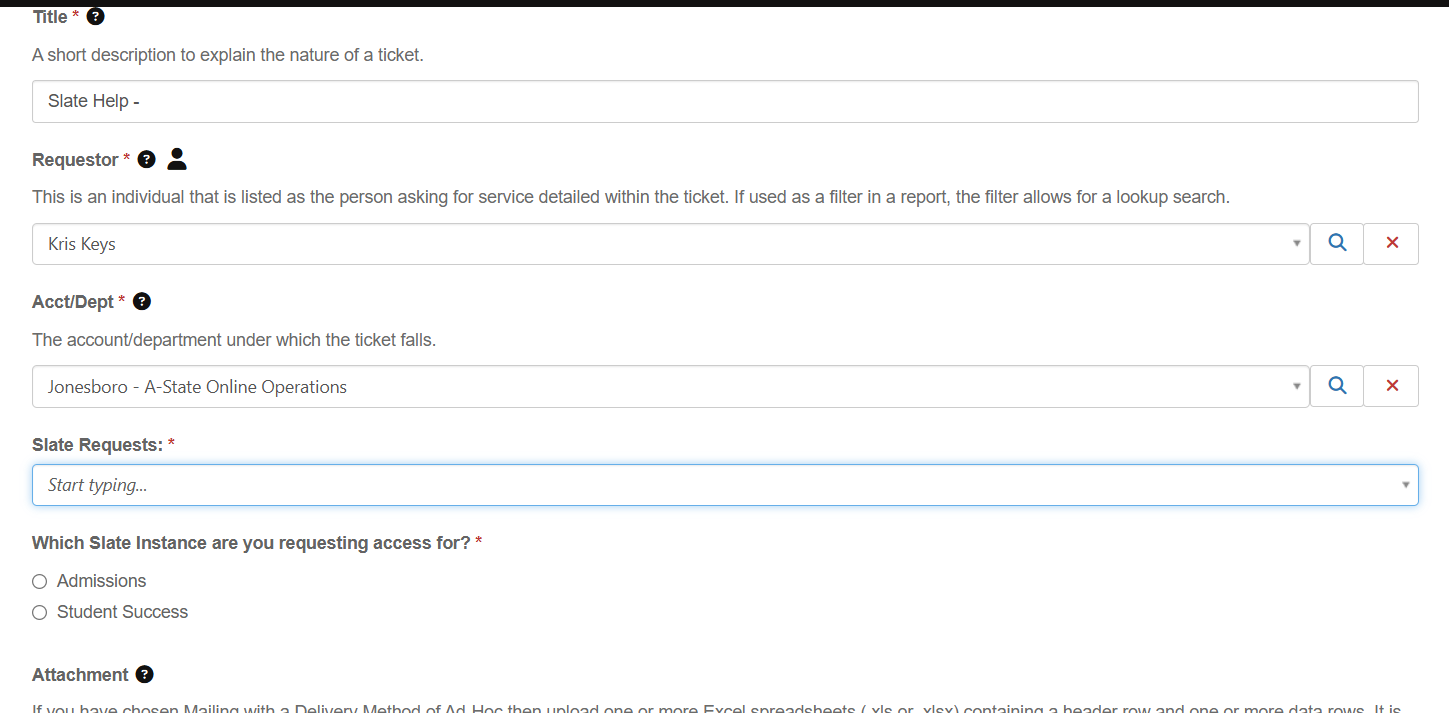
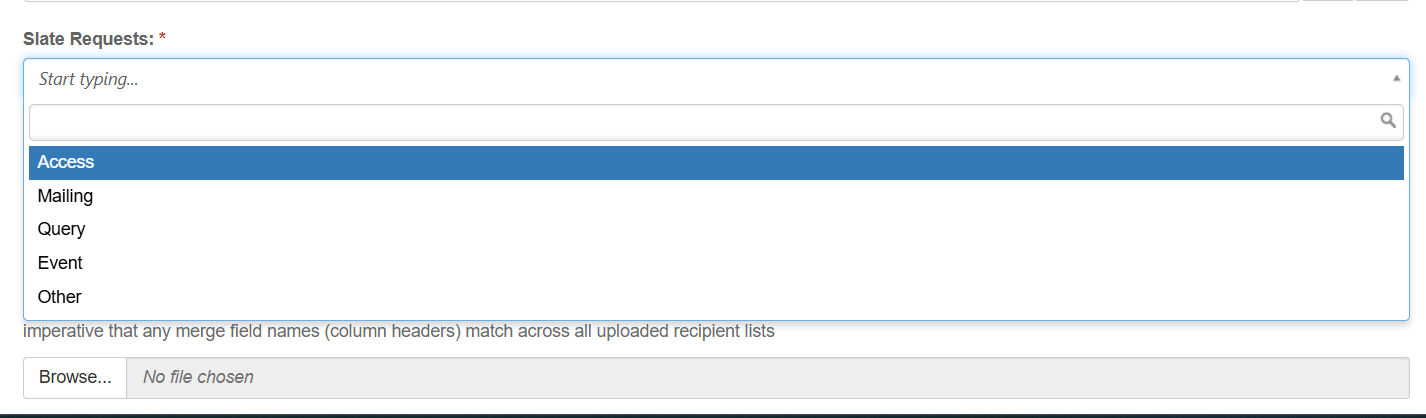
- Select a Request Type
- Access - Use for New Access Request to Slate. Requirements: New Employee Name, ID, Email, FERPA completion. List of jobs/duties or other existing account to mirror permission from.
- Mailing - Use to request a One-off or Reoccurring automated email(s). Please submit a new ticket for each unique message. Requirements: List of recipients, Message Body, Sender information, Schedule of deliver.
- Query - Use to request a Query/Report of data from Slate.
- Event - Use to request an Event or Series of Events to be created. Requirements: Date/Time, Location, Event Description, and Event Title.
- Other - Use for any request that do not fit the above criteria.
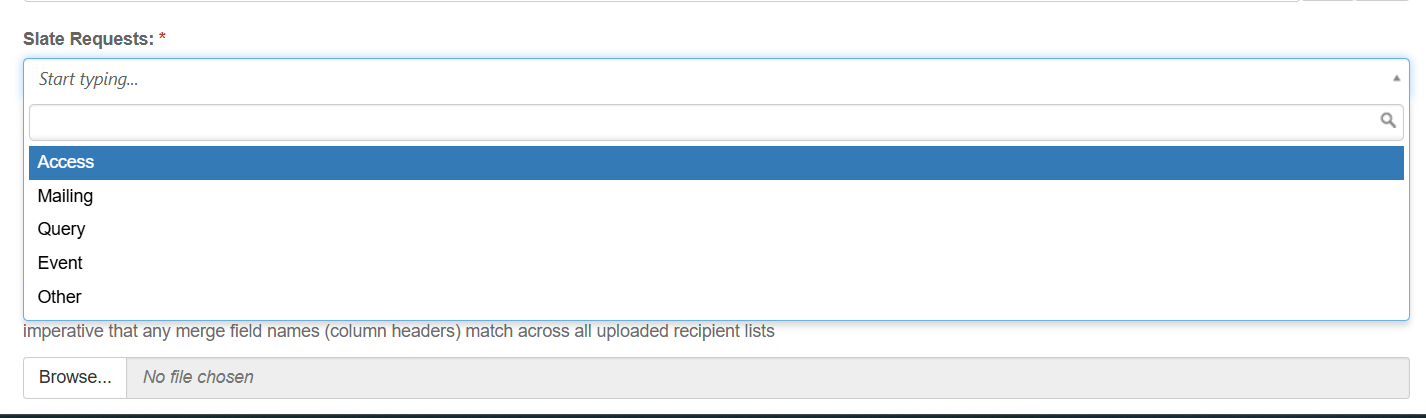
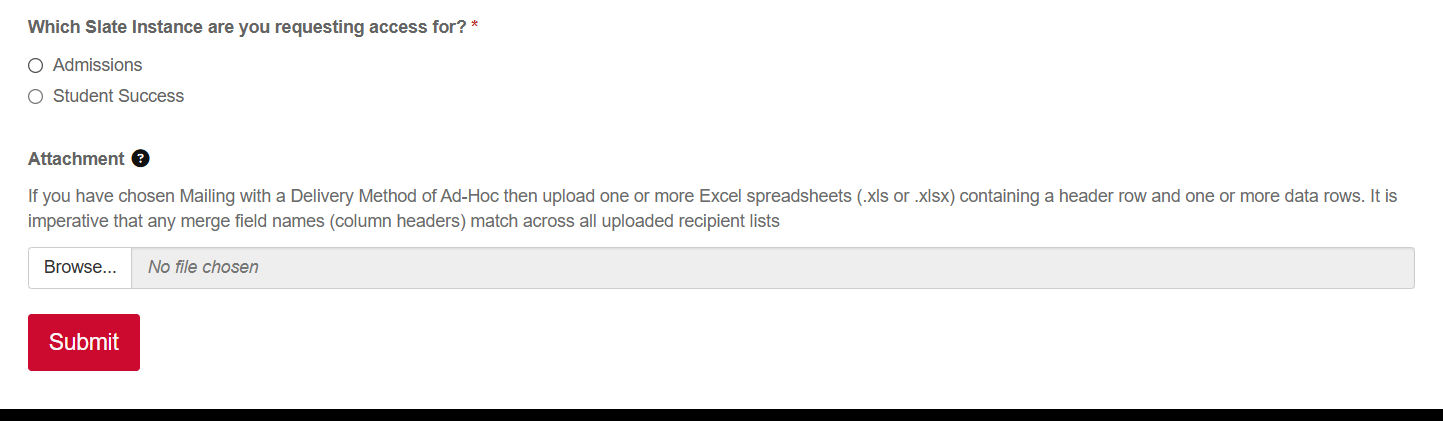
- Select which instance the request is for (Admissions or Student Success) and attach any file/documents via the uploader. Click Submit