
How do I update my picture on the Pack Portal?
The first ever photo that you take for your Astate-ID is your default photo. After that, you can choose from either manually uploading a picture on Pack Portal or coming into the Campus Card Center to take a picture in person.
1. Go to Pack.Astate.edu. Then login with your Astate Credentials.
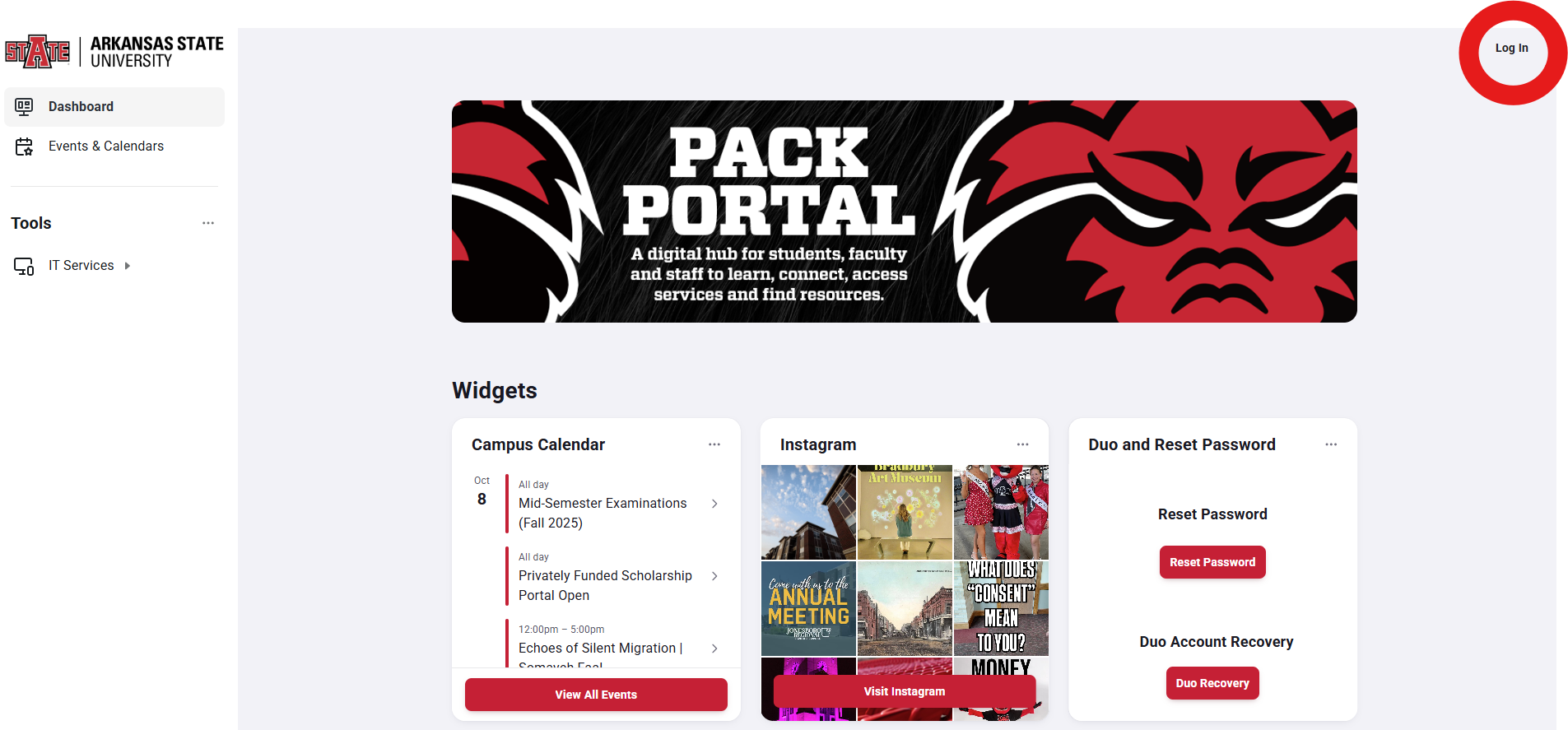
2. Once you have logged in, you can click your profile picture in the top right of the screen.
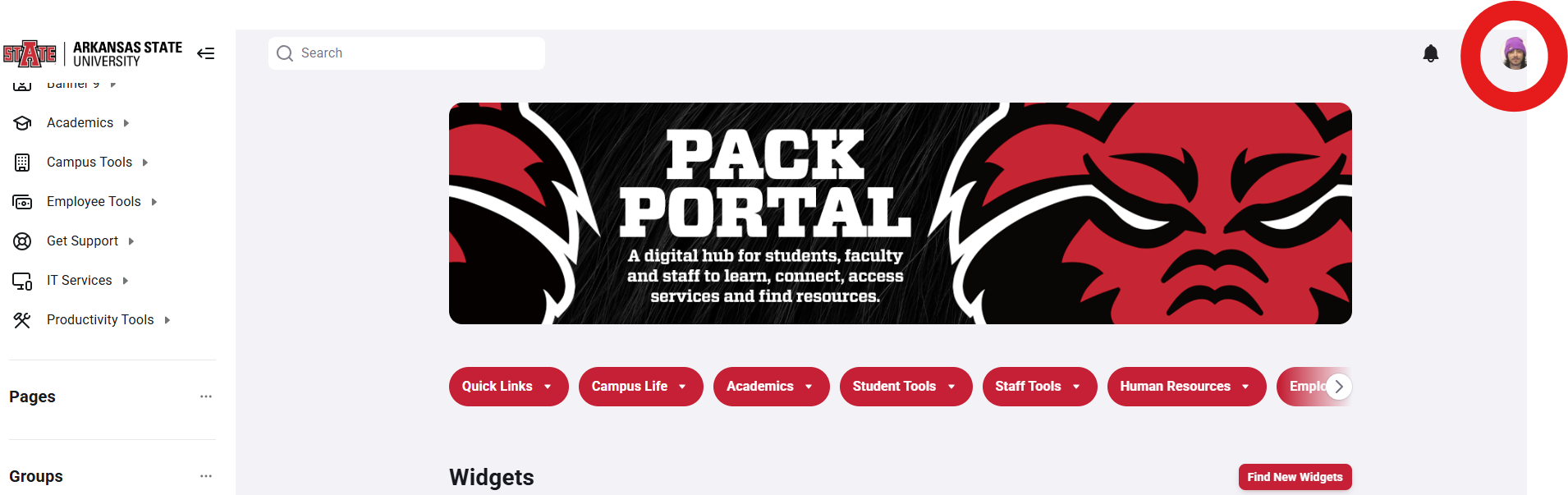
3. Then click "View Profile" in the bar that drops down.
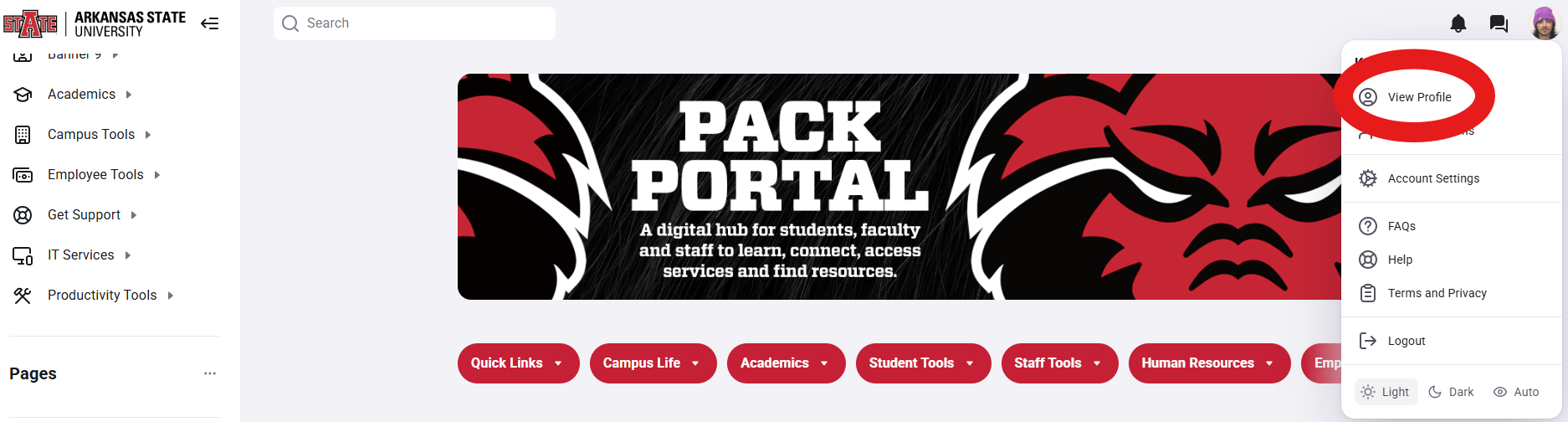
4. Then click on "Edit Profile"
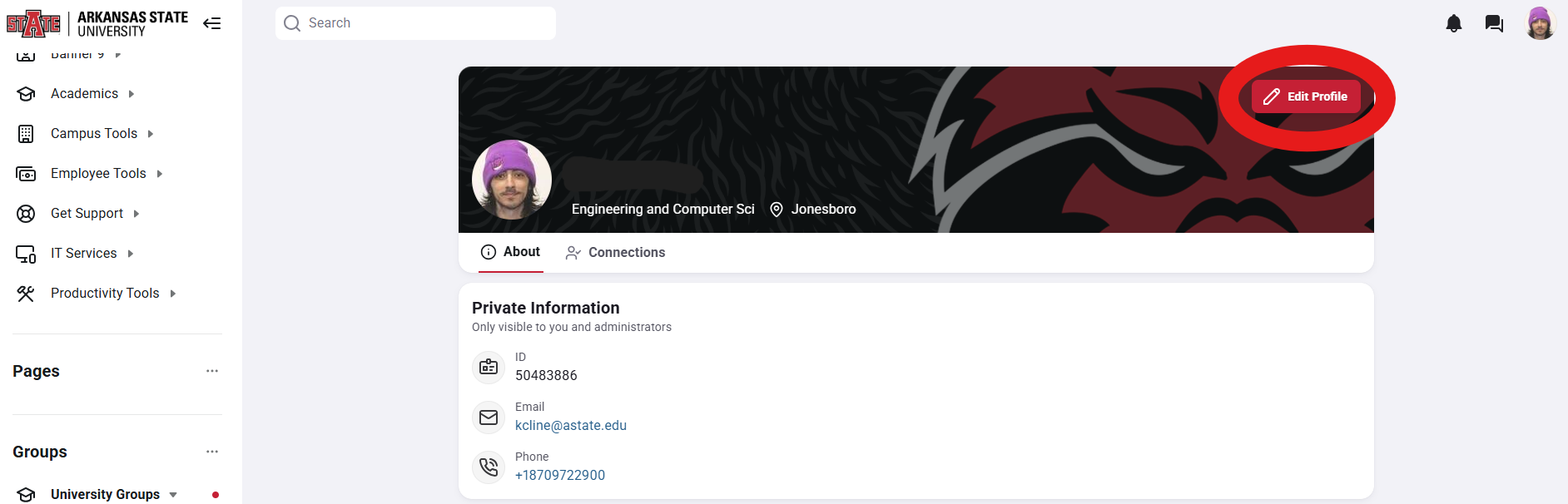
5. Once there, click on "Update Image".
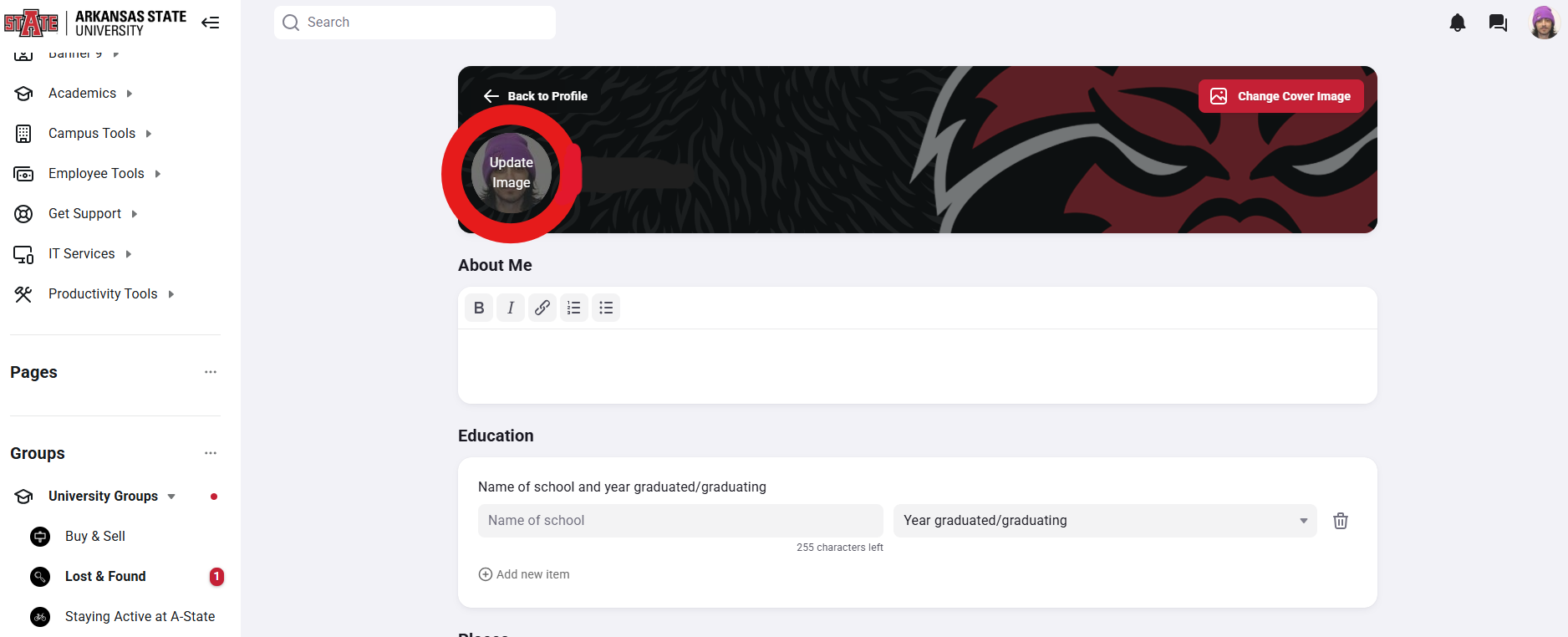
6. You can now select any photo that you have on your device to upload. Once you have selected the photo you want to choose, click "Save Changes" at the bottom.

7. You have now successfully changed your profile picture on Pack.Astate.edu!