
Adding a Course from Inventory and Adding a Section
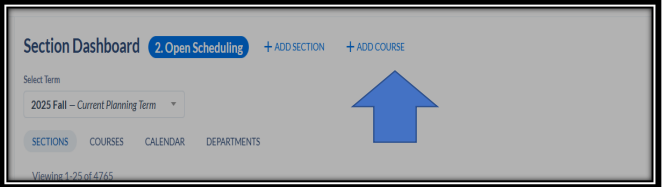
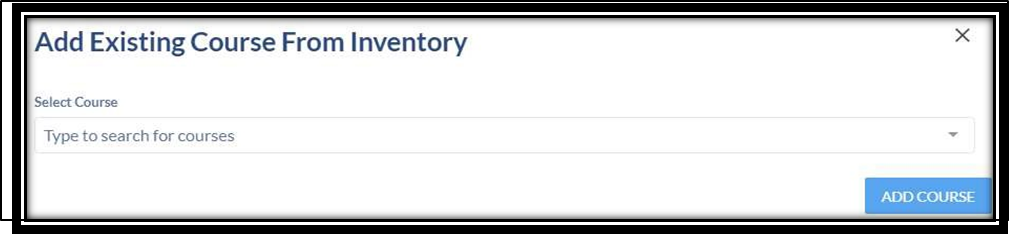
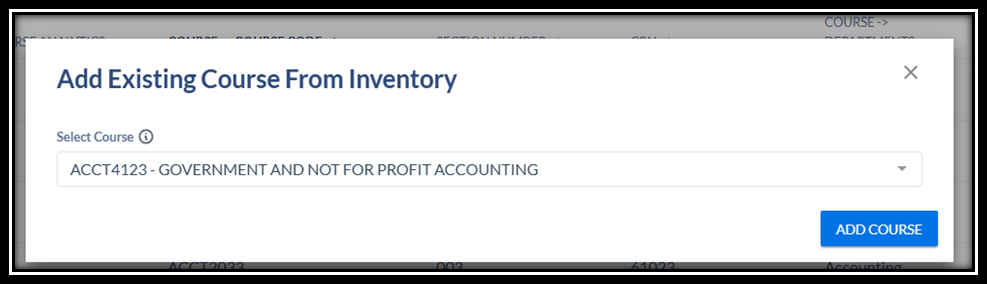
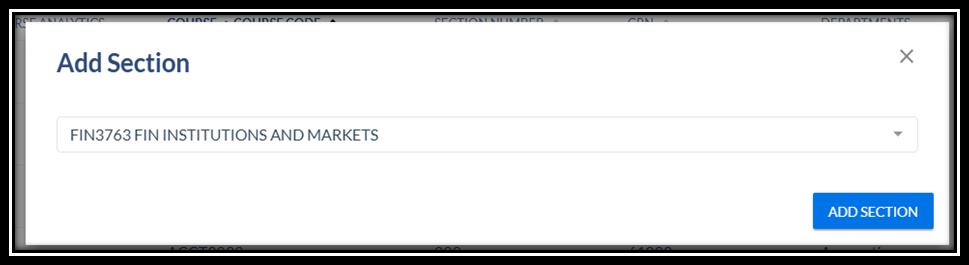
A new window populates and Search for course by typing the subject in the Select Course field
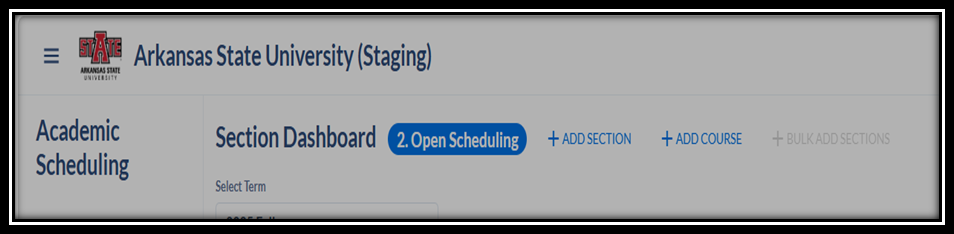
Adding a Section
Adding an additional section to what has already been rolled. Click on the department of

- Section Number field automatically populates
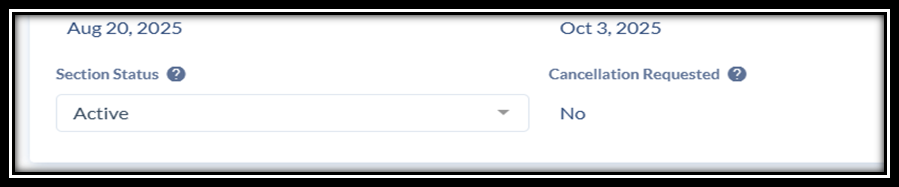
- CRN: has not been This will be set once CourseDog syncs with Banner. Section Status: Should be Active
- Course Title: CourseDog populates the default course title. If you need to update the title for a special topics or Variable hour course. Please do let Academic Affairs
- Course Default Grade Mode: CourseDog populates the default grade mode on the class
- Instruction Mode: leave as Default
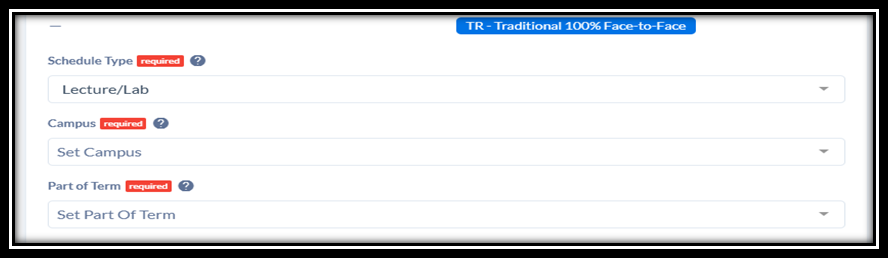
- Schedule Type: Choose the schedule type (Like Lec/Lab)
- Campus: Set the campus Code (Like Jonesboro, WEB, WEB Online course)
- Part of Term: Choose the Part of term (1, 2, 3..)
- Section Status: Active