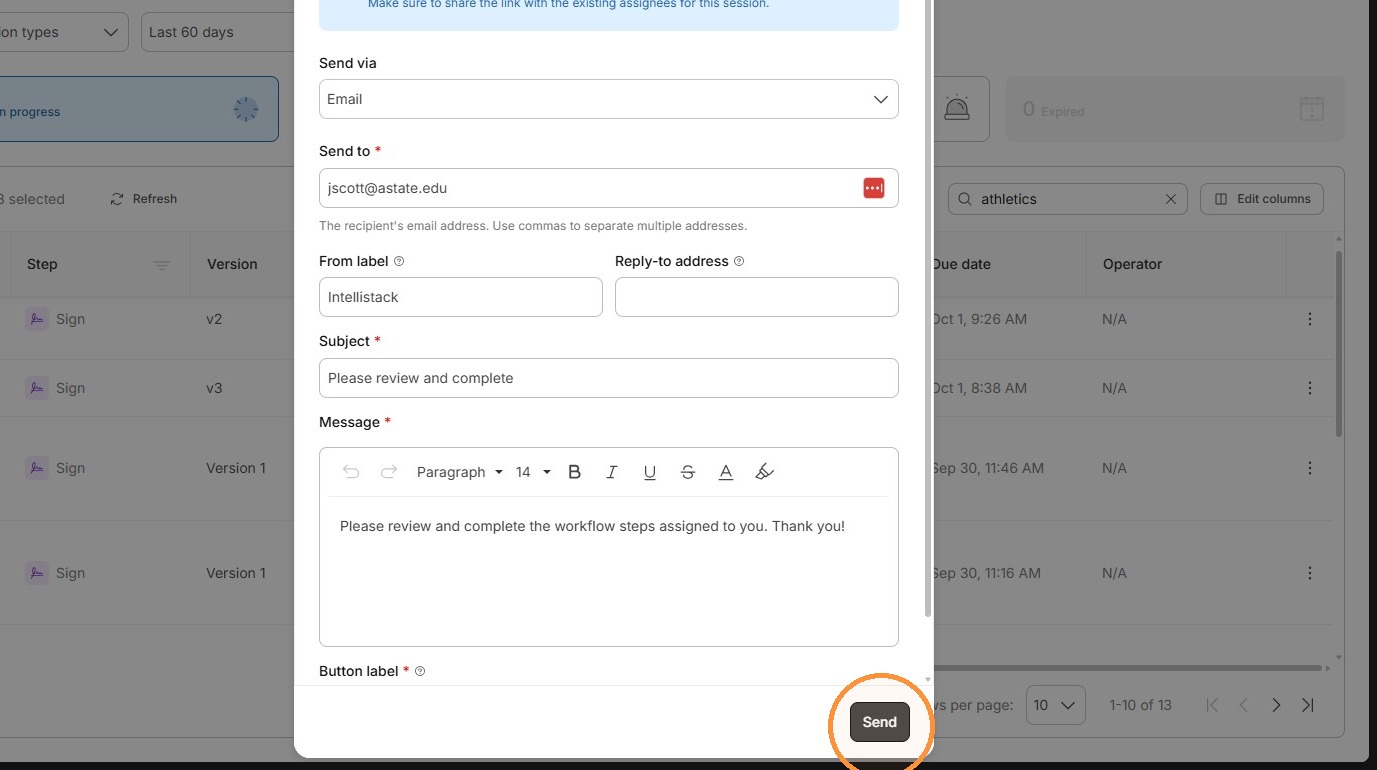
Sending an Email Reminder to Complete an Assignment
Learn how to locate specific session data and trigger an email notification for a user. This guide provides a quick workflow to identify your target project and successfully resend the relevant session details.
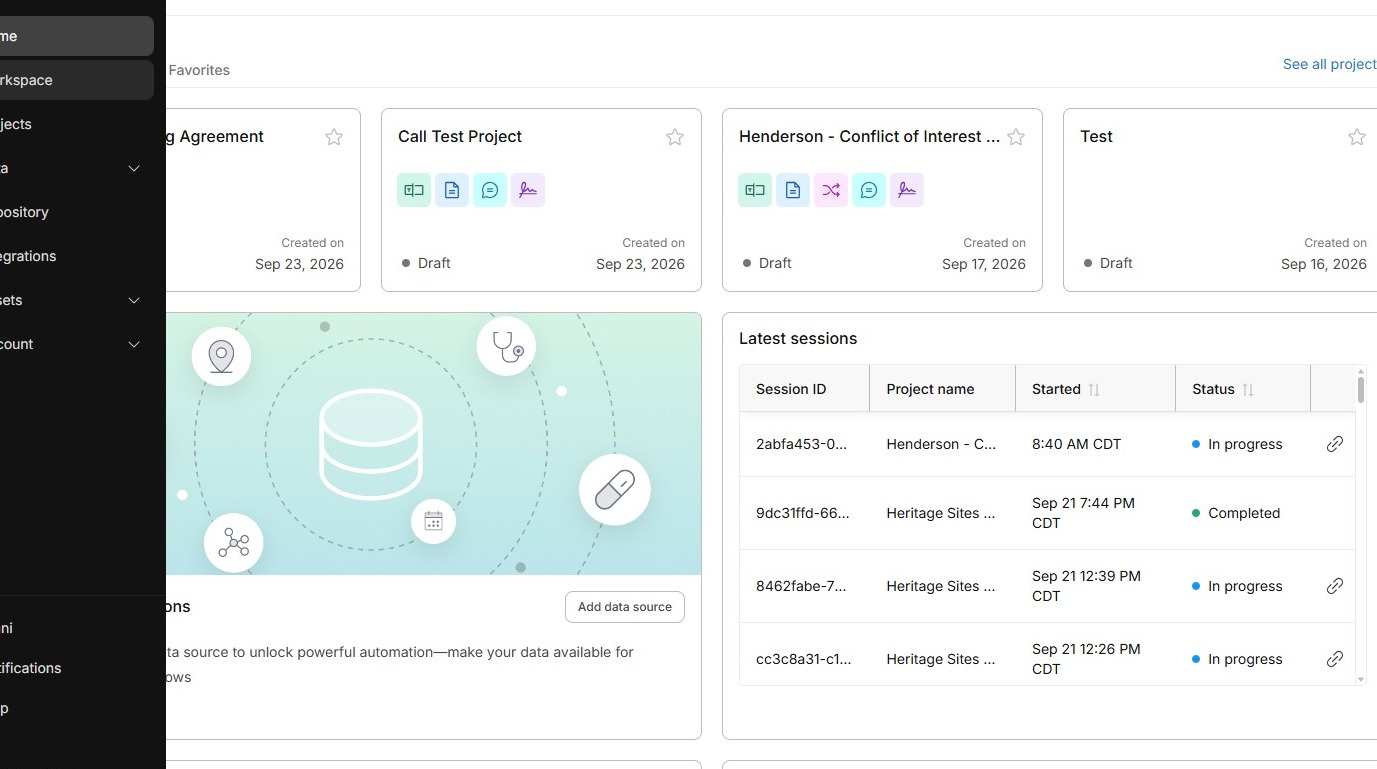
Open Workspace
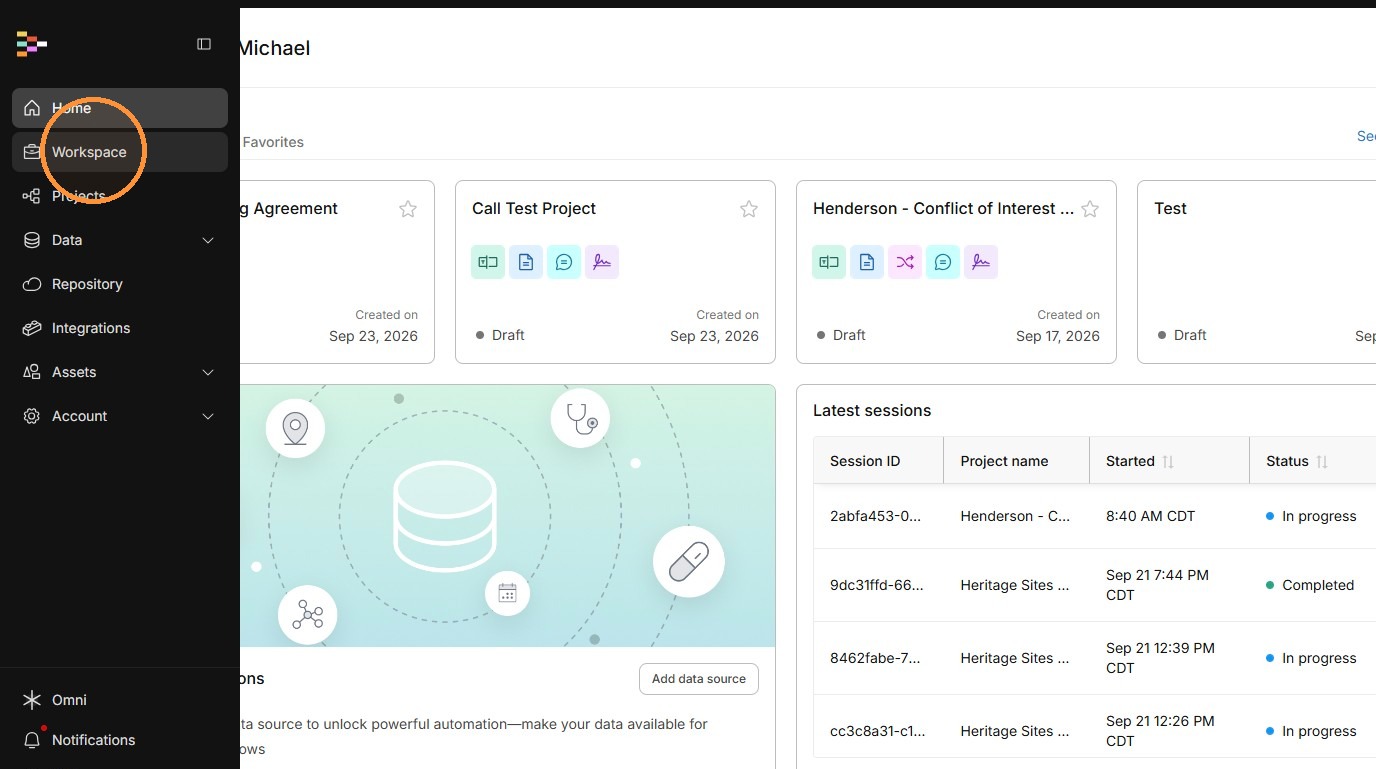
2. Click "Workspace"
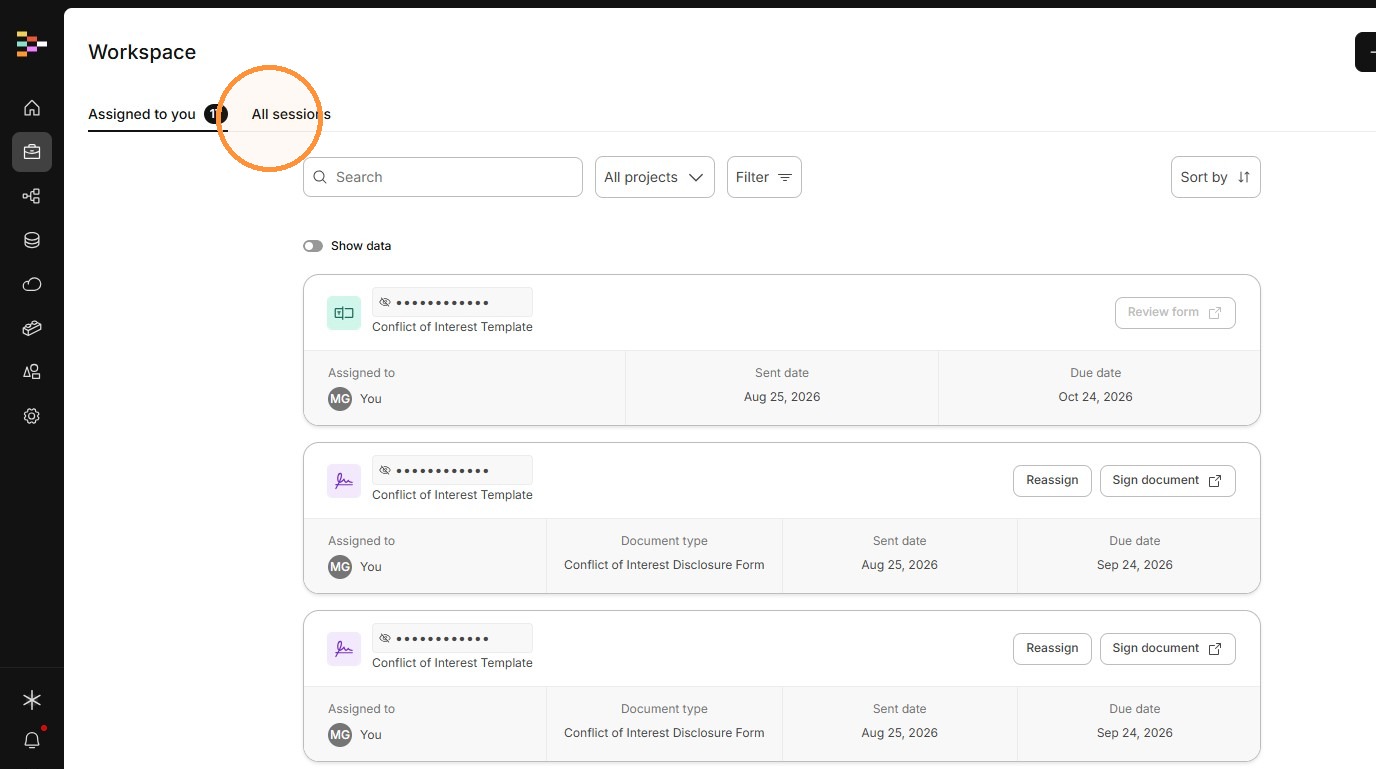
3. Click "All sessions"
Find the Session
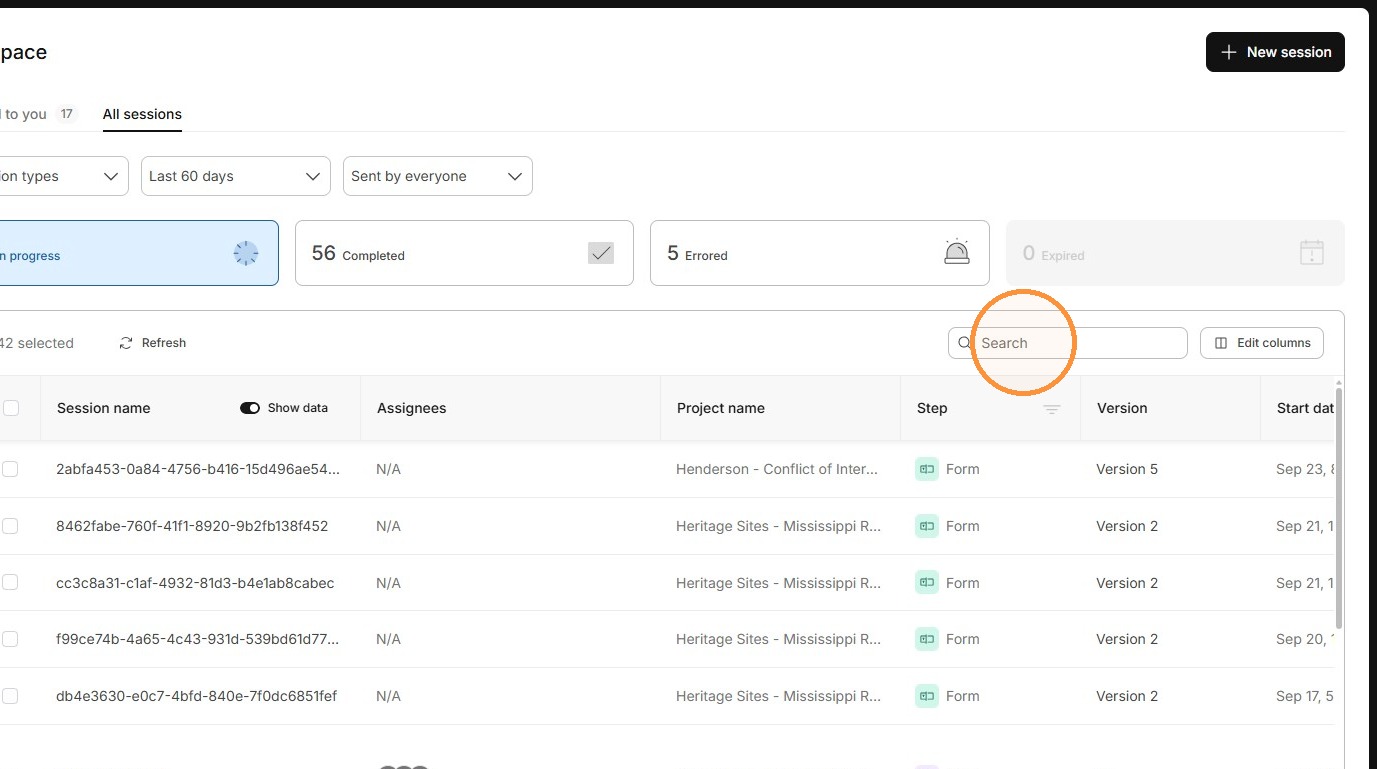
4. Search for "Athletics" (Or whatever the title of the workflow is)
Select "Show Data" to show the session name.
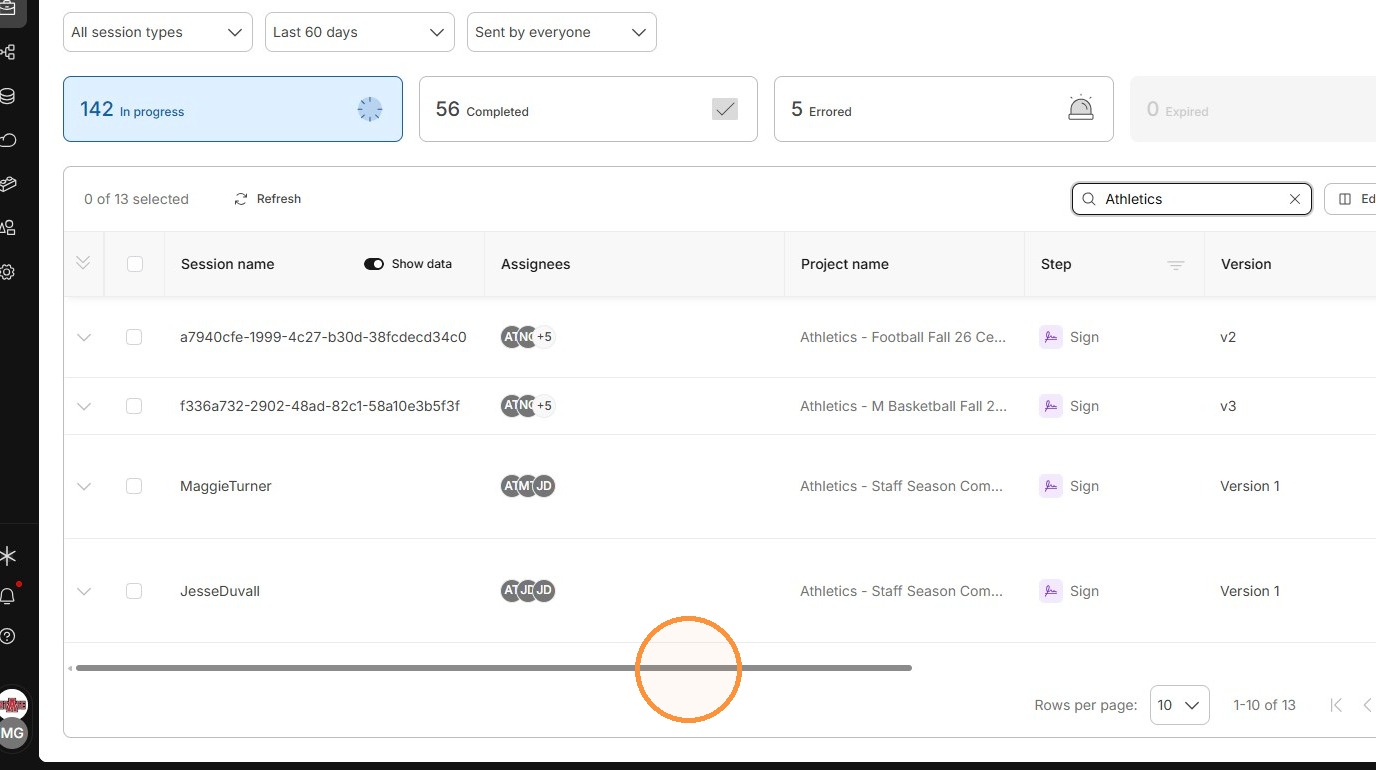
5. Scroll the results table horizontally to reveal the row actions.
You can also hold your middle mouse button down and slide your mouse to the right/left.
Resend the Request
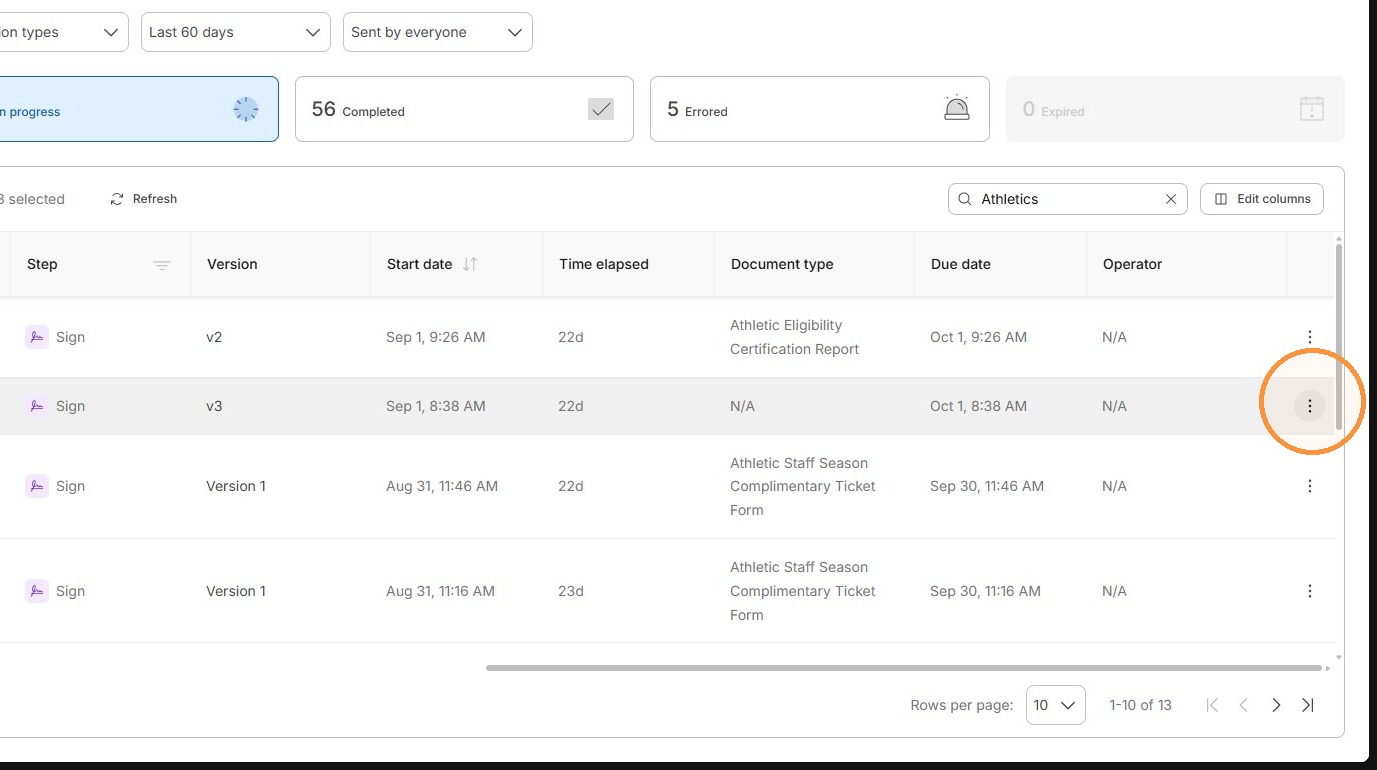
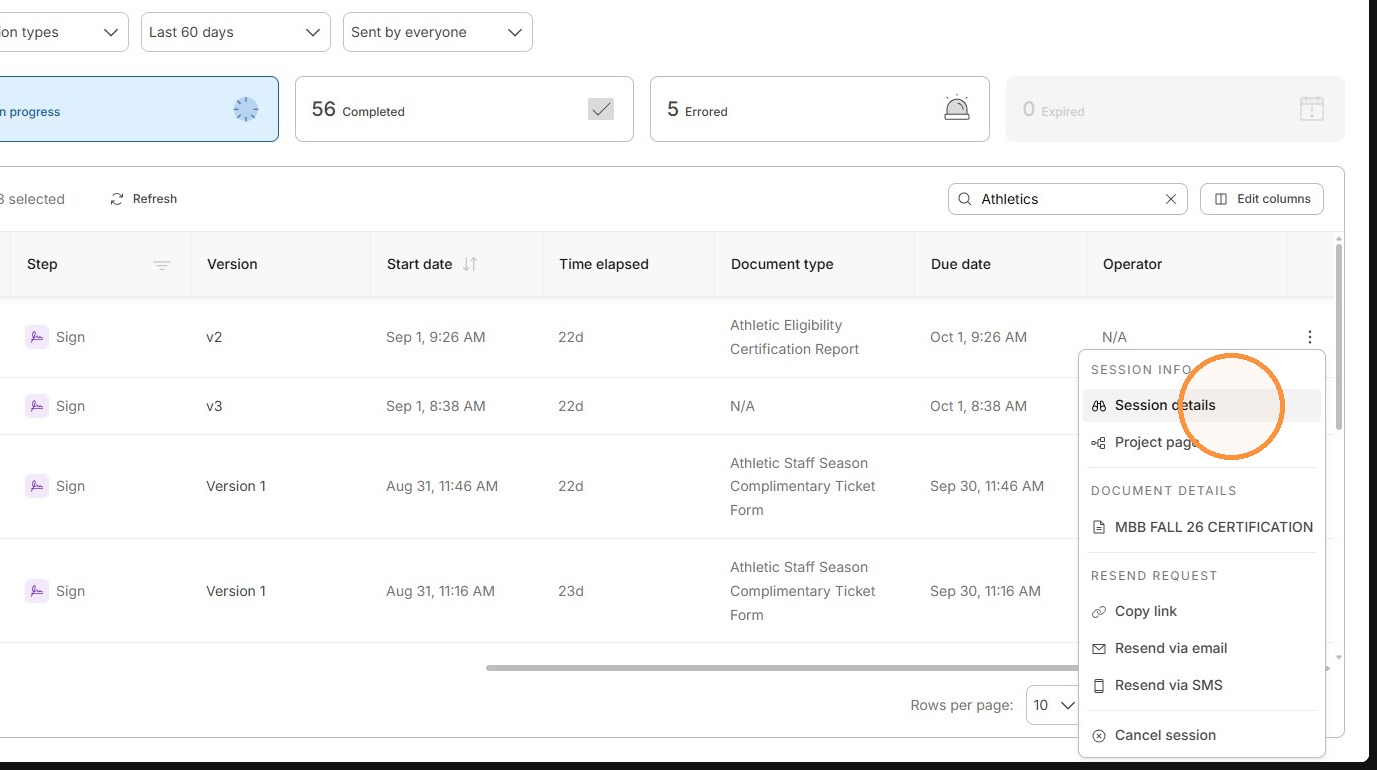
6. Click the row actions menu (3 dots) for the matching session.
7. Click "Resend via email"
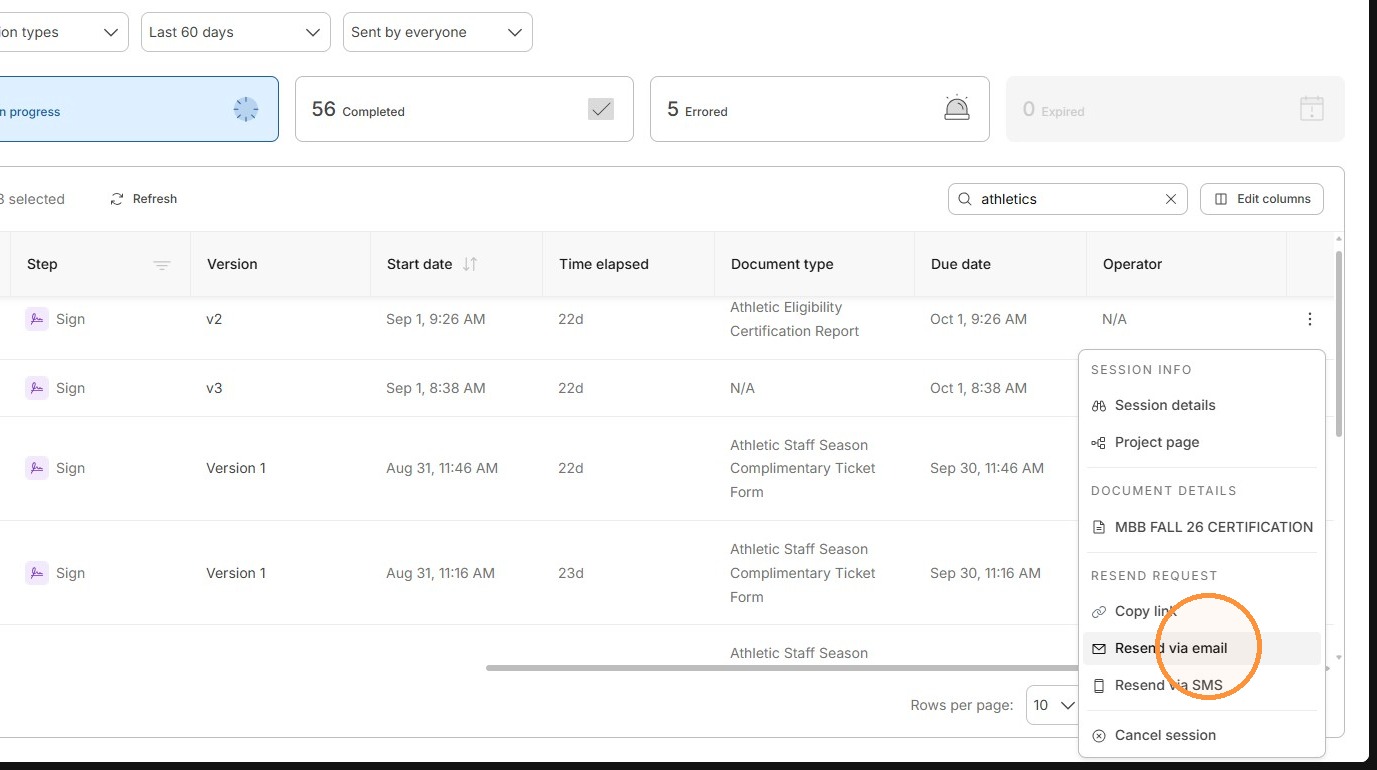
8. If you want to view the session workflow, click "Session details".
9. Click "Send"
You may edit this area, but by default, it will use the applicable email address. If you want to reassign it to someone else, be sure to put their email address in the box.