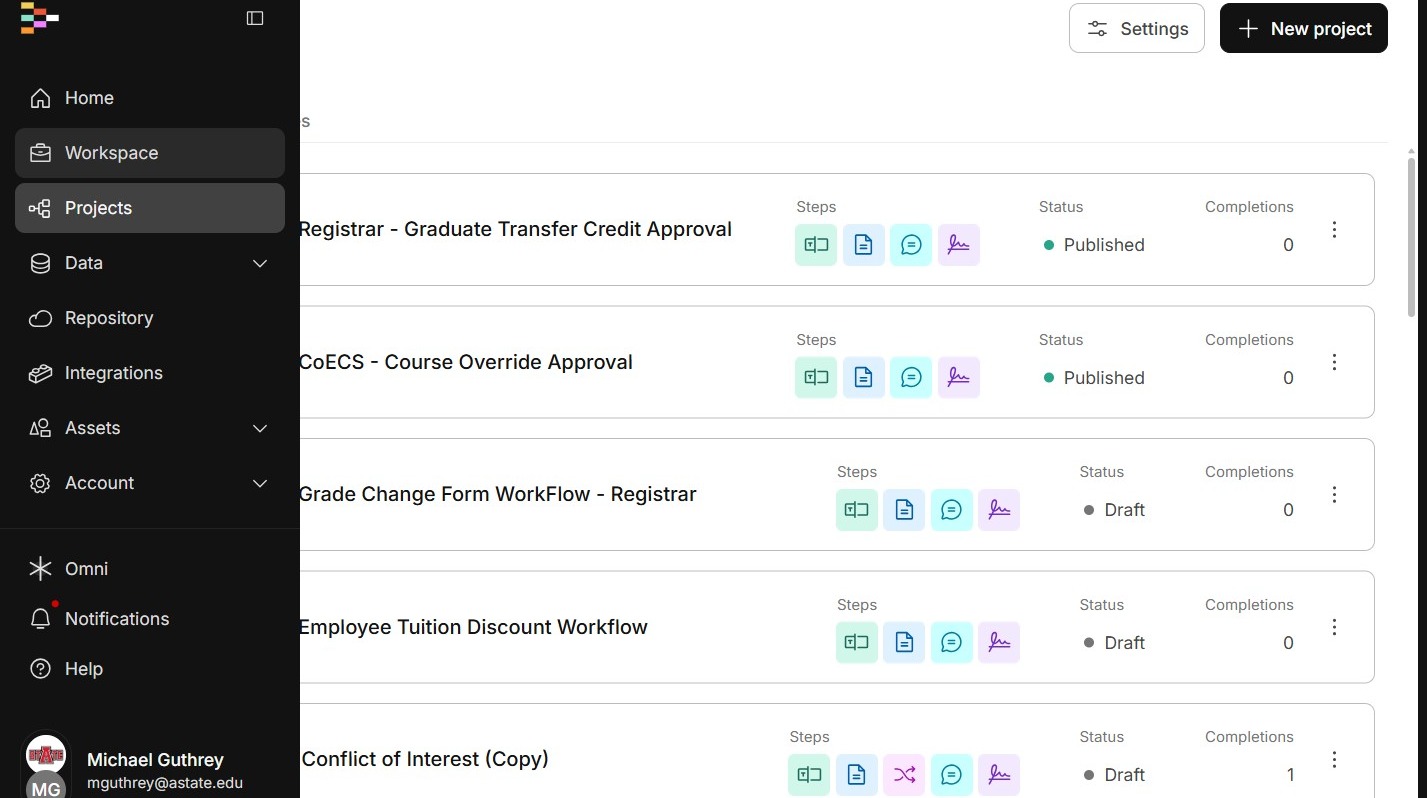
Viewing Completed Workflow Documents
Updates to this process are expected.
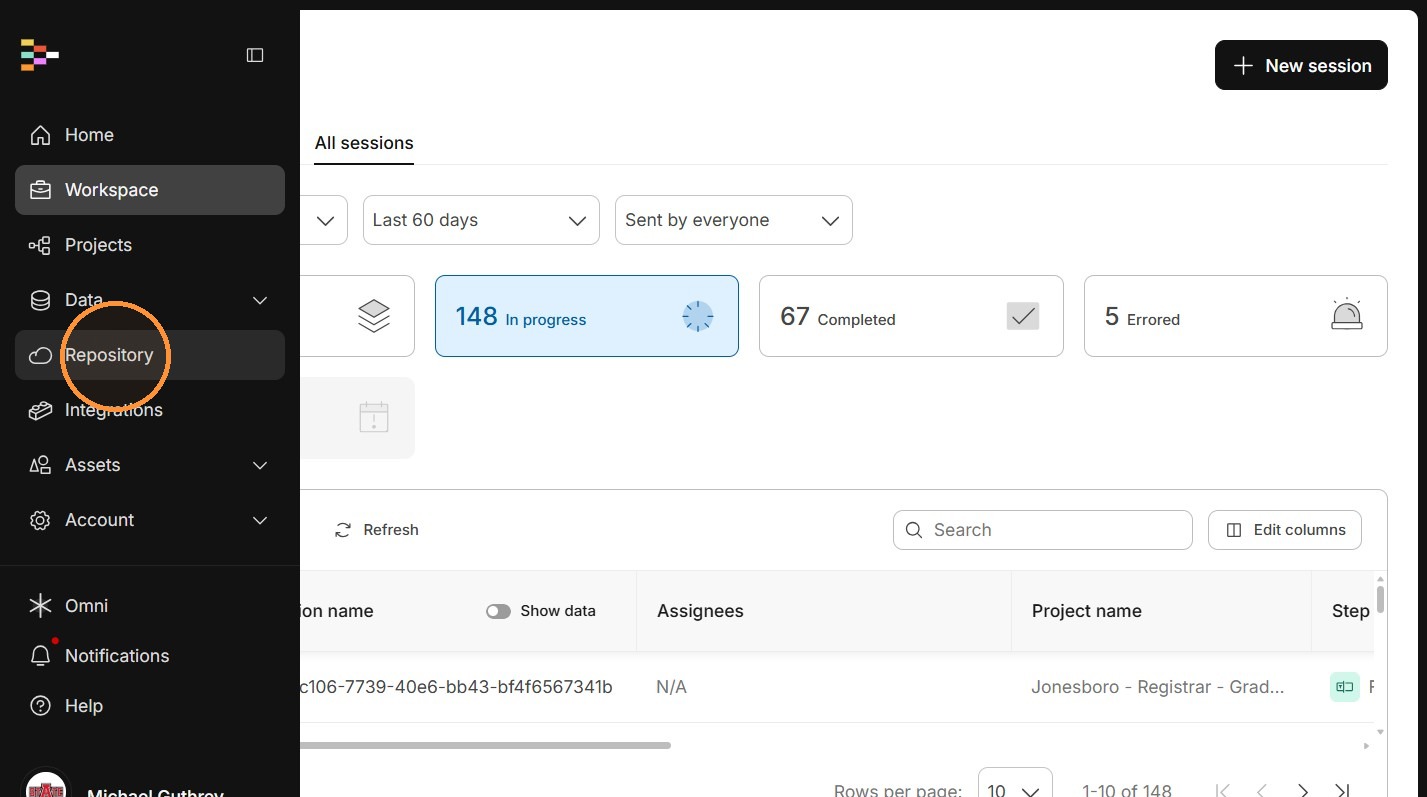
2. Click "Repository"
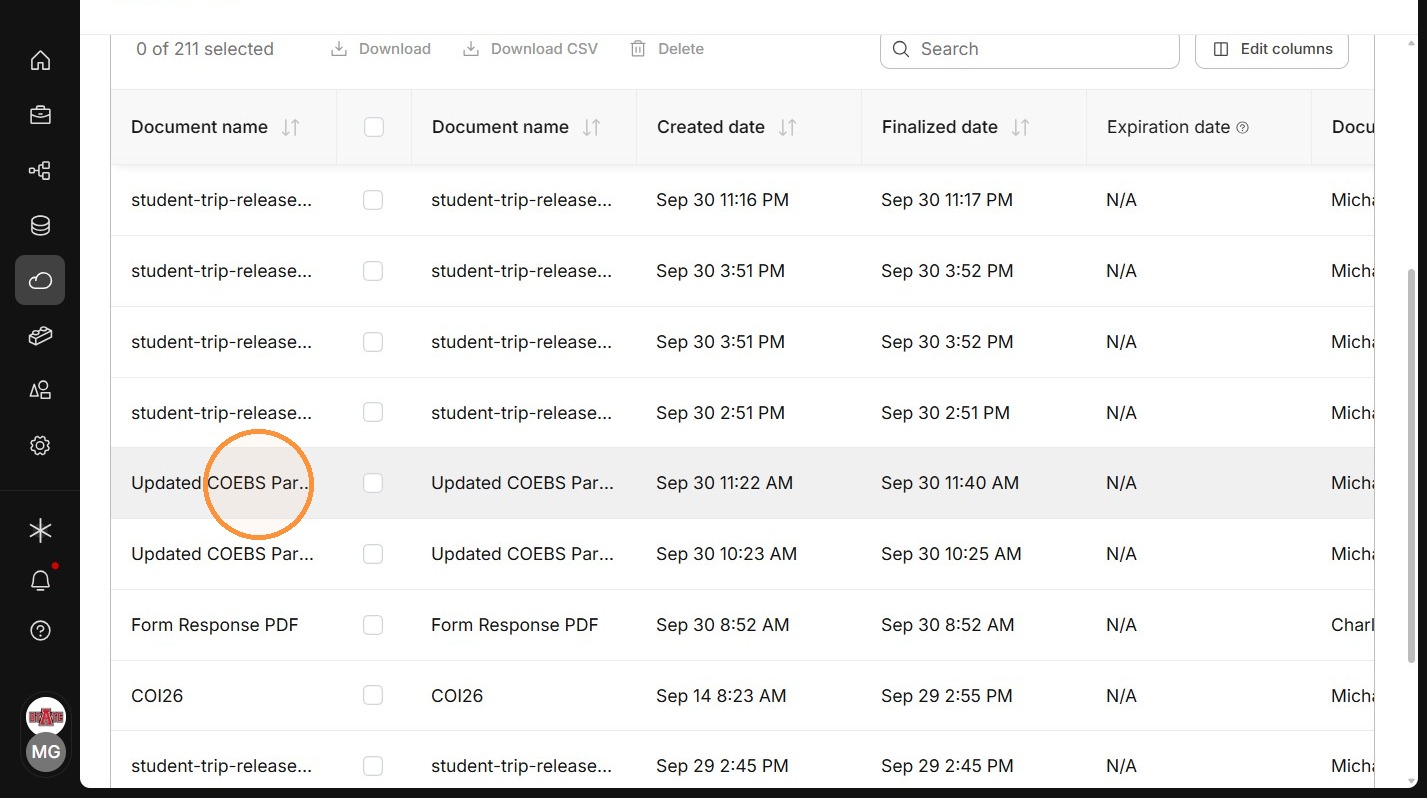
3. Find the document you are looking for. You may have to scroll to the right. There is a search bar to help filter as well. It can be hard to find one specifically if there have been a lot of submissions, so you may have to open it and check.
As of 10/1, we sent this to product support to clean up the UI and make it a little easier.
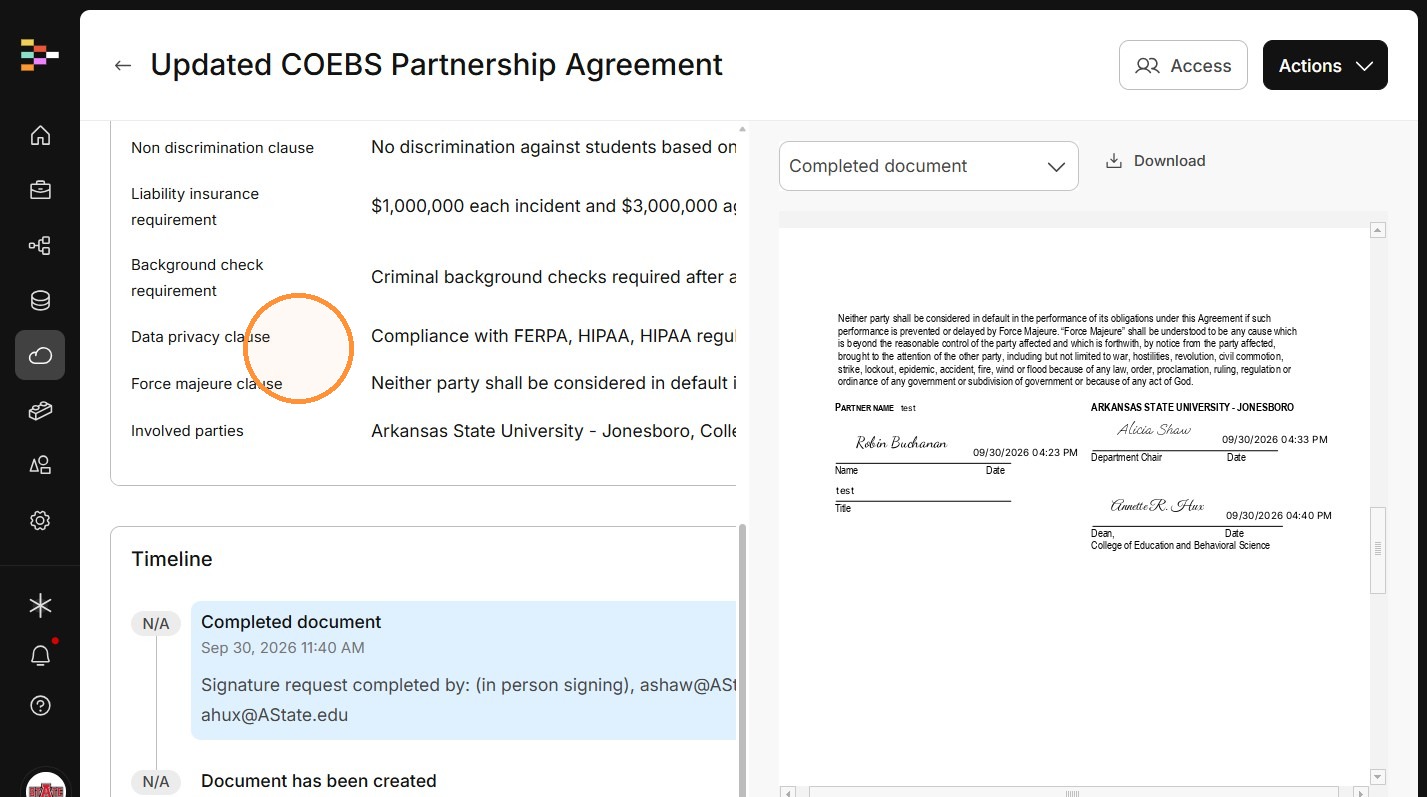
4. When you find the correct document, you can view the details, the timeline, and the completed document. Click the "Download Document" button.