Adding Mobile ID to Apple Smart Watch
Once you have created your mobile credentials, you can add your Mobile ID to your Apple Smart Watch. This will allow you to use your watch for things like accessing your dorm or paying with your meal plan. ***DISCLAIMER: This will not work on Pixel or Fitbit Watches
First, you will need to make sure that your Apple Watch is paired to your iPhone and that you are connected to your Apple Wallet. Once this is verified, follow the steps below to add your Mobile ID to your Apple Watch.
1. Open the Transact e-Account app on your iPhone
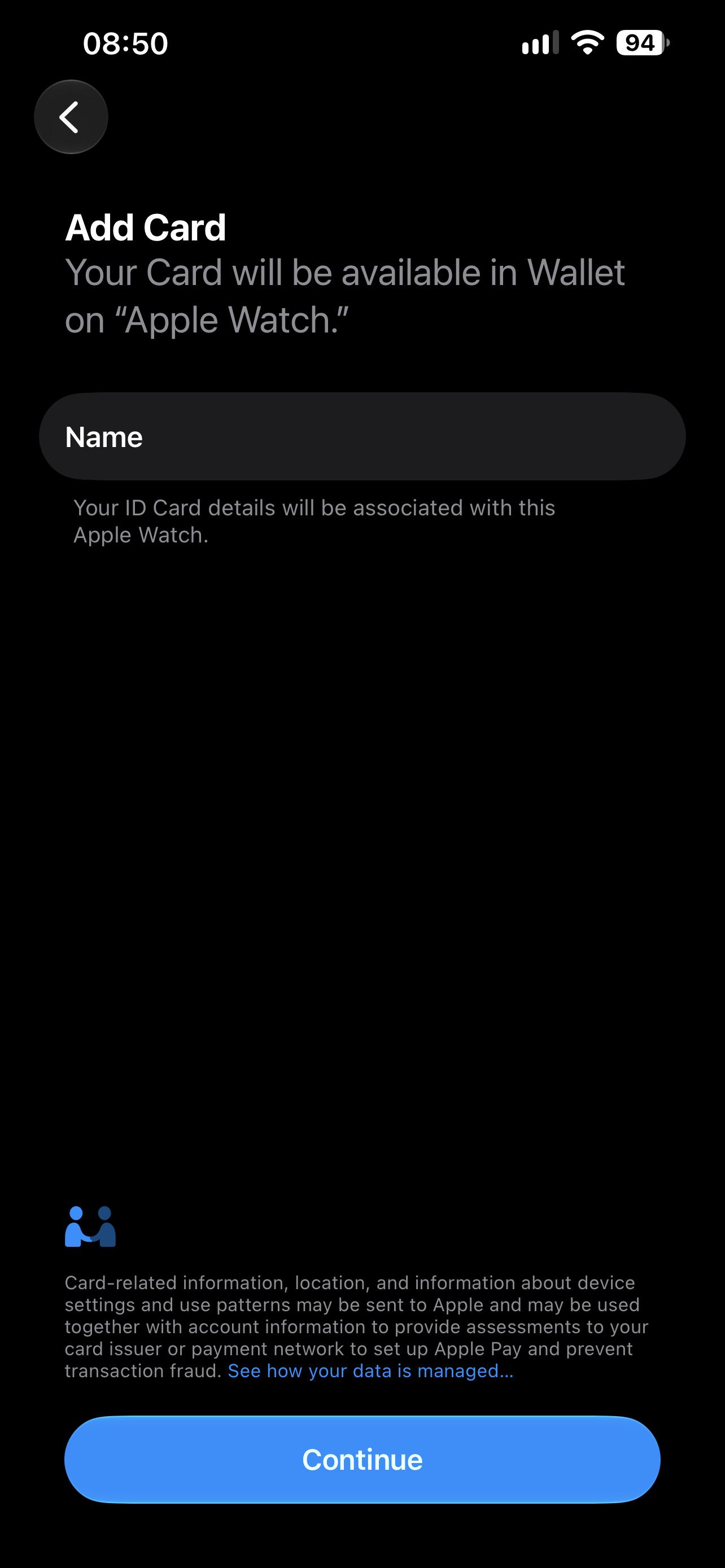
2. Since your Apple Watch is already paired to your iPhone, you should see your Apple Watch as a device add to wallet. Click "Add to Apple Wallet"
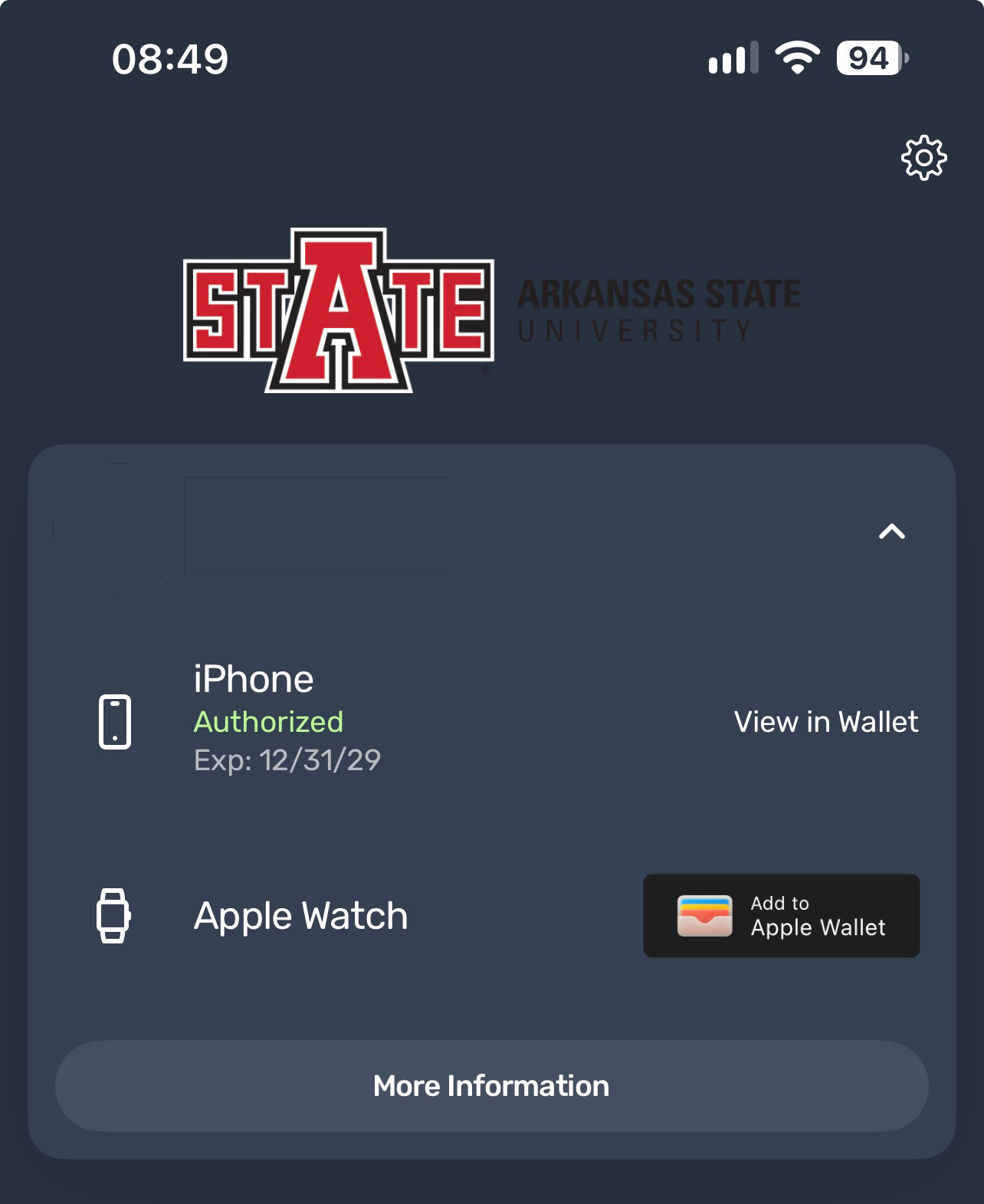
3. There will be a statement at the bottom of the screen that informs you that your Mobile ID should only be on your own device and that it should not be shared with others. Click "I understand"
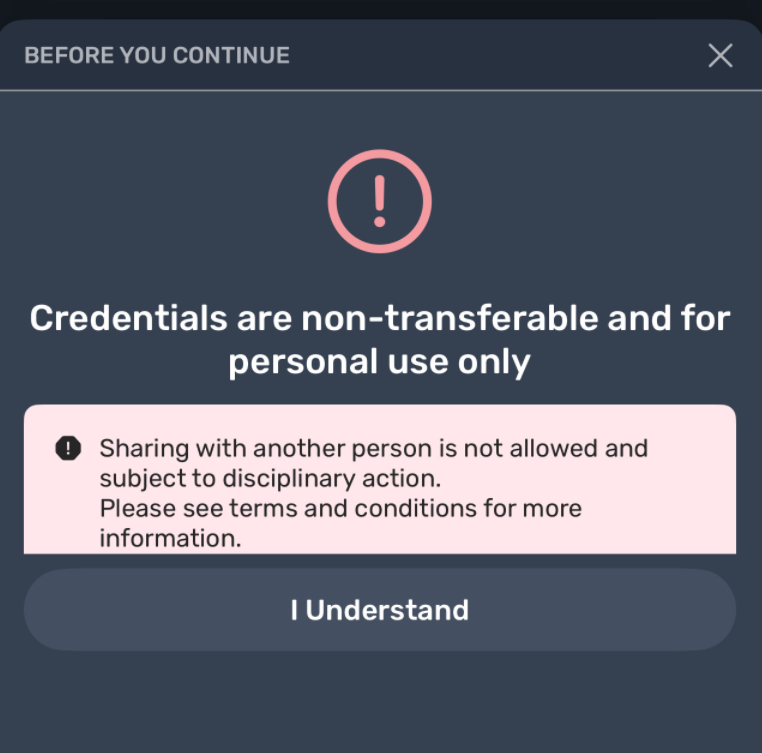
4. A screen will pop up where you select the device you want to add the Mobile ID to. Click the "Apple Watch" option.
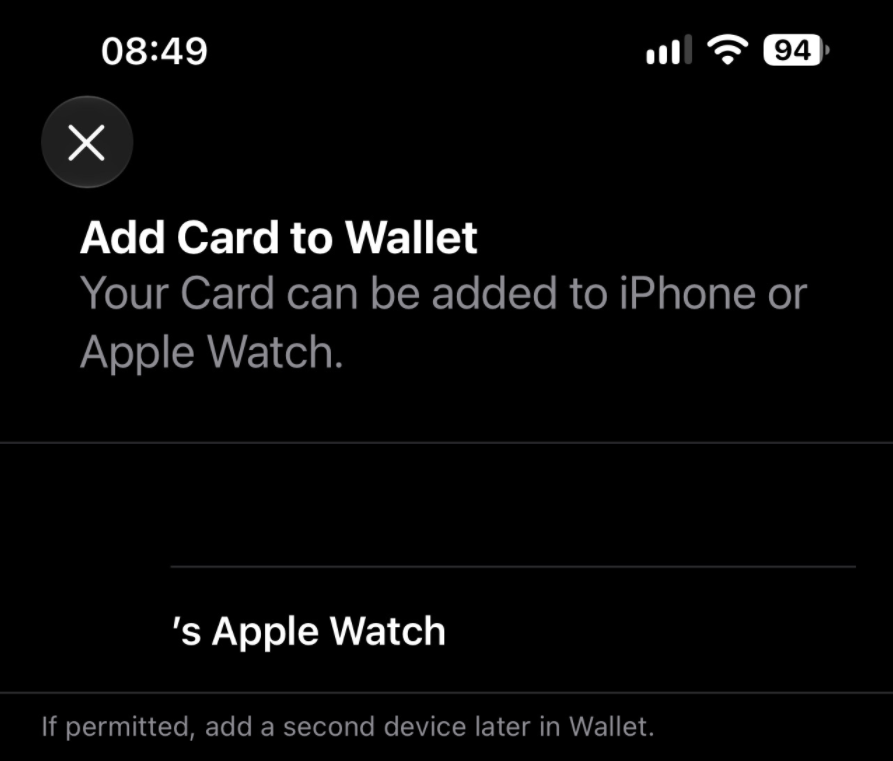
5. Another screen will pop up that'll say "Add Card" at the top. Click the "Continue" button at the bottom of the screen, and it'll add the Mobile ID to your Apple Smart Watch.