Mark Card as Found on your PC
- Open pack.astate.edu
- Login with your credentials
- Verify your Microsoft Authenticator
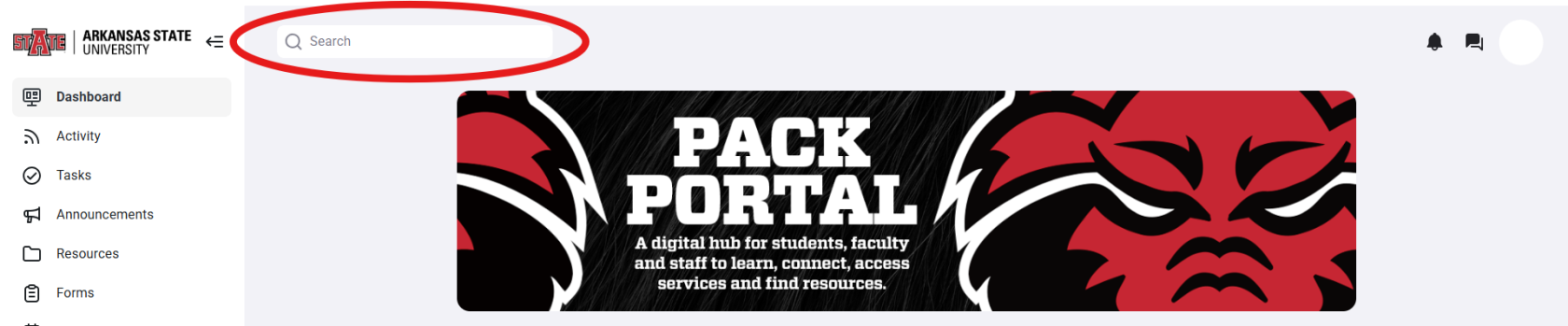
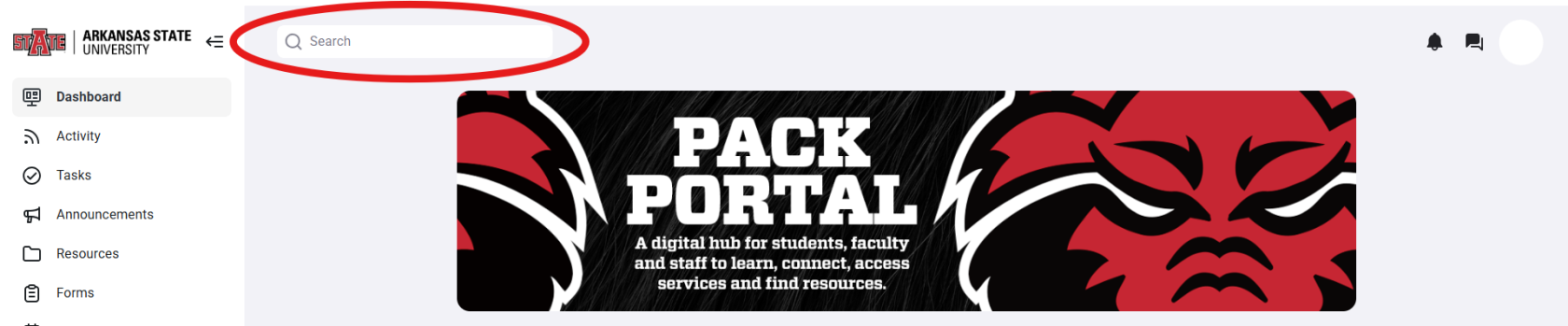
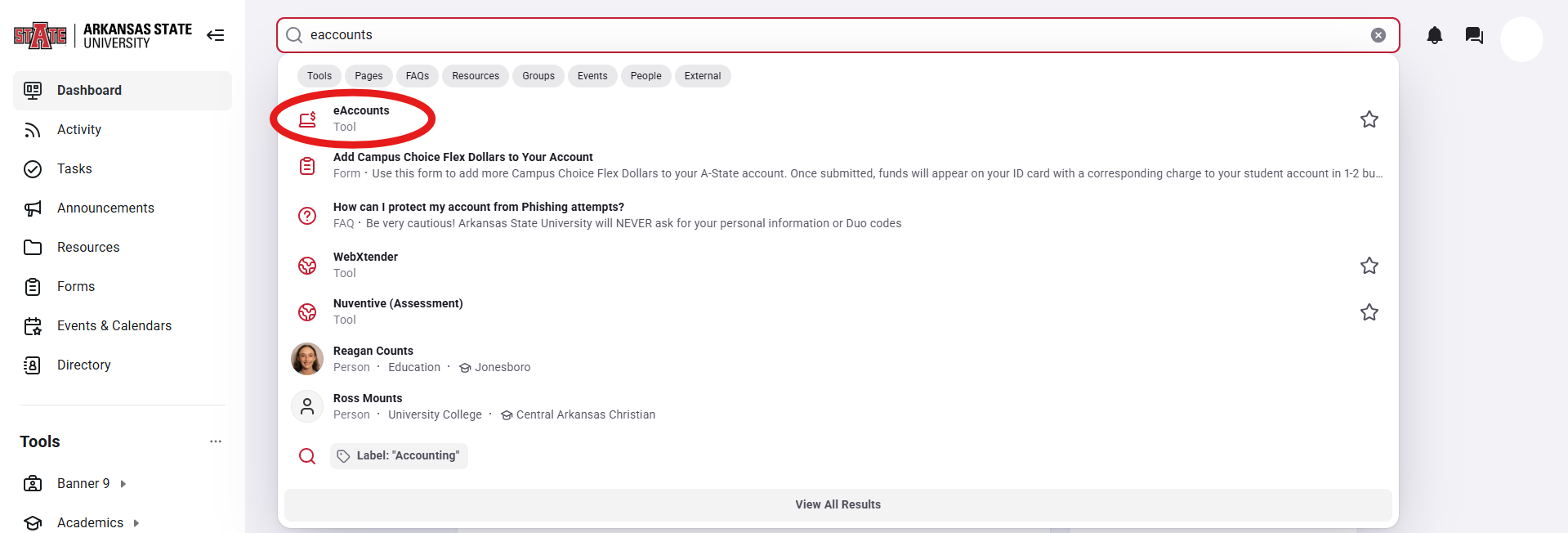
- On the pack.astate.edu landing page, click on the search bar at the top
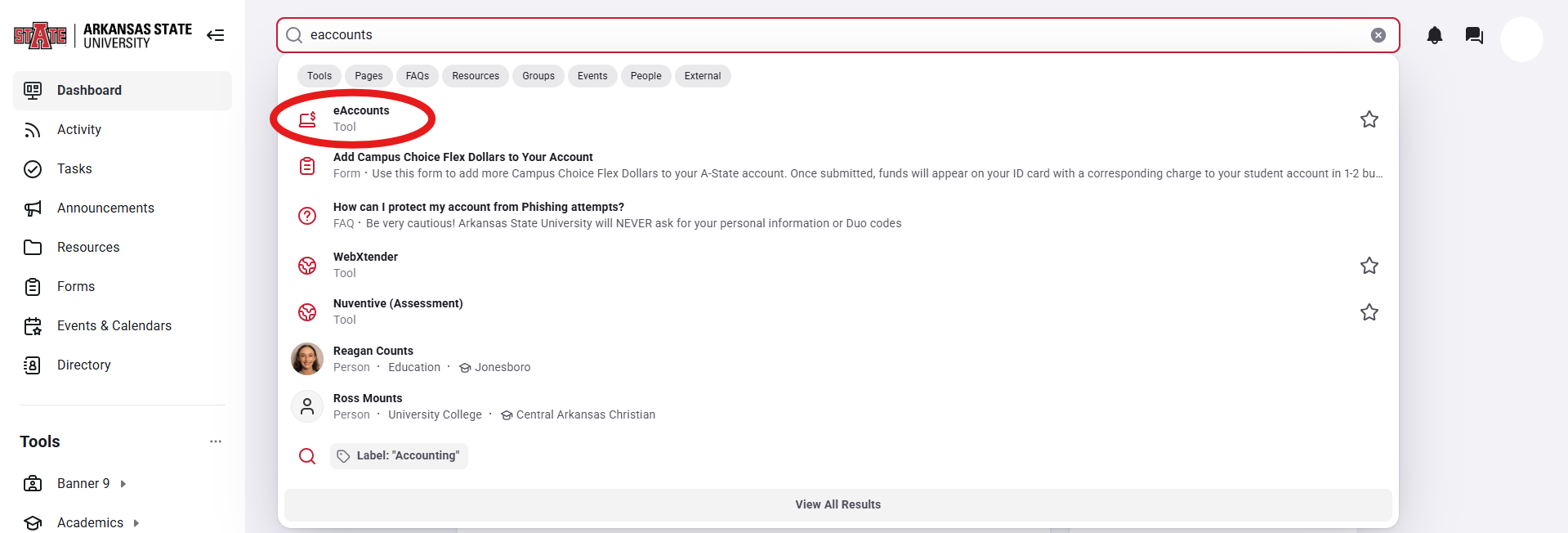
- You will then search in the bar "e-Accounts." Search for the e-Accounts button labeled as a tool.
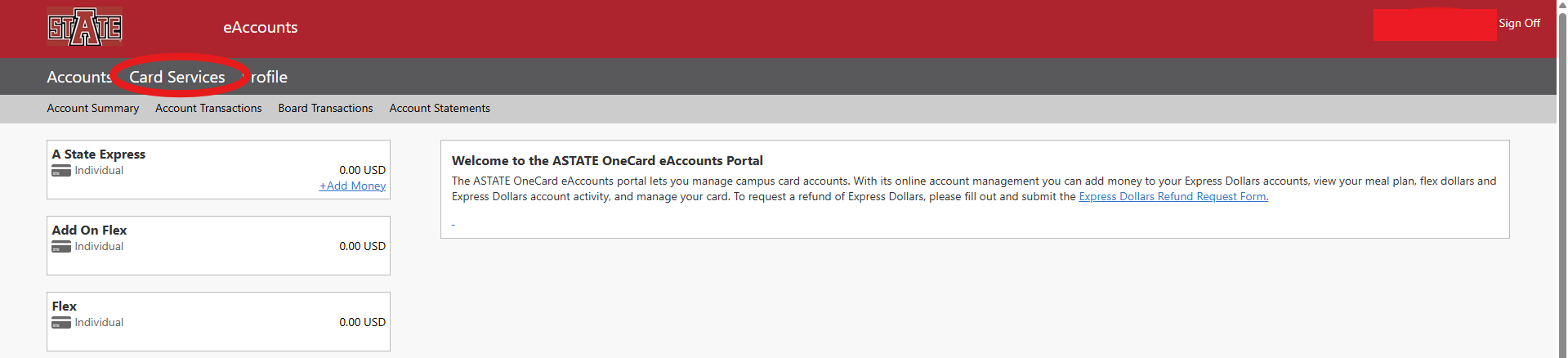
- On the e-Accounts page, click the "Card Services" button.
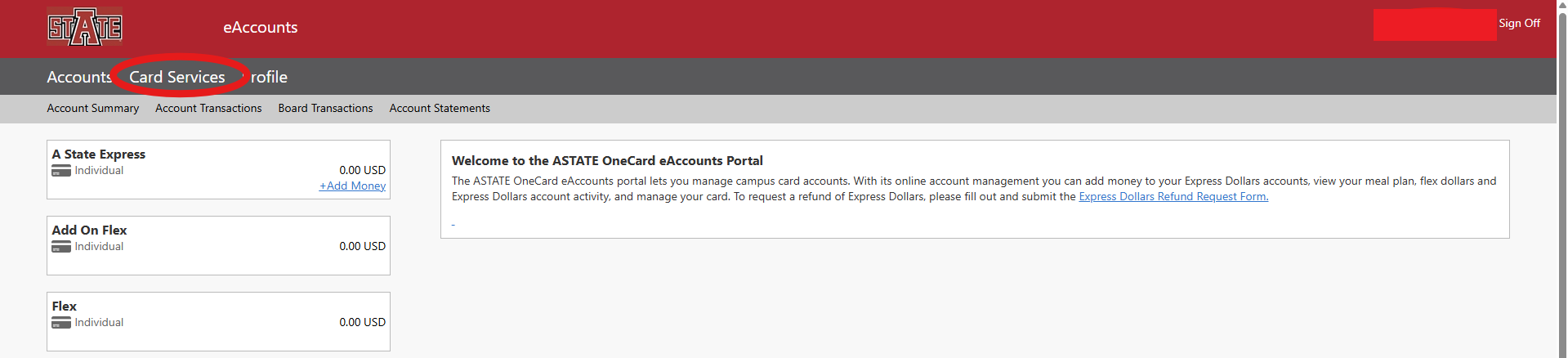
- Then click the "Activate Card" Button"

- Last, click the drop down box to select which device you want to re-activate (your phone, physical card, or watch). You can then click the "Activate Card" button at the bottom right.