
See Transactions on Student Account on the app
- Open your e-Accounts app
- Select the account you would like to see the transactions of
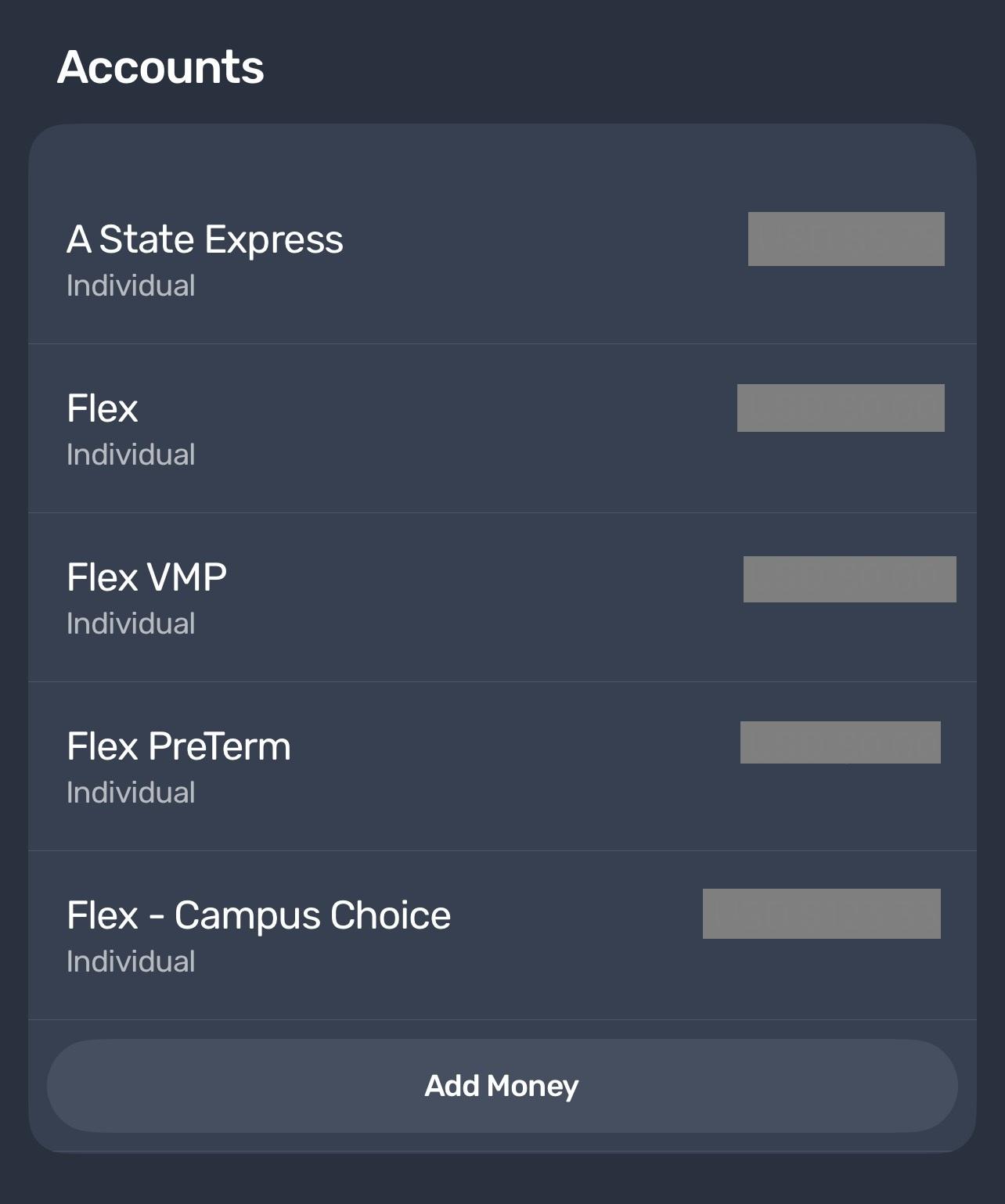
*** Note: The mobile app only shows recent transactions ranging from the previous to current month. To see a selected range of transactions, See Transactions on Student Account on PC.