
How to Request International VPN Access

2. Click Login and then enter your full A-State email address and password.

3. Authenticate using Microsoft Authenticator.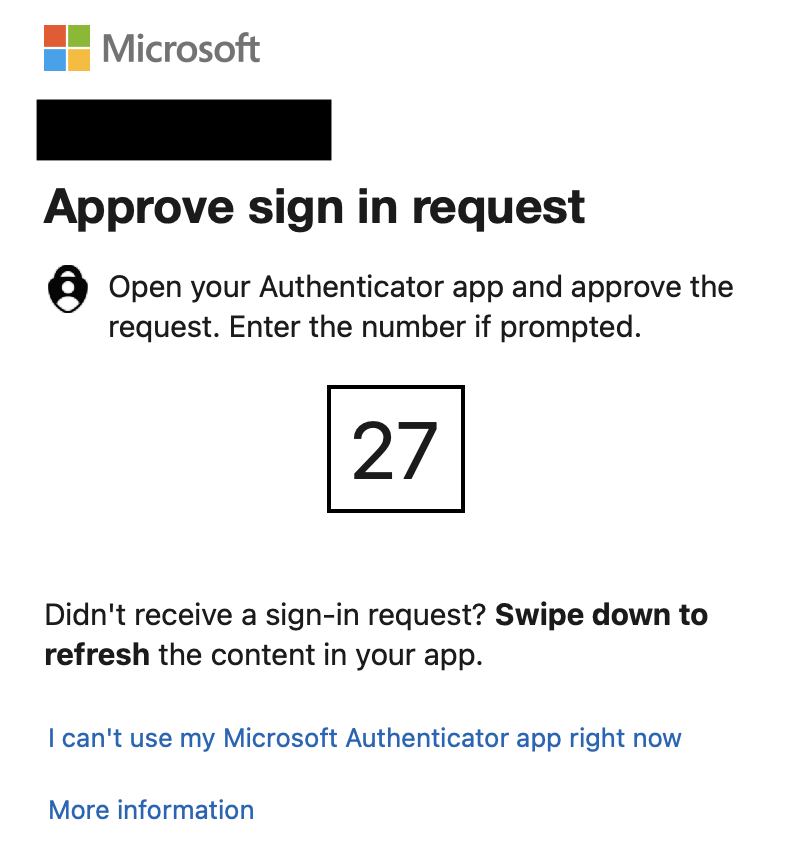
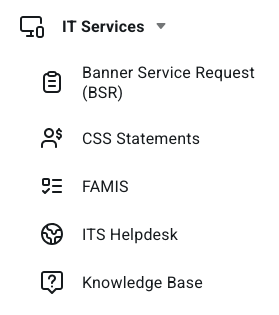
4. Select the Tool option for IT Services and then ITS Helpdesk. This will bring you to the client portal where you can submit tickets. If you are not automatically signed in, please select sign in at the top right corner of the page.
5. Select Get Started 
9. Click on Accounts & Access.

10. Click International VPN Access Request.

11. Click Request Access.

12. Fill out the form with the requested information and click Submit.

For further assistance, contact the ITS Help Desk at 870-972-3933 or stop by IT Support Services (itsupportservices@astate.edu). It is located on the bottom floor of the Dean B. Ellis Library, Room 149.